
From the archive. This review was first published in 2021 and is kept for reference. The product may have been replaced or discontinued, and prices will have changed.
Ways To Backup Data From Computers – 5 Foolproof Techniques
Gone are the days of floppy disks that can hold only 1 excel spreadsheet. Here's 5 foolproof ways to backup data from computers in the 20th century.
On this page
There’s no denying that technology and ways to backup data have revolutionised how businesses operate. From collecting enormous amounts of paper with trusted messengers to tracing required information through libraries, life in business where storage is concerned is now much simpler.
With only a handful of computers capable of storing library size amounts of data, thanks to outlets like Computer Cures data recovery solutions in Melbourne, the onus is really on the user to look after their own storage. To top it off, access this data is now needed much faster and in a cost-efficient manner.
However, it is not entirely without drawbacks. The data could be extremely vulnerable in the digital world. All it takes is just a single virus (not to mention the acts of theft) to deprive you of all the stockpiles of files, pictures, stats, and so on.
Having said that, this problem has not gone down unnoticed. The solid means are available, which can be extremely handy to backup your all-important data. Among all the backup options, the following alternatives stand out:

1. External Hard Drive
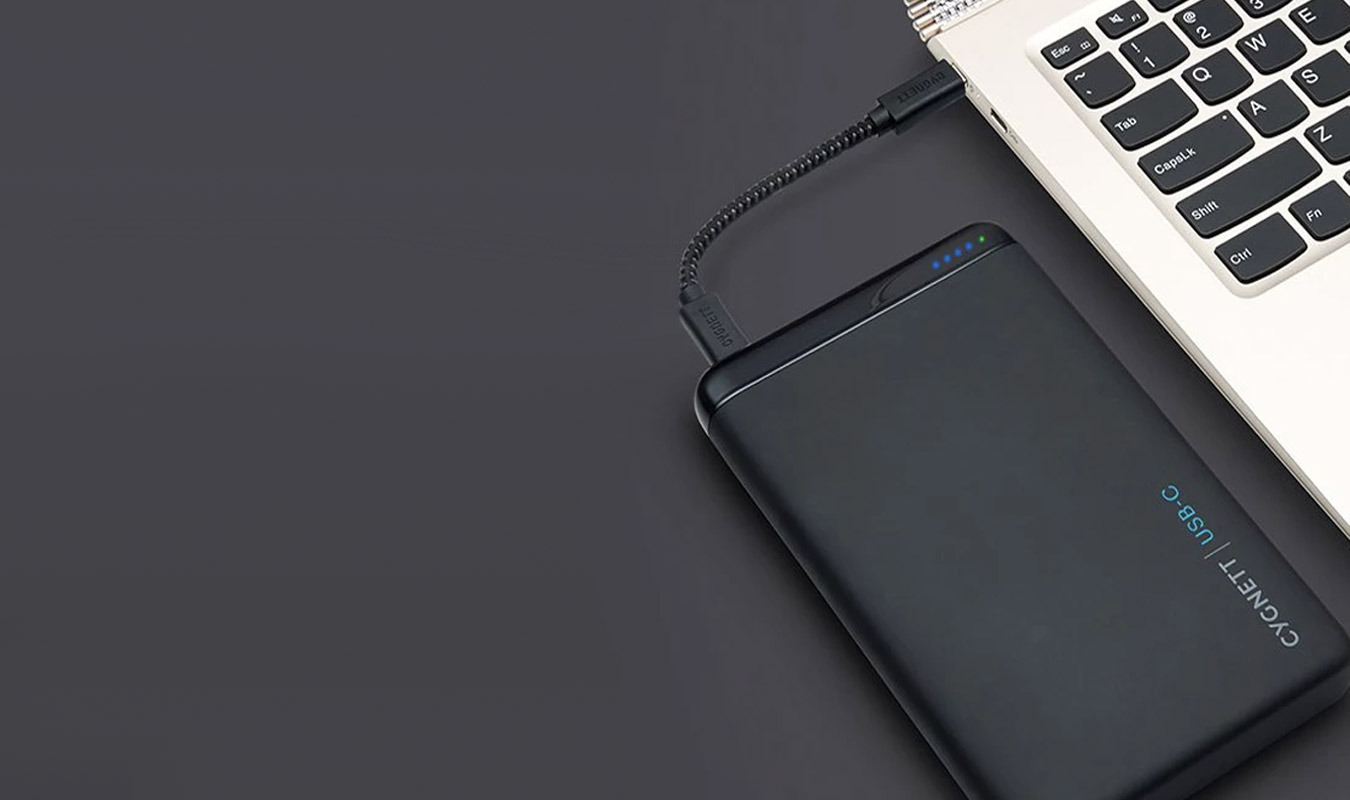
External hard drives effectively perform the same function as the internal hard drives and you don’t have to be tech-savvy to use it. An external hard drive just takes a USB cable to get connected with your device. Once connected, you have options like dragging, dropping or copying the respective files from the computer to the external hard drive. The whole process will not last for more than a few minutes, until, of course, the files are overwhelming in scale.
Apart from being extremely easy to use, a hard drive offers the following list of benefits to its users:
- Massive storage capacity: External hard drives have a variety of storage spaces. You can get the storage volume of even one terabyte. So if your small startup is in the initial phase, a single external hard drive can provide you with a robust and reliable backup solution.
- Portability: Carrying the laptop everywhere might not always be a fitting option. It can be prone to wear and tear during the travels. That’s where your external hard disk will come into play. Since its lightweight, you can carry it in your pocket easily. Just plug it to any computer, and you will feel like being at home.
- Durability: Unlike the internal hard disk of your computer, the external hard disk does not come up with hefty maintenance costs. Hence, you can keep on using the same device by keeping up with little to no upkeep charges.
2. USB Flash Drives
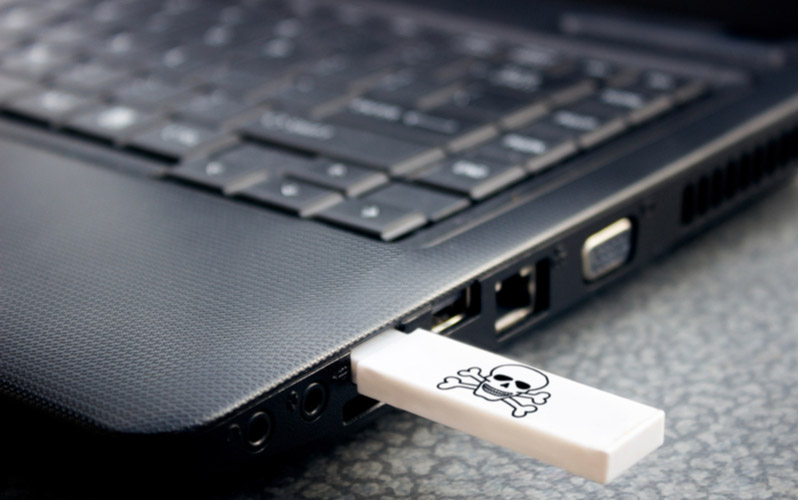
A USB stick is also referred to as a flash drive or jump drive. It is one of the oldest ways to store data, yet, far from being outdated. USB sticks are still popular for being convenient due to their small size. So much so, they are even available in the attractive designs of keychains, which makes them effortless to carry from one place to another.
Though the storage capacity of USB sticks has enhanced with the time, they still lag behind in this category compared to its counterparts. Knowing how to choose the right USB flash drive for your needs is paramount to ensuring that you don’t run out of space in the future.
Typically, flash drives are ideal for personal use. If you happen to be a student or an employee who wants to backup stuff like presentations and slides, this device is everything you can ask for. In addition to that, this device is very easy to install and use.
When it comes to a USB stick, one thing is certain. That is, the budget is never going to be an issue. The cheap costs are one of the main selling points of flash drives.
No matter what, one simply can’t write off USB sticks. Even with their limited scope, they have come out as an extremely useful tool to provide a reliable backup.
3. Online Backup Services (Cloud Storage).
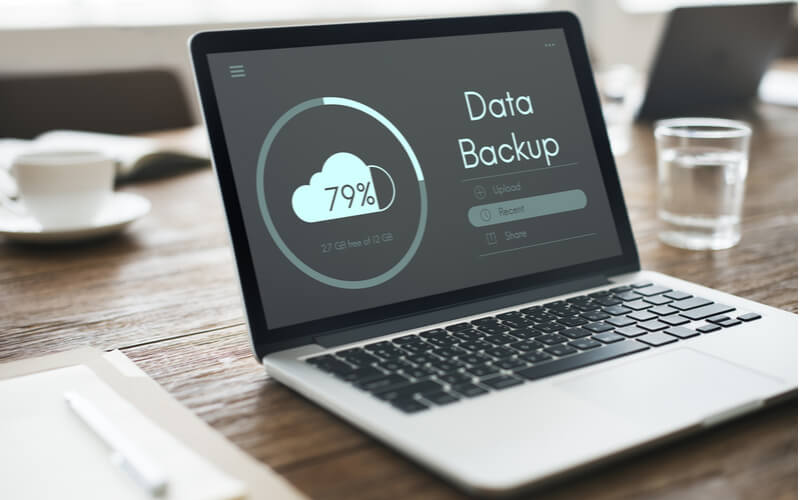
Other ways to backup data include online backup services which are famously dubbed as cloud backup solutions. Digital backup services are typically exploited by businesses or individuals who want to protect their data from calamities like fire, flood, or other natural or man-made disasters.
Against the popular belief, it is not financially as back-breaking. The reason being, many companies are using cloud services to stay in the competition, which has the prices to go down. So it is not anymore out of your financial reach.
By hiring a well-equipped cloud service, you can extract the following advantages:
- Safety: When you use a cloud service, your data won’t be existing in physical shape. Meaning, as mentioned above, it will remain immune to hazards like fires, floods, and suchlike.
- Easy recovery: Cloud provides multiple layers of redundancy. In laymen’s terms, you have access to the numerous copies of the same information. So you can easily recover your data if a file is mistakenly deleted or corrupted.
- Unlimited storage: The cloud service measures out of the equation. It gives you the luxury to pile up as much data as you want.
- Accessibility: Although external hard drives and USB sticks are indeed portable, they are not beyond being misplaced, stamped, or stolen. That’s not the case with cloud storage. You can access the information from any remotest location without carrying anything extra. What’s more, you can reach out to the data from a computer other than your own.
–
4. CDs/DVDs.
CDs and DVDs may not be at the helm of fame they once enjoyed, but you may still use them to save your data in a considerable quantity. Over a period of time, CDs and DVDs have added in their storage capacity. Numerically speaking, a CD is capable of containing as much as 750 megabytes. A DVD, on the other hand, outperforms its sibling by saving six times more data than a CD.
Cost-effectiveness and the painless process of stocking data are what makes them desirable. If you haven’t had the experience of burning a disk, you will have to learn it before using CDs and DVDs as your backup.
The key thing to remember is that the surface of the disk is vulnerable to scratches. Similarly to protecting your laptop, you have to be extra protective of anything that is physical; otherwise, all your hard work might go down the drain.
–
5. Network Attached Storage (NAS).
Of late, small businesses have started using NAS as their primary source of backing the data. If you want to provide a central point of storage to a large number of computers, NAS is surely your cup of tea.
One of the prominent features of this backup solution is that the connected devices will have access to all the documents. You don’t need to mail a file to your colleague. It will lead to flawless collaboration and end up saving your valuable time.
Automated data backup, simple setup of server, and access to the data at remote locations are what make NAS a reliable option.
–
6. Other Ways To Backup Data
If none of the above sounds suitable for you, here are some other ways that you can backup data from your computer. Don’t forget, not everything digital needs to remain digital so you may find a safe haven in storing your most precious documents and files offline too.
- Apple Time Machine (Mac Users Only)
- Printing Your Sensitive Data.
- Alternative Computer.
–
Wrapping Up
If you don’t have any of these ways to backup data installed, you could be in for a shock at any moment. Provided the ever-increasing presence of hackers, no one of us can afford to take our data casually. The above-discussed backup solutions are diverse in their approach. You can pick any of them that goes best with your needs.