
NuPhy Air100 V3 Review: First Impressions of a Quiet Full-size Keyboard for Work and Games
My first impressions of the NuPhy Air100 V3 with Blush Nano switches after two weeks of work and gaming on a Mac and a Windows PC. It's quiet enough to share an office, accurate, good value for the quality, and it replaced every other keyboard on my desk.
 By Laurence Deer
On this page
NuPhy sent me this keyboard to review. They didn’t see this review before it went live.
If you share an office, you know the look. You’re typing away on a loud mechanical keyboard and the person next to you is slowly losing their mind. I’ve been that person: my old Razer BlackWidow’s clicky switches annoyed everyone I shared a room with. But going back to a flat, lifeless laptop-style keyboard feels like a step down.
The NuPhy Air100 V3 aims for the middle ground: a slim, low-profile mechanical keyboard with a full number pad, wireless for Mac and Windows, and with NuPhy’s Blush Nano switches built to be quiet. I’ve used it for about two weeks, around eight hours a day, for work and for gaming. These are my first impressions: a keyboard takes longer than that to really get to know, and I’ll update this review as I go. So far, it’s been excellent.
First impressions in short
This is an excellent all-round keyboard. Typing is accurate and comfortable, the Blush Nano switches sound muffled and satisfying without bothering anyone nearby, and switching between my Mac and my Windows PC is easy. I have several other keyboards, including ones I used to game on, but this one is so good and so versatile that I’ve ended up using it for everything.
At around A$249 it costs more than a basic wireless keyboard, but given the quality, I think it’s good value. The only real niggle I’ve had is that, very occasionally, one key (H) briefly stopped registering.
Pros
- Quiet, muffled typing sound that won’t annoy people sharing your space
- Accurate, comfortable typing; your fingers glide across the keys
- Full-size layout with number pad in a slim, low-profile body
- Easy switching between Mac and Windows, with a physical Win/Mac switch
- 2.4 GHz dongle, Bluetooth or USB-C cable
- Swappable knob modules in the box
- Two weeks of daily use without a low-battery warning
- Good value for the quality
Cons
- One key occasionally dropped out for a few seconds
- Needed re-pairing a couple of times
- Legends don’t shine through, so the backlight is less useful in the dark (NuPhy sells shine-through caps separately)
Design and layout
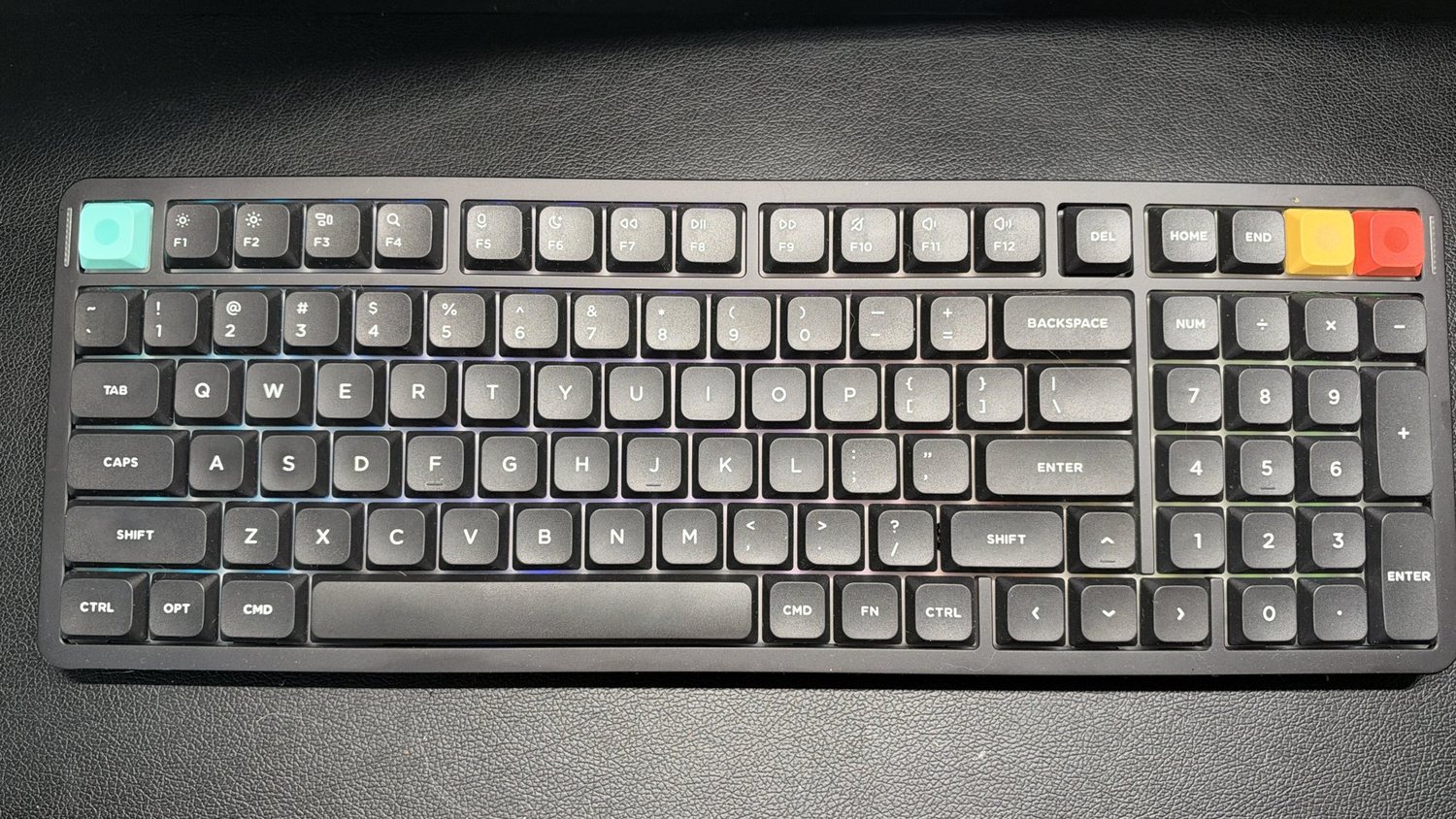
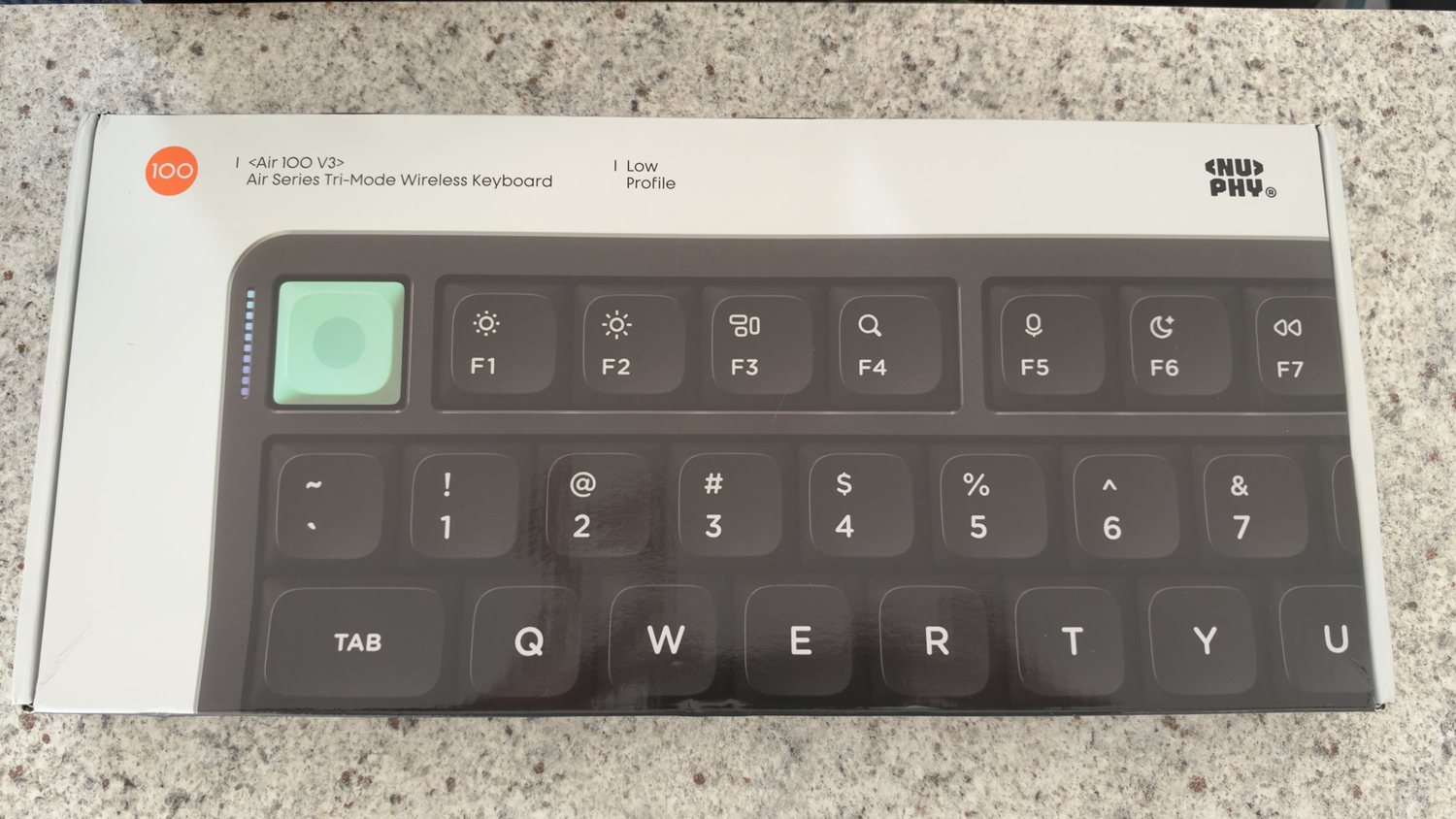
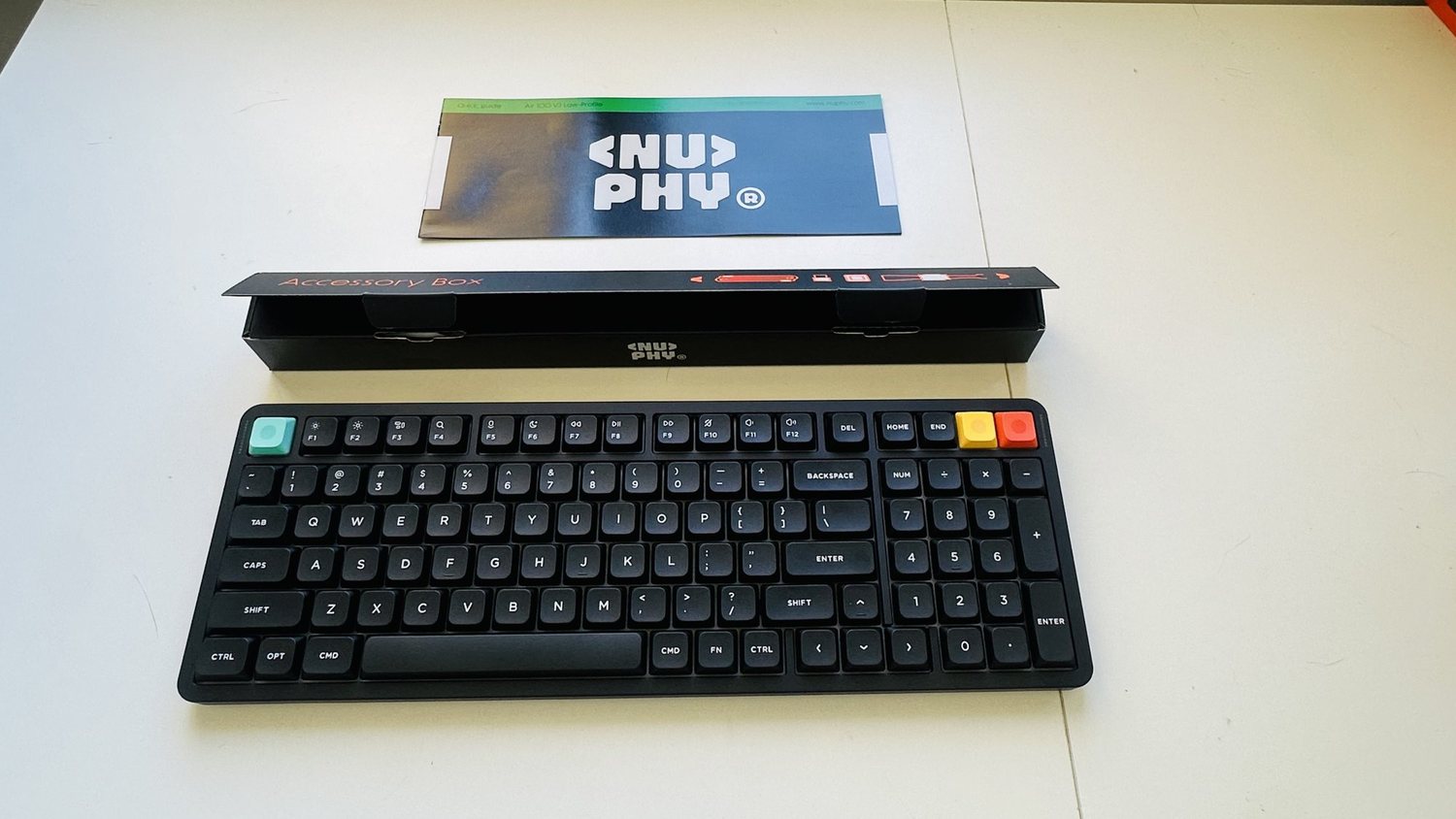
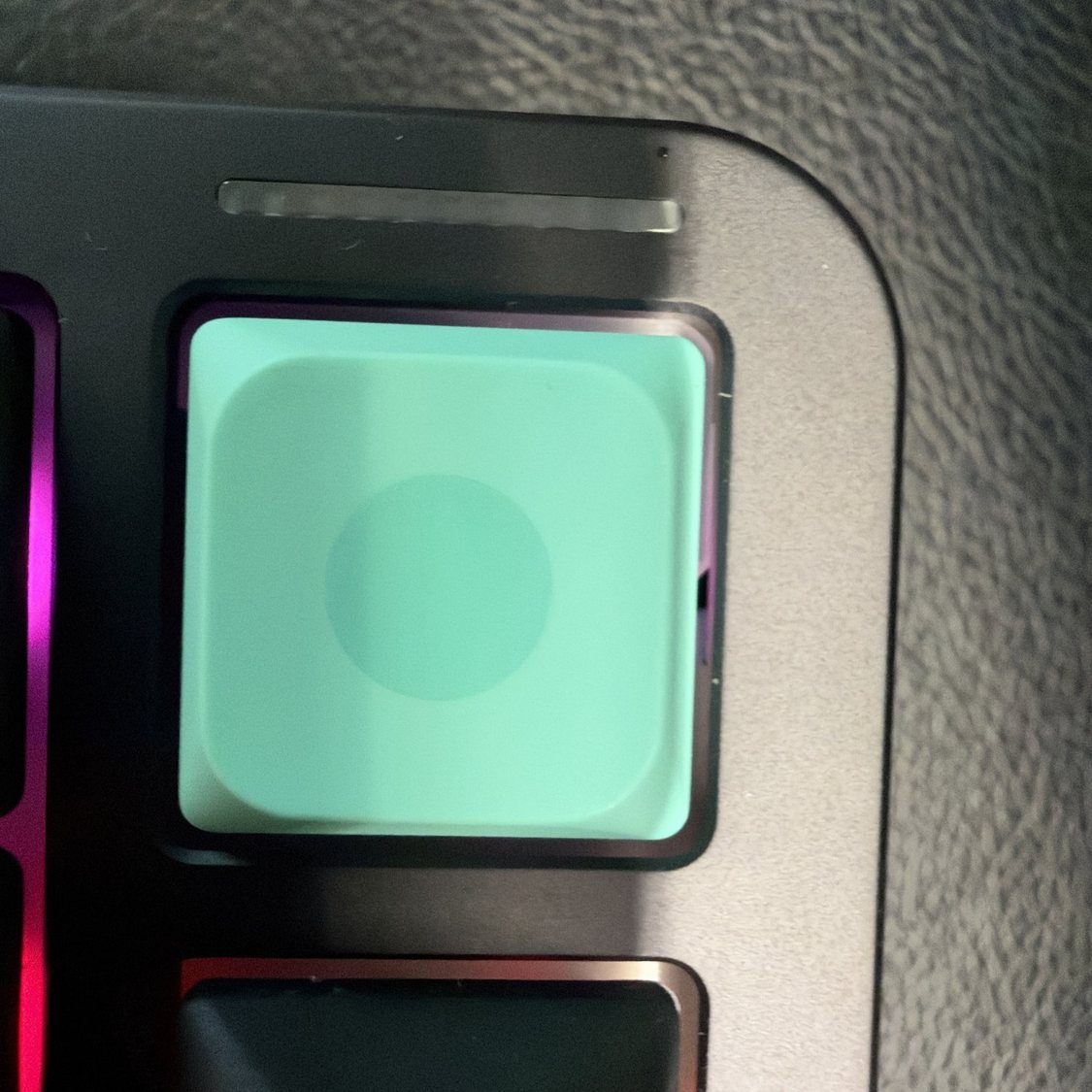
The Air100 V3 is a full 100% layout: function row, arrows and a full number pad, each in its own block. NuPhy lists it at 380.6 x 133.6 mm, 13.2 mm at its thinnest and 950 g. It’s still slim for a full-size mechanical keyboard, and the Nebula Dark version looks smart, with a mint Esc key and orange and yellow keys in the top-right corner for a bit of colour.
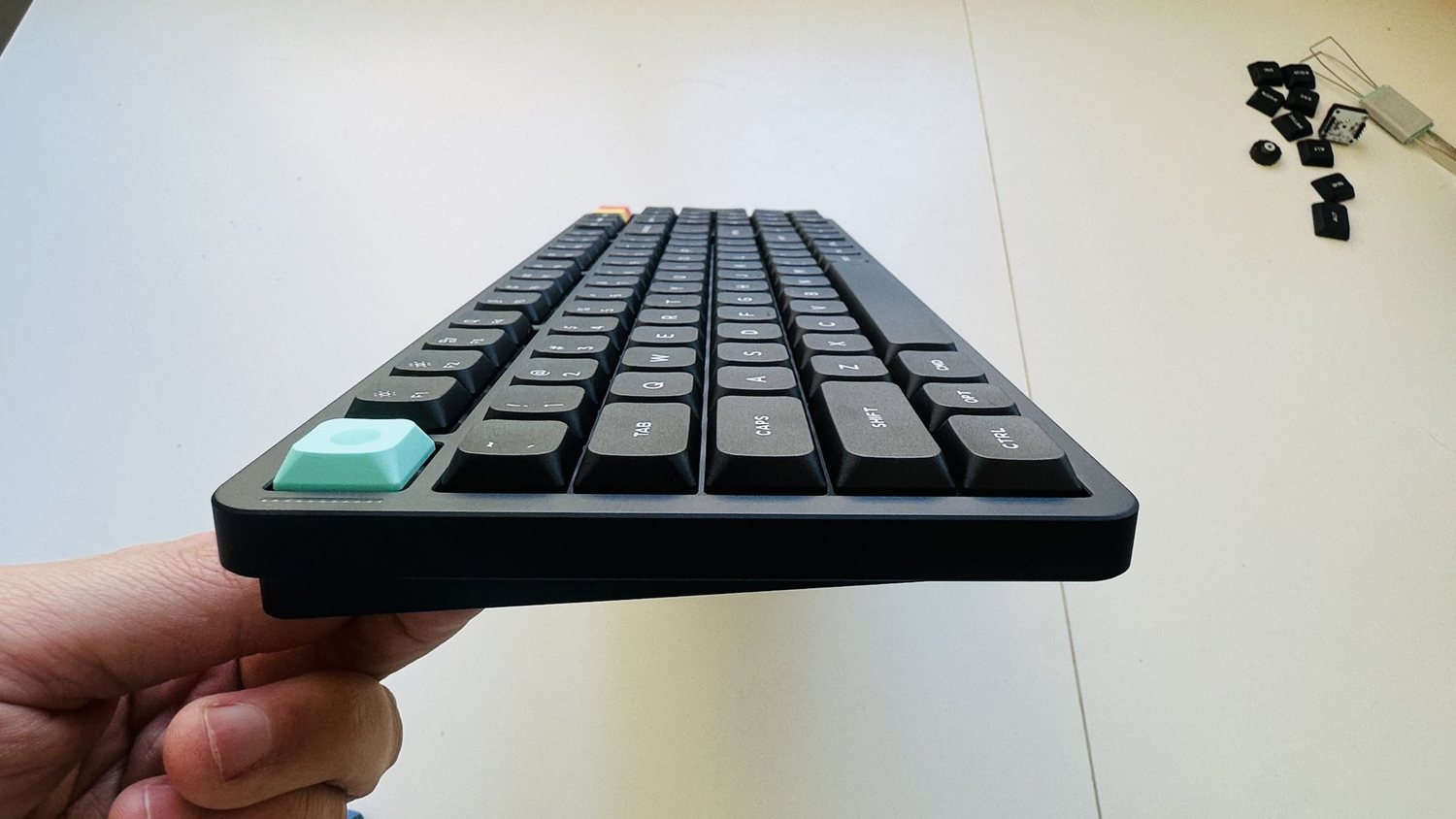
The keys themselves are low and quite flat, so my fingers slide across them easily. The layout is standard, so there was nothing to relearn coming from my other full-size keyboards.
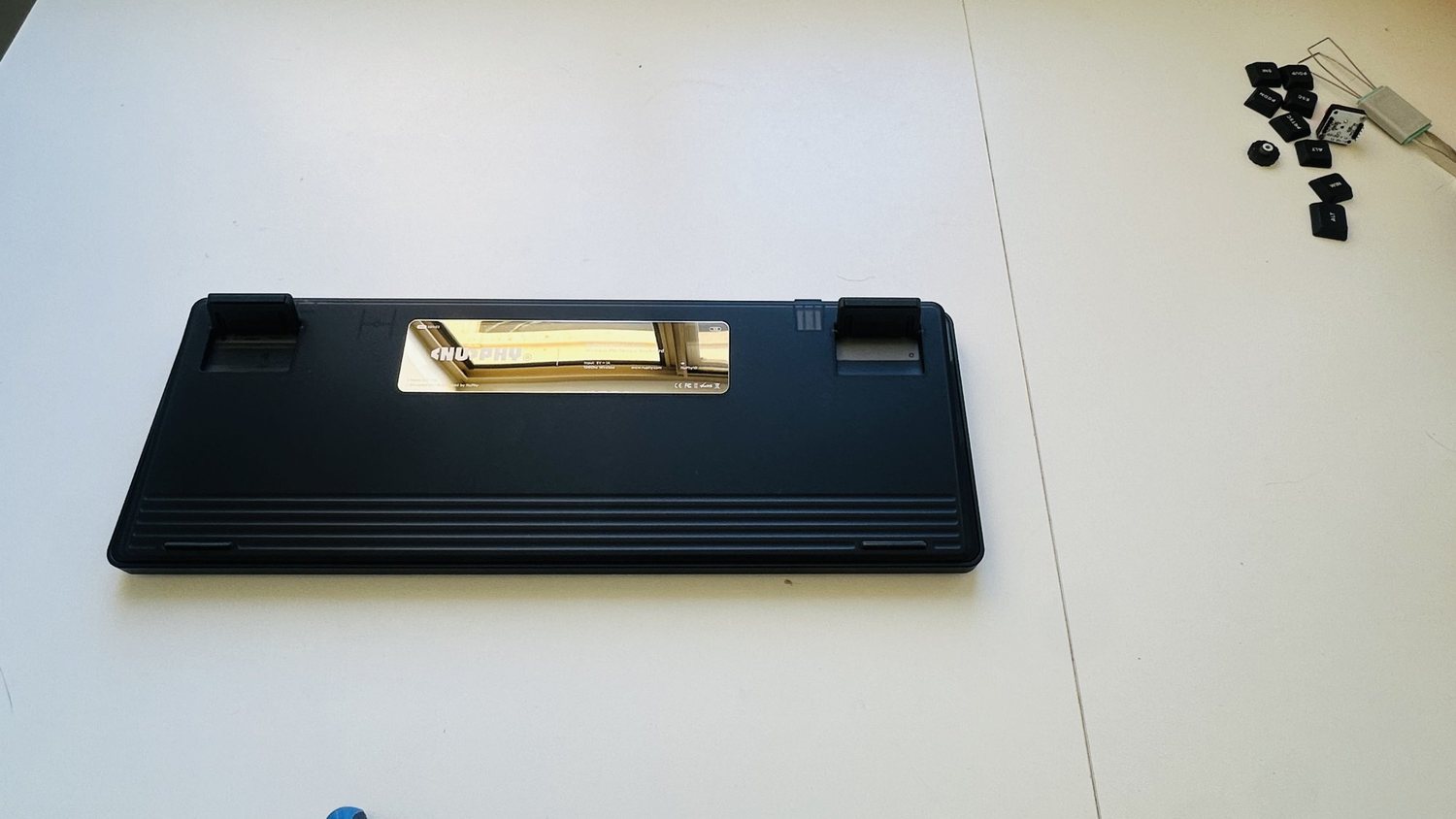
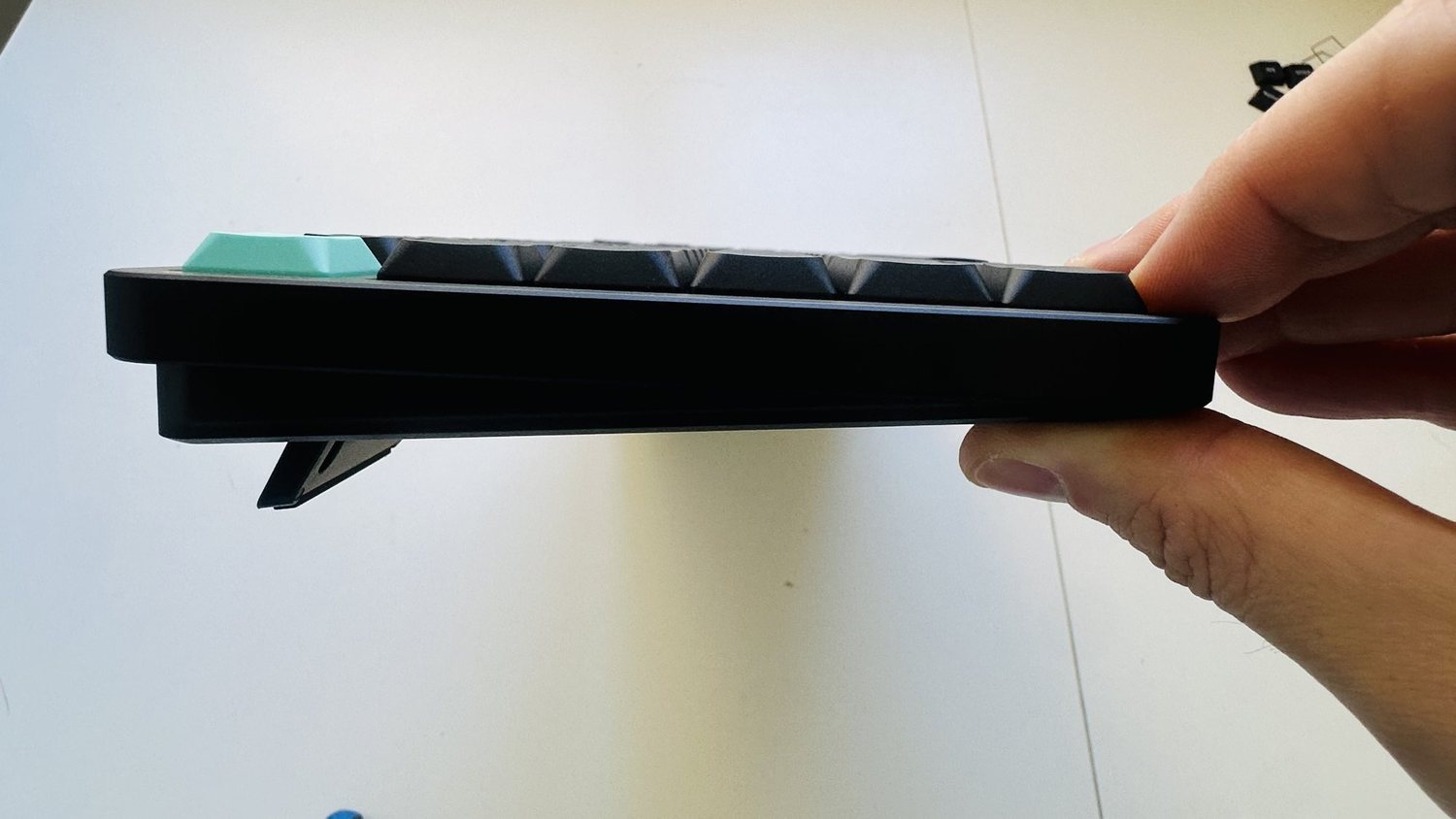
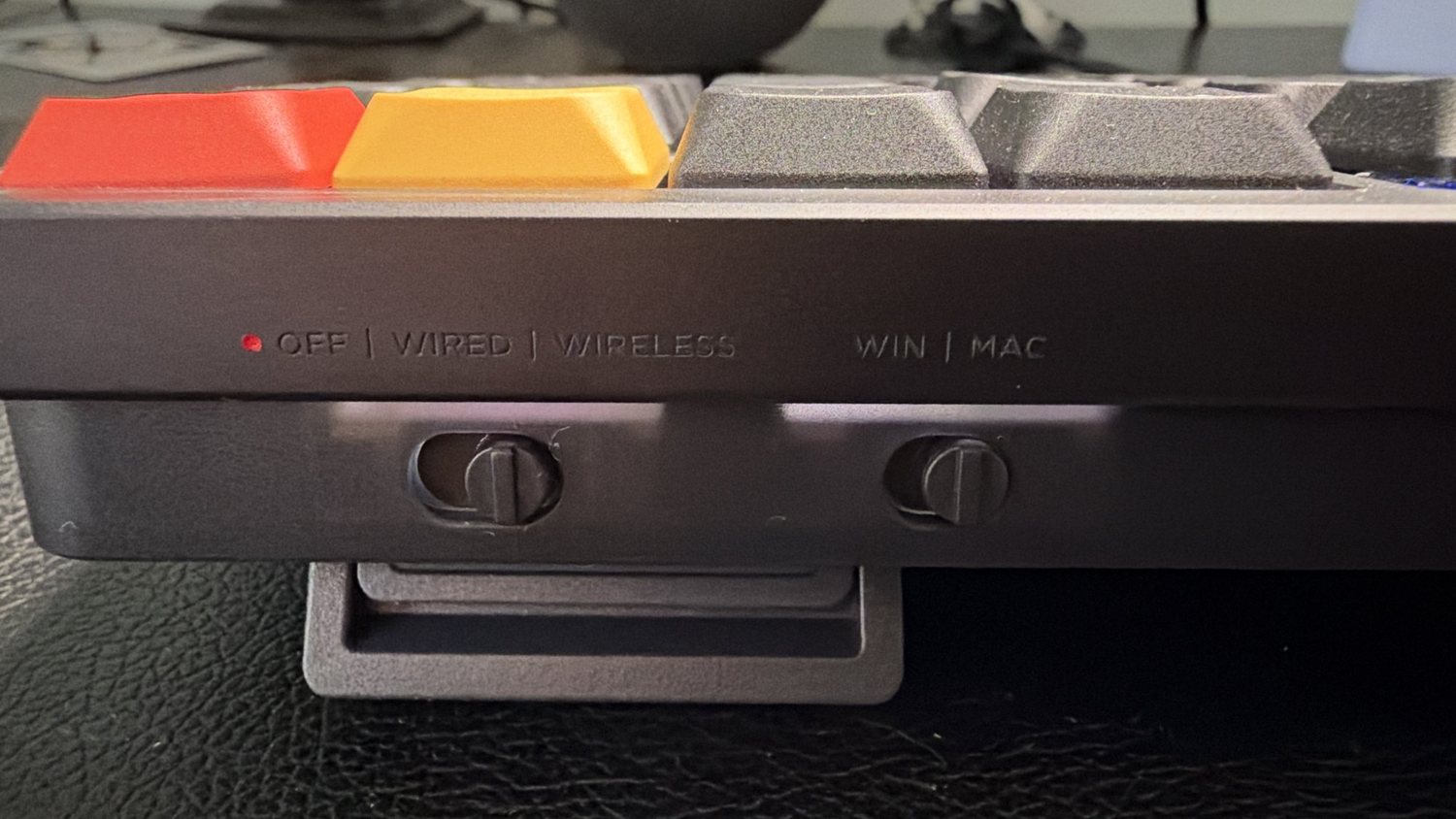
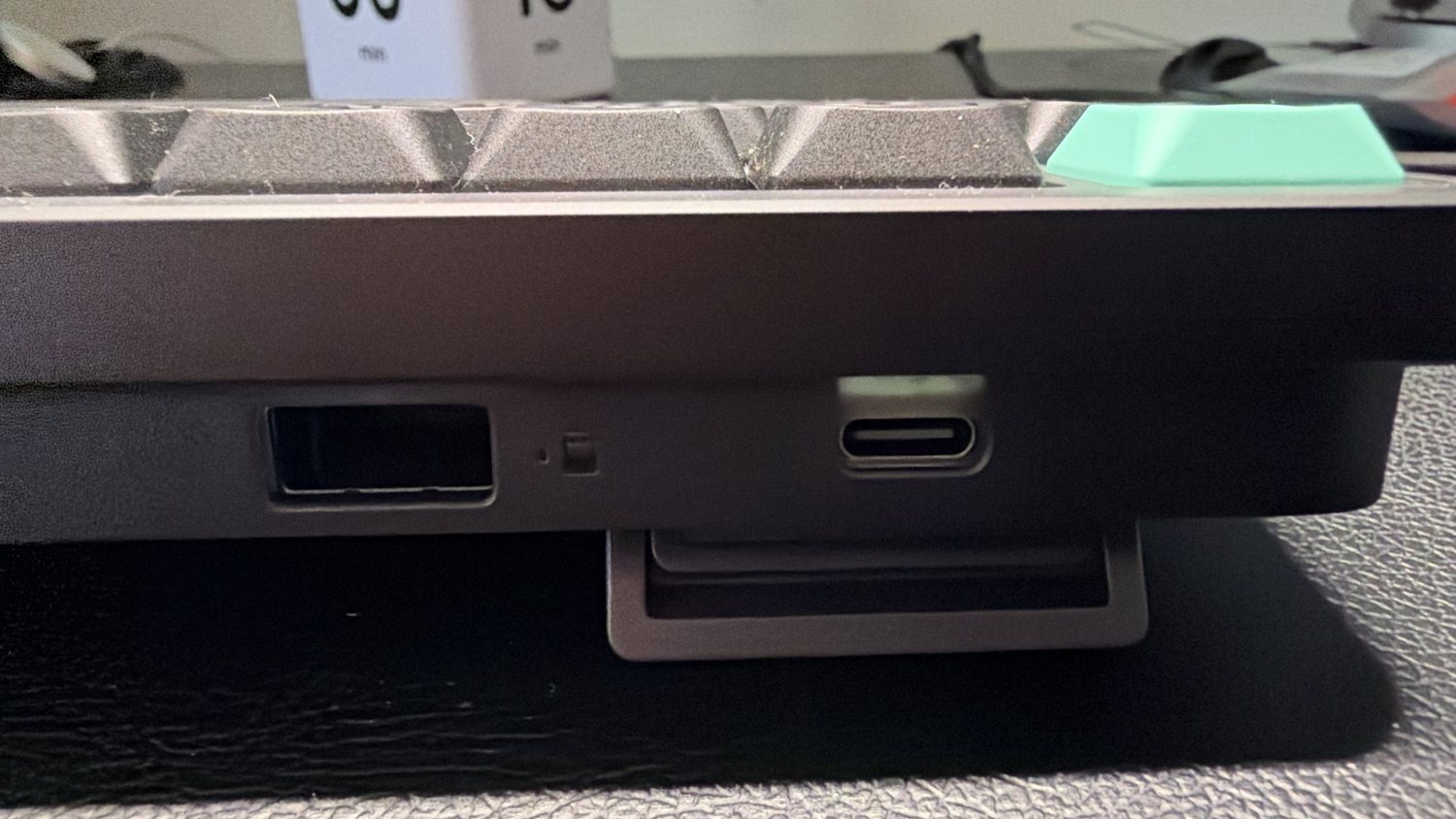
Flip it over and there are fold-out feet at the back; NuPhy lists three typing angles: 4°, 8° and 10°. Along the back edge are an Off/Wired/Wireless switch, a Win/Mac switch, the USB-C port and a slot that stores the 2.4 GHz dongle when you’re not using it.
What’s in the box, including the knobs
In my box were the keyboard, a USB-C cable, a keycap and switch puller, a handful of spare keycaps and two knob modules: a tall knob and a low-profile dial. NuPhy also lists the 2.4 GHz dongle (stored in the back of the keyboard) and a screwdriver.
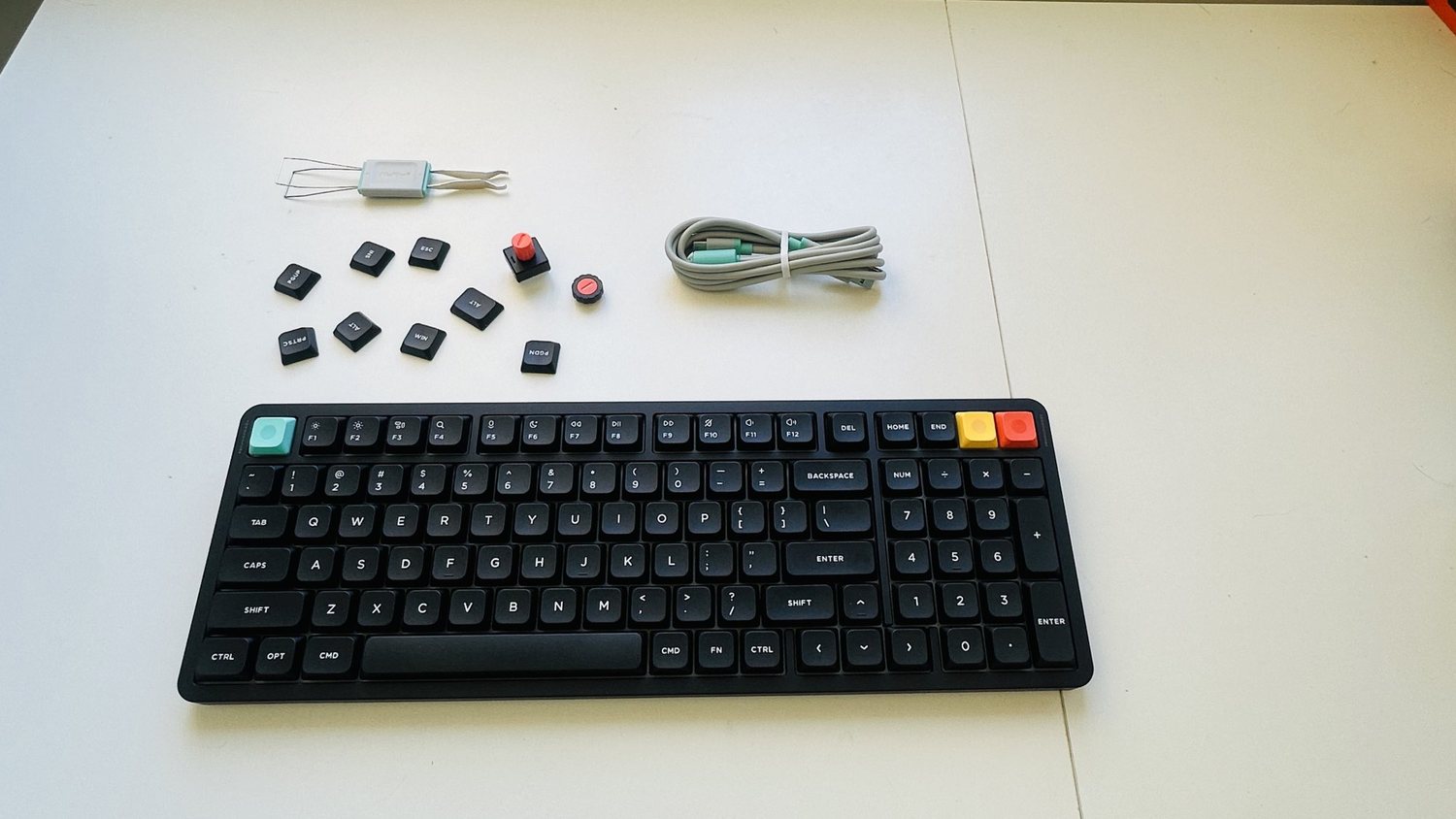
The knobs are a nice extra. Either one fits in place of the key in the top-right corner, so you can have a physical dial on the keyboard if you want one, or leave it as a normal key. NuPhy says the knob turns and presses, and you choose what it does in its NuPhyIO software. Volume is the obvious use, and reviewers of the Air75 V3, which uses the same modules, have set theirs up for scrolling and zooming too. The tall knob is easier to grab; the low one keeps the keyboard’s slim profile. I’ll add how the knob feels in daily use in an update.
Typing sound: the main reason to buy it
My unit has NuPhy’s Blush Nano switches, which NuPhy sells as a silent linear switch (Gateron low-profile, factory-lubed). To my ears the sound is muffled, with a soft, slightly clicky feel that’s satisfying without being annoying. It gives you that mechanical feedback you want, but it doesn’t bother other people in the room. Compared with my old Razer BlackWidow, it’s a world apart for a shared office. I haven’t measured the sound, but it doesn’t bother the people I share the office with.
Typing feel and accuracy
Typing on it is very accurate and it was easy to get used to. The flat, low keys make it easy to glide from one key to the next, and I’ve used it for full eight-hour workdays.
The one thing that tripped me up at first is the function row. Out of the box, F1, F2, F3 and so on control media and other shortcuts, and you hold Fn to get the actual F keys. In Overwatch, when I wanted to quickly check a character’s abilities, that took a moment to get used to. NuPhyIO lets you remap keys if you’d rather have it the other way round.
Gaming
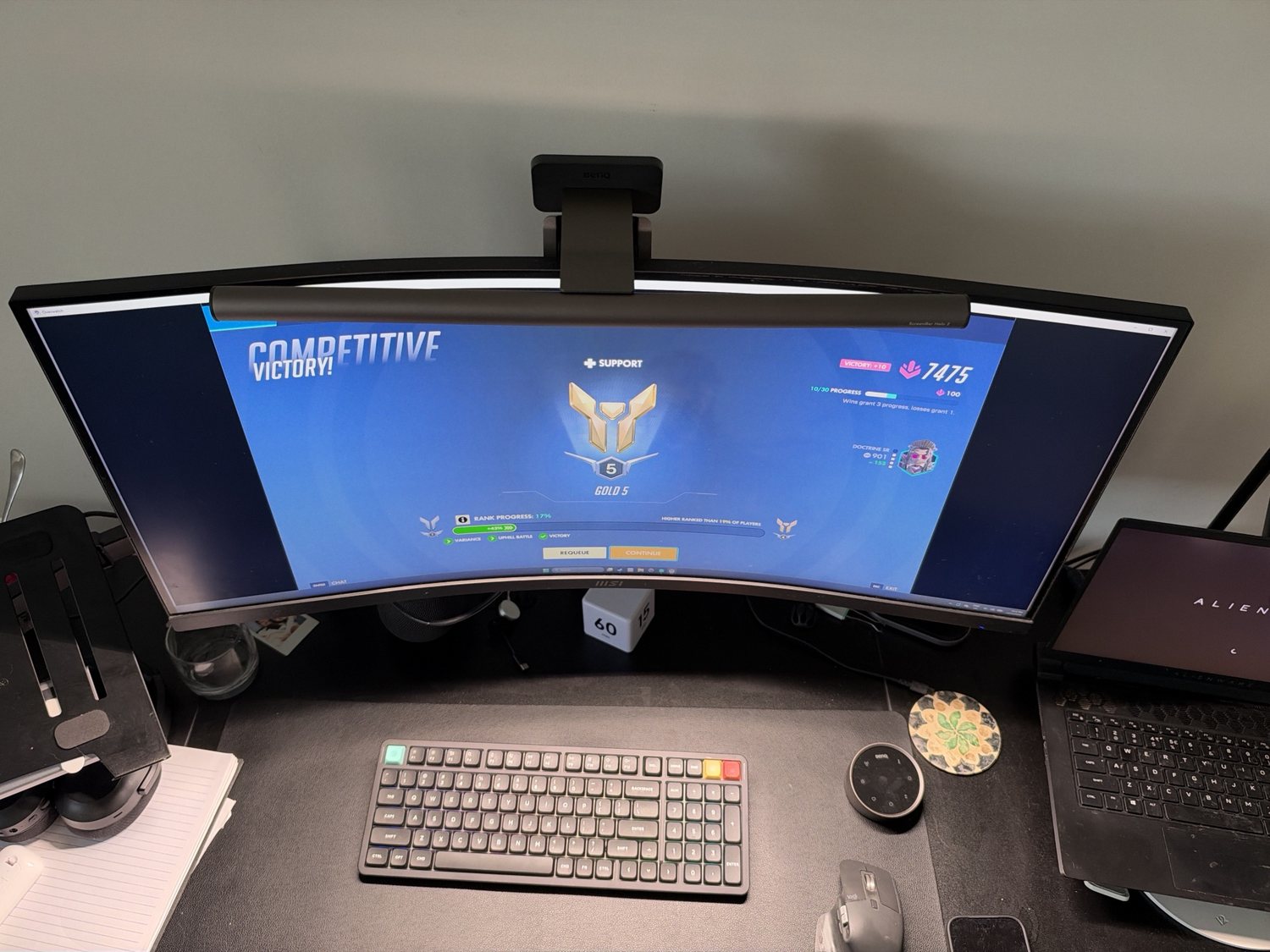
I’ve used it extensively for gaming as well as work, and it’s really good. With the 2.4 GHz dongle plugged into my gaming laptop, it feels quick and responsive, and I haven’t had any lag. If you’re a serious competitive player, a dedicated gaming keyboard with faster switches might suit you better, but I’ve stopped reaching for my gaming keyboards altogether.
Mac, Windows and connections
You can connect by 2.4 GHz dongle, Bluetooth (NuPhy says up to five devices) or USB-C cable. I switch between my Mac and my Windows PC wirelessly, and it’s worked almost every time. A couple of times I had to re-pair it, which may well have been my own doing. Now it’s set up, switching is easy. A physical Win/Mac switch on the back sets the keyboard up for whichever system you’re on.
Set-up is as simple as any wireless keyboard: pair it, follow the instructions and you’re done. NuPhyIO is a web app, so there’s nothing to install if you want to remap keys, change the lighting or set up the knob.
I’ve had no lag or dropouts with the connection. The one oddity: very occasionally, the H key stopped registering. It came back within seconds each time, but I’d notice the letter missing from what I’d just typed. I haven’t seen other reviewers report it, so it may be my unit. If it happens to yours, contact NuPhy.
Battery life
NuPhy fits a 4,000 mAh battery and quotes about 1,000 hours with the lights off, and far less with them on. I’ve used it for two weeks, about eight hours a day, and haven’t had a low-battery warning yet.
Backlight
The keys have RGB backlighting, but the stock keycaps’ legends don’t shine through, so the backlight mostly glows around the keys rather than lighting up the letters. That makes it less useful in a dark room. NuPhy sells shine-through keycaps separately if that matters to you.
How it compares
Logitech MX Keys: The MX Keys is a slim scissor-switch keyboard, not a mechanical one. If you want the feel of a mechanical keyboard without the noise, the NuPhy is the better pick. See my guide to the best wireless keyboards.
Keychron low-profile boards: Keychron’s K5 Max is the most obvious alternative: also full-size, low-profile and Mac/Windows friendly. I haven’t used it side by side with the NuPhy.
NuPhy Air75 V3: Same series, with the same switches and knob modules in a smaller 75% layout without the number pad. Pick it if you don’t use a numpad and want more room for your mouse. It’s in the guide to the best compact keyboards.
Dedicated gaming keyboards: If you mostly game, see the best gaming keyboards. The Air100 V3 is for people who do both.
Specs
| NuPhy Air100 V3 | |
|---|---|
| Layout | 100% (99 keys, ANSI) |
| Size | 380.6 x 133.6 mm, 13.2 mm at thinnest |
| Weight | 950 g |
| Switches | Gateron low-profile 3.0, hot-swap (mine: Blush Nano, silent linear) |
| Keycaps | Double-shot PBT, nSA profile, not shine-through |
| Knob | Two swappable modules (high and low profile), top-right position |
| Connections | 2.4 GHz dongle, Bluetooth 5.0 (up to 5 devices), USB-C |
| Polling rate | Up to 1,000 Hz wired and 2.4 GHz; 125 Hz Bluetooth |
| Battery | 4,000 mAh; about 1,000 h lights off (NuPhy) |
| Feet | 4°, 8° and 10° |
| Software | NuPhyIO web app |
| Warranty | 1 year (NuPhy) |
Figures are from NuPhy, not my own measurements.
Price and where to buy
NuPhy lists the Air100 V3 at US$149.95 on its own store, before shipping. In Australia, when I checked on 15 November 2026, price comparison listings showed Mwave and Scorptec at A$249. For a keyboard this well made, with quiet switches, three ways to connect and the knobs in the box, I think that’s good value. Buying from an Australian store makes it easier to use your rights under Australian Consumer Law, on top of NuPhy’s one-year warranty. Black Friday is close, so it’s worth watching for a sale.
Should you buy it?
On first impressions, yes. Buy it if you want one keyboard for work and gaming, you need a number pad, you switch between a Mac and a Windows PC, and you share a room with people who’d rather not hear you type. It’s comfortable, accurate and quiet enough to replace a drawer full of other keyboards, and it’s replaced mine.
Look elsewhere if you want letters that light up in the dark, or if you don’t need a number pad (the Air75 V3 is the smaller sibling).