
Ottocast U2Air and OttoSafe Knob Review: Easy, Reliable Wireless CarPlay
Our Ottocast U2Air review. The wireless CarPlay adapter set up first time, connects reliably and has no noticeable lag, and it paired easily with two phones. The add-on OttoSafe Knob was fiddly to pair and hard to place in our car.
 By Laurence Deer
On this page
Ottocast sent us the U2Air and the OttoSafe Knob to review. They didn’t see this review before it went live.
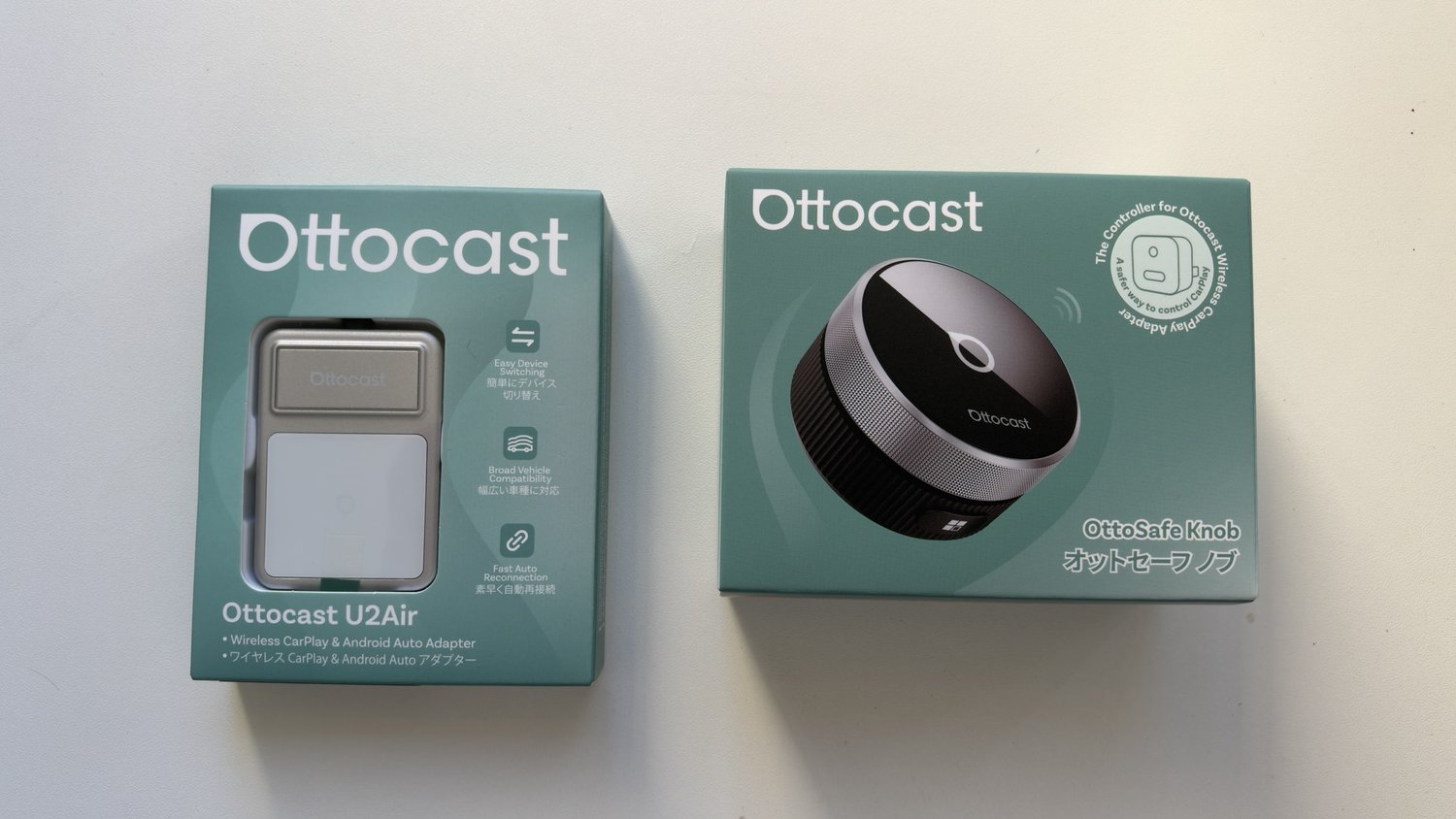
If your car has CarPlay but only through a cable, a wireless adapter is one of the simplest upgrades you can make. The Ottocast U2Air plugs into the car’s CarPlay USB port, and from then on your iPhone connects to the car wirelessly. Ottocast says it also works with Android Auto. We also tried the OttoSafe Knob, an optional rotary controller that sticks to the dash and controls CarPlay without touching the screen.
We’ve used both in our Haval Jolion, which has wired CarPlay, and paired the U2Air with two phones. These are our first impressions.
First impressions in short
The U2Air is a really nice quality-of-life upgrade. Set-up was super easy and it worked first time. It always connects easily, it’s been very reliable, and we haven’t noticed any input delay or lag. It also paired easily with both our phones. The OttoSafe Knob was harder going: it took some trouble to pair, though it worked in the end, and in our Haval Jolion there isn’t really a good place to put it, so we find ourselves just using the car’s screen.
Pros
- Super easy set-up that worked first time
- Always connects easily, and very reliable
- No noticeable input delay or lag
- Paired easily with two phones
- A real quality-of-life upgrade over plugging in
Cons
- The OttoSafe Knob took some trouble to pair
- There was no good place to mount the Knob in our car
- Ottocast’s Australian store lists prices in US dollars
Set-up
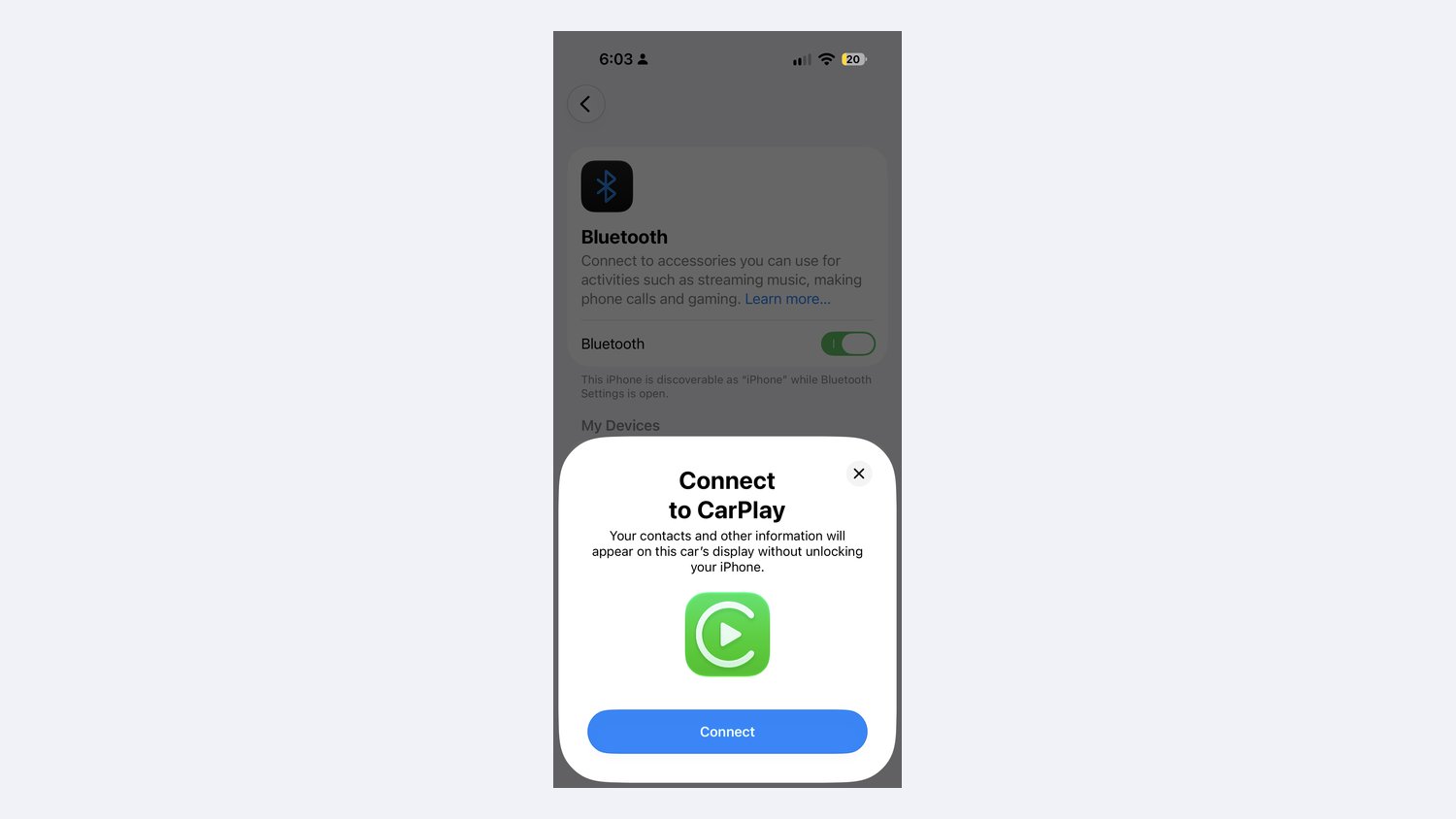
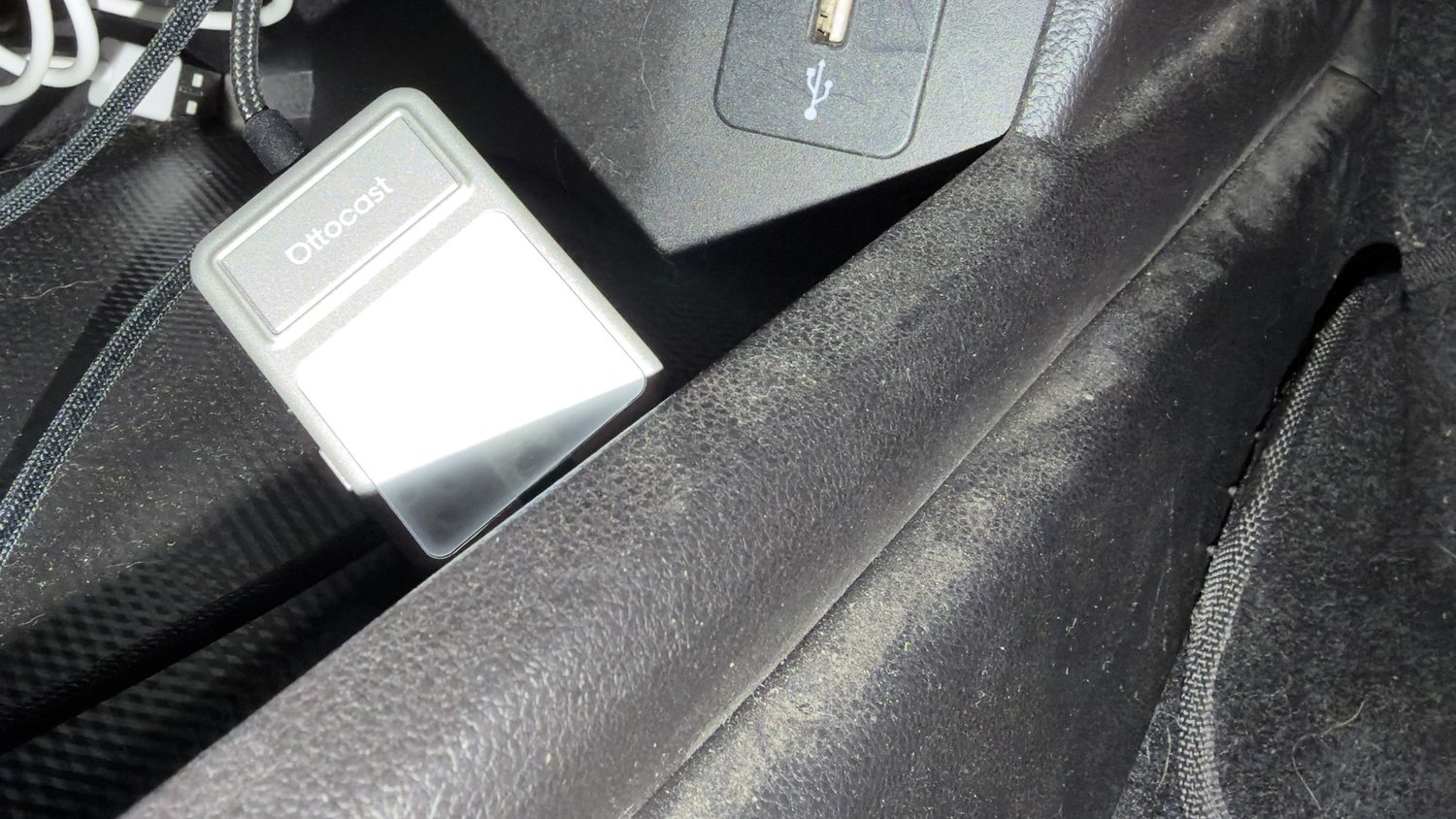
Setting up the U2Air was super easy. You plug it into the USB port your car uses for CarPlay, then pair your iPhone over Bluetooth. Our iPhone found the adapter and asked whether to connect to CarPlay, and that was it: it worked first time.
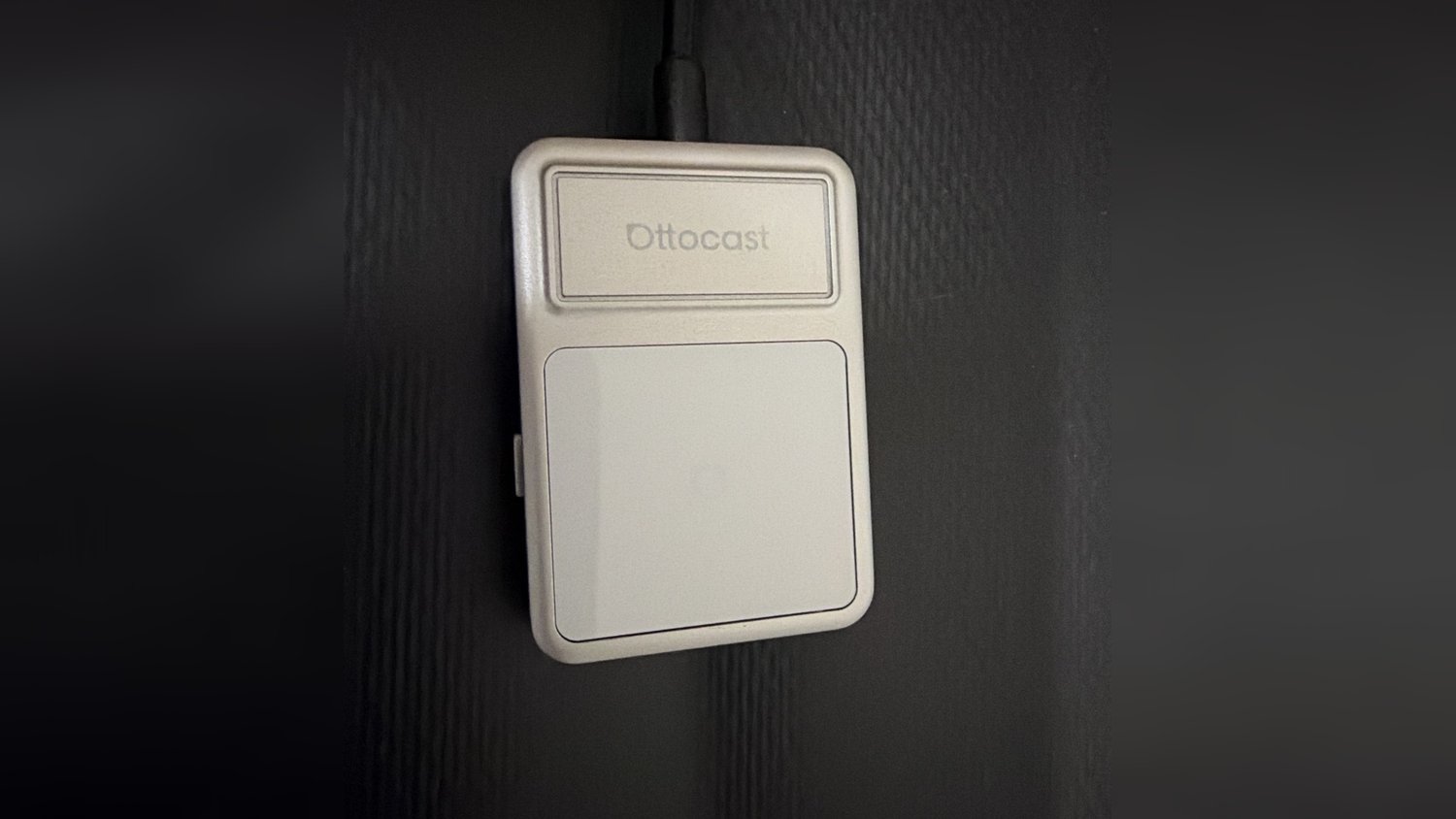
The adapter is small and tucks away near the USB port. It has a light grey shell with a white panel on top, a button on one side and slots along the edge.
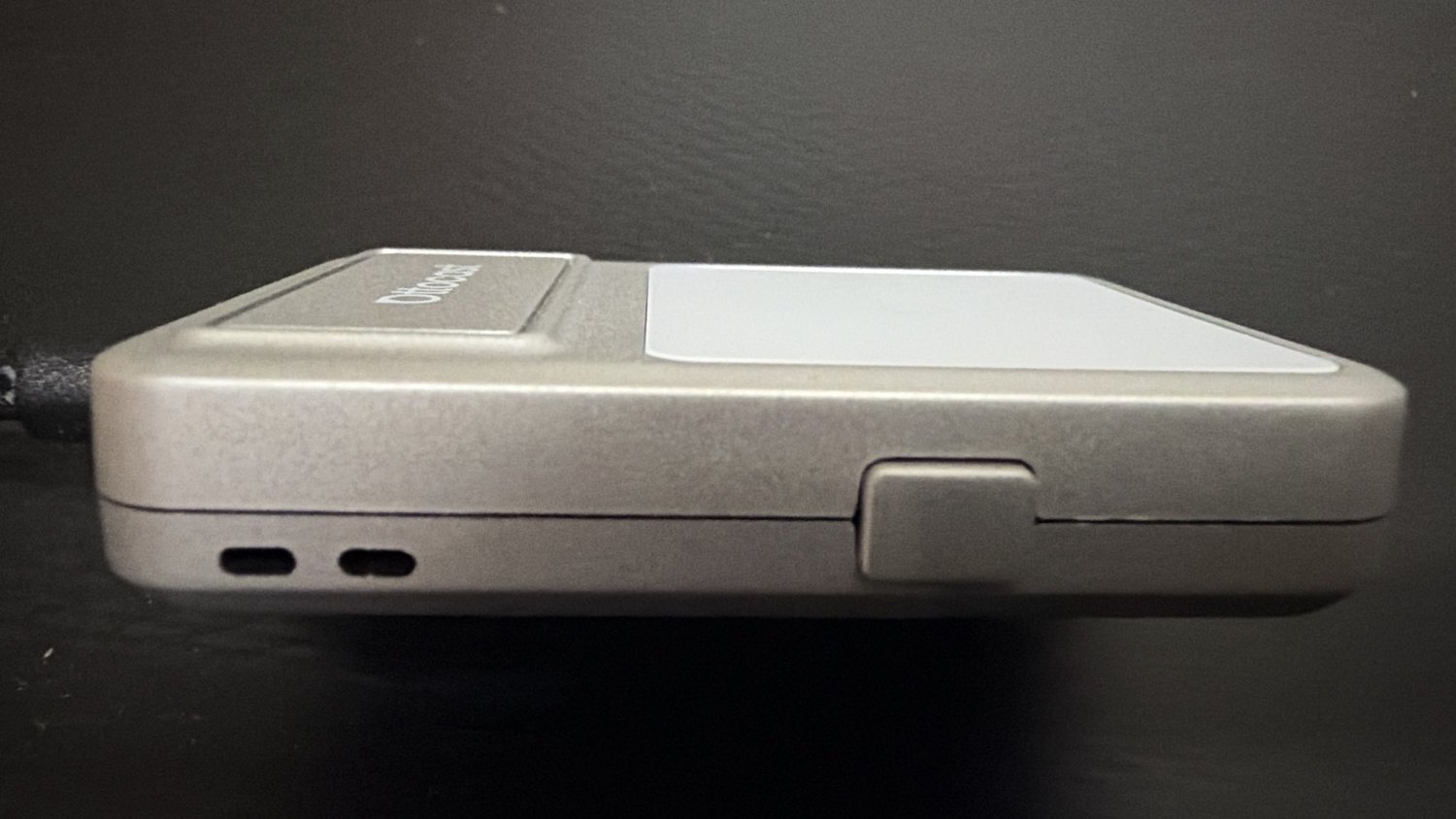
The U2Air comes with a short braided cable and a USB-C adapter for cars with USB-C ports.
Everyday use
This is where the U2Air earns its place. It always connects easily when we get in the car, and it’s been very reliable. We haven’t noticed any input delay or lag when using maps, music or calls through CarPlay. It also paired easily with both our phones, so either of us can use it without fuss.
Other reviewers have had similar results with the U2Air. AndroidGuys found the extra latency over a wired connection very slight and said it connected faster than other wireless CarPlay adapters it had used, and CarPlayLife rated its lag as on par with most wireless dongles. We haven’t timed how long it takes to connect after starting the car; it’s been quick enough that we haven’t noticed.
It’s a really nice quality-of-life upgrade: no more plugging the phone in for every trip. Keep in mind that the phone isn’t charging over the cable any more, so on long drives you may want a charger in the car.
The OttoSafe Knob
The OttoSafe Knob is an optional extra: a rotary dial with a glossy top that sticks to your dash or console and lets you scroll and select in CarPlay without touching the screen. Ottocast says it works with its wireless CarPlay adapters, including the U2Air, and it’s for CarPlay only.
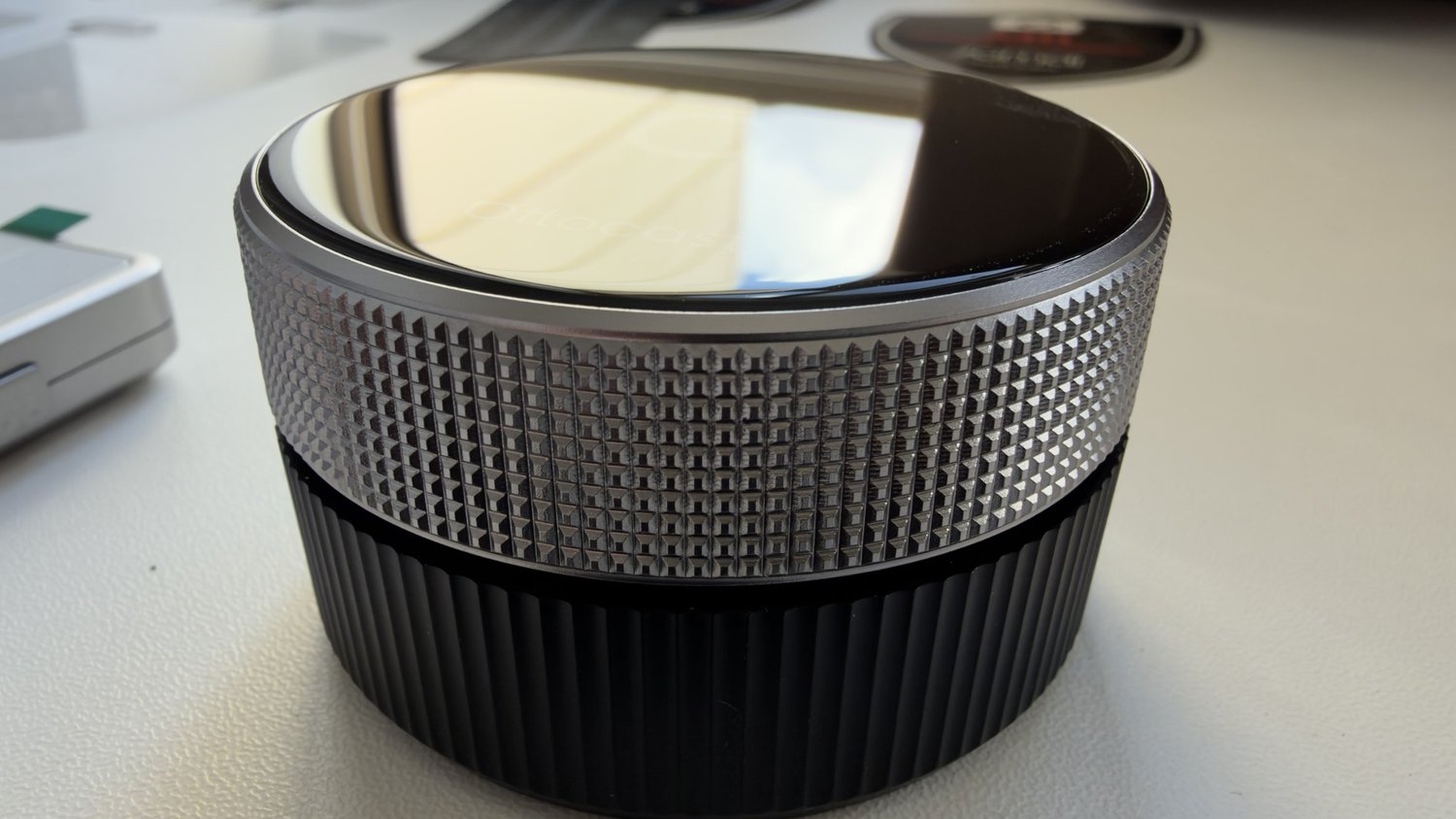
We had some trouble pairing the Knob with the adapter, but it worked eventually. The bigger issue was placement: in our Haval Jolion there isn’t really a good spot for it, so we find ourselves just using the car’s screen. If your car has a flat spot within easy reach, you may get more out of it than we did.
What’s in the box
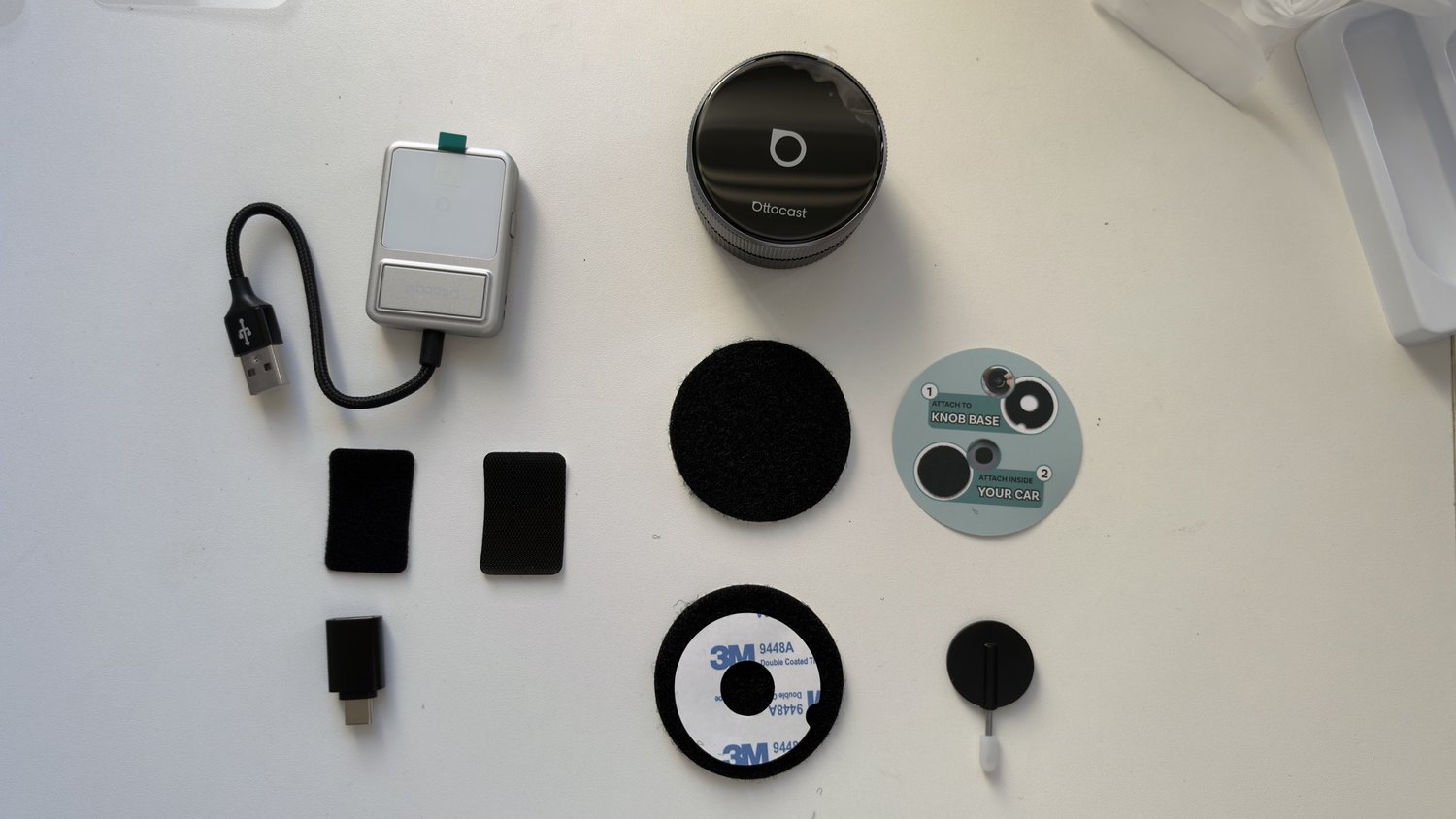
Between the two boxes we had the U2Air adapter with its braided cable, a USB-C adapter, two adhesive pads for the adapter, the OttoSafe Knob, its mounting base and adhesive pads, and a small pin tool.
Price and where to buy
Ottocast sells the U2Air (its Australian store lists the current version as the U2Air Edge) and the OttoSafe Knob through its Australian store, but prices there are shown in US dollars: the U2Air was US$55 on sale (US$89 regular) and the Knob US$39 when we checked. Check the final price at checkout. Buying from an Australian seller makes returns and your rights under Australian Consumer Law simpler.
Should you buy them?
The U2Air, yes, if your car has wired CarPlay and you’re tired of plugging in. It was easy to set up, it’s reliable, and we haven’t noticed any lag.
The OttoSafe Knob, only if you have a good place for it. It works, but pairing took some effort, and in our car we ended up using the touchscreen instead.