
Yoto Player and Yoto Mini (4th Gen) Review: Which Kids' Audio Player Should You Buy?
Our friend Jess tested the Yoto Player and Yoto Mini (4th Gen) with his two-and-a-half-year-old son for a month. Both are easy for a toddler to use and quick to play cards, but the smaller, cheaper Mini became the family favourite. The app was the weak spot.
 By Laurence Deer
On this page
Yoto sent us the Yoto Player and Yoto Mini to review. They didn’t see this review before it went live.
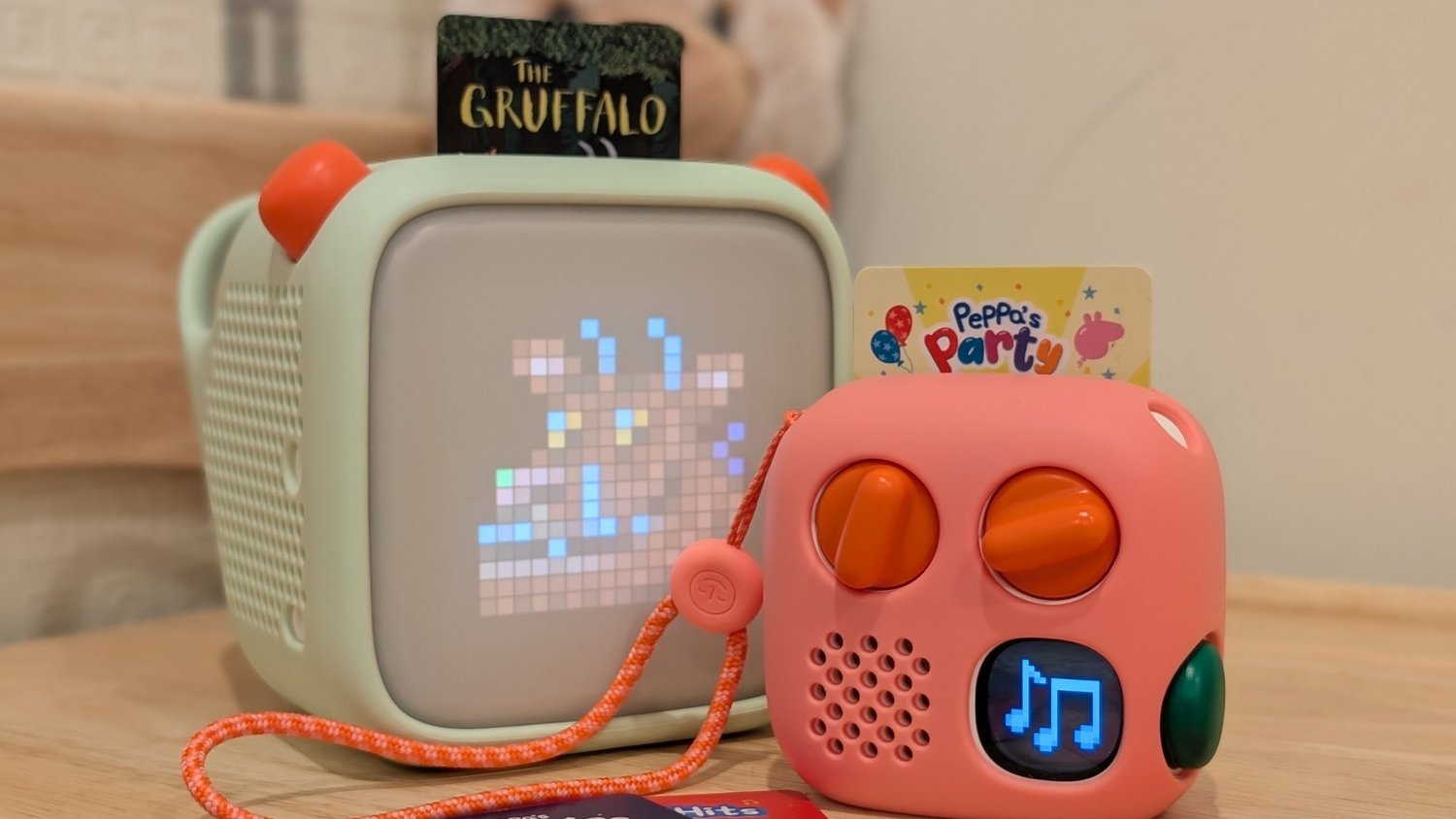
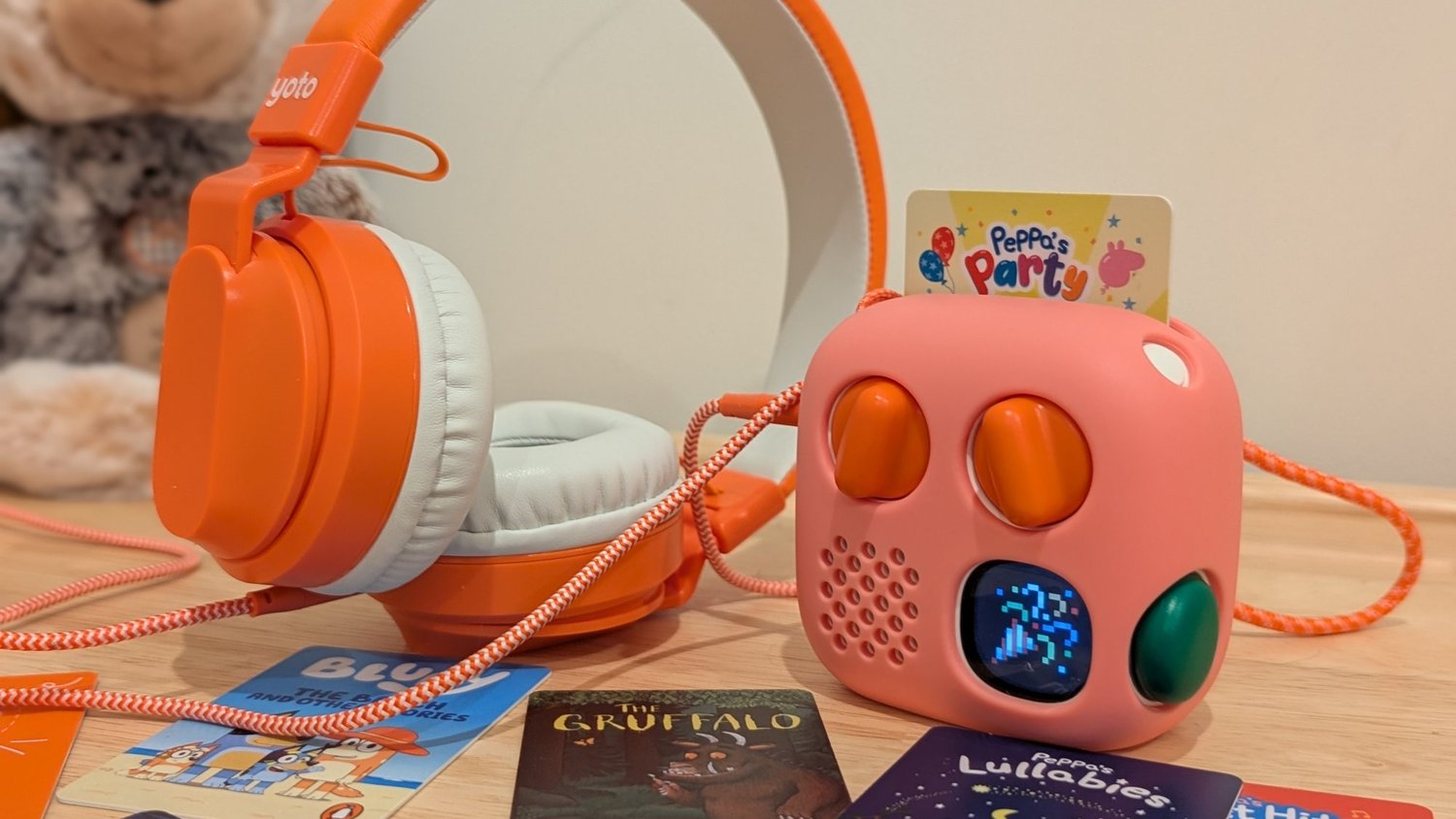
Yoto makes screen-free audio players for kids. Instead of a tablet or a phone, your child pushes a card into the top of the player and it plays a story, an album or a podcast. The 4th Gen range has two players: the Yoto Player, a bedside player with a night light and a wake-up clock, and the smaller, cheaper Yoto Mini, which is built to be carried around. Both have a new Green Button, which plays a playlist you’ve set up in the app, so your child doesn’t need a card at all.
This review is by our friend Jess, who did all the testing. He used both players with his two-and-a-half-year-old son over about a month, at home and on a three-day family road trip.
The short version
Both players are well made, easy for a toddler to use, and quick: cards started playing in one to two seconds. Jess’s son loved the Player at first, but once the Mini arrived it became his favourite, and Jess’s too. It’s light, tough, sounds good enough for kids’ music and audiobooks, and its smaller screen is less of a distraction. The Player is a lovely bedside player with a good night light, but Jess’s family didn’t use it much at bedtime, so its extras didn’t earn their place for them. The weak spot for both was the Yoto app, which was slow and unreliable, and both players need Wi-Fi before you can change any settings.
Pros
- Easy for a two-and-a-half-year-old to use, cards and Green Button included
- Cards start playing in one to two seconds, online or offline
- The Mini is light, compact and survived plenty of drops
- The Player’s night light dims well and the wake-up light changed on time
- Free content in the app: Yoto Radio, Sleep Radio, Yoto Daily and Yoto Dreams
- Parental volume limits work, and speech stays clear at low volume
Cons
- The Yoto app was laggy, slow to show what’s playing, and sometimes reported the player offline
- You can’t change any settings unless the player is on Wi-Fi, which is a pain when travelling
- Neither player works as a Bluetooth speaker yet
- Cards and the Yoto Club add up
- One bundled card wouldn’t play for half a day, with no obvious help from Yoto
- The Player’s battery fell short of Yoto’s figure in Jess’s use
Set-up
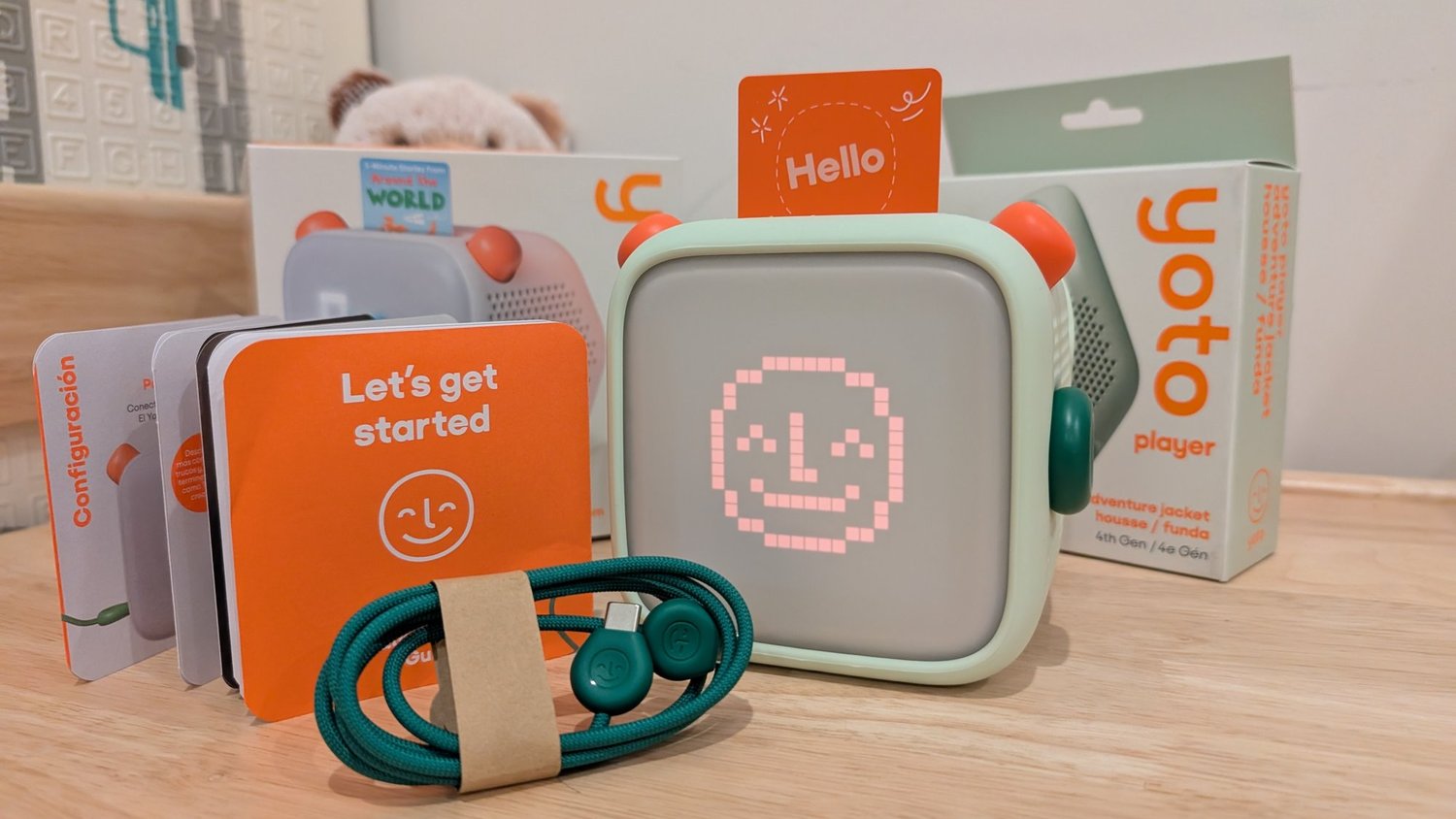
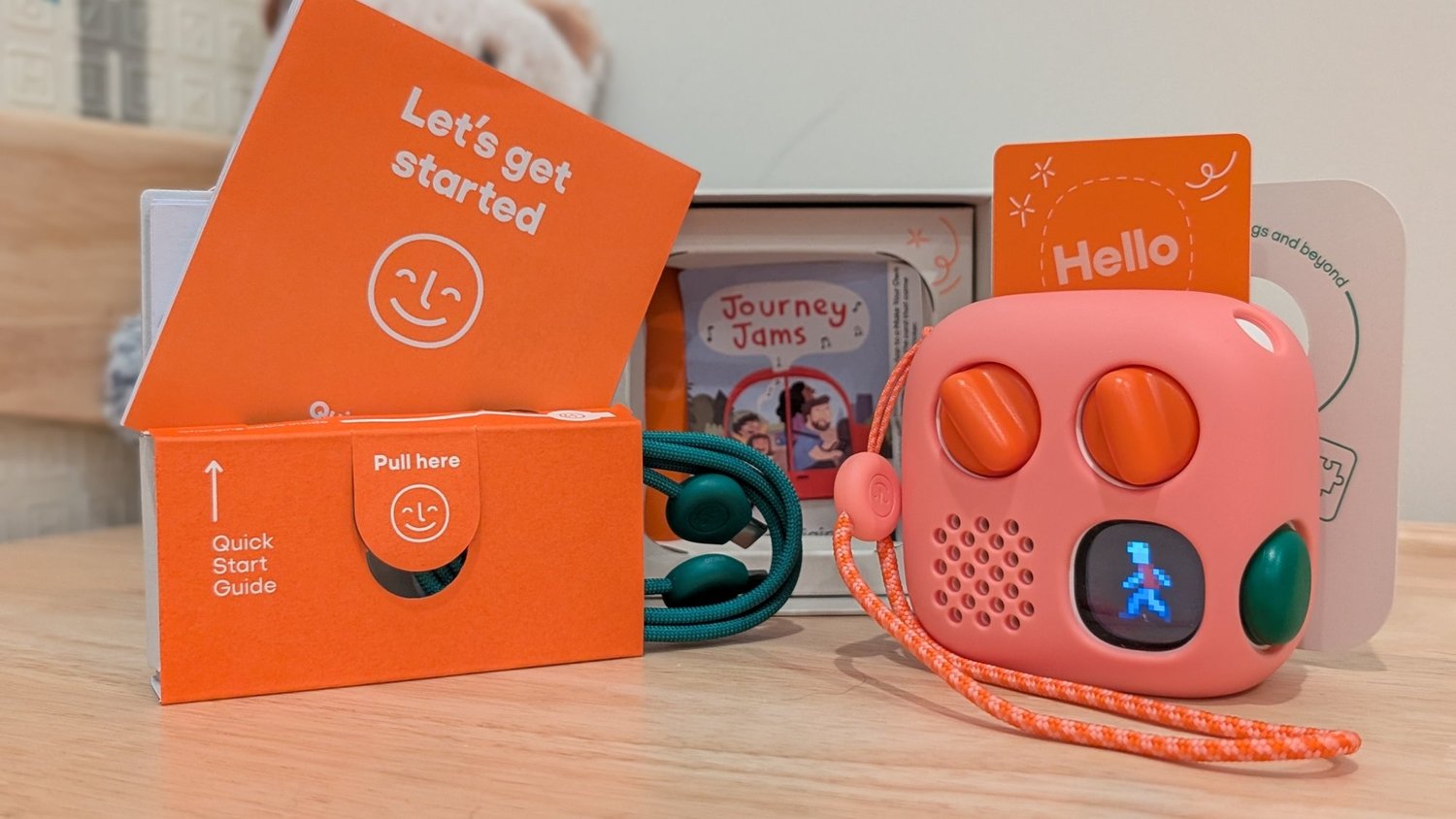
Set-up was quick. From unboxing the Player to the first card playing took Jess 11.5 minutes, and that included reading the quick-start guide and a quick look around the phone app. The Mini went onto the same Yoto account, so both players share the same card library and each has its own Green Button.
Cards and the Green Button
This is where both players shine. Jess tested every card he had five times each, and they consistently started playing within one to two seconds, often just one. There was no difference offline, because a card downloads its audio to the player the first time you use it. That first play was the only time he saw any delay.
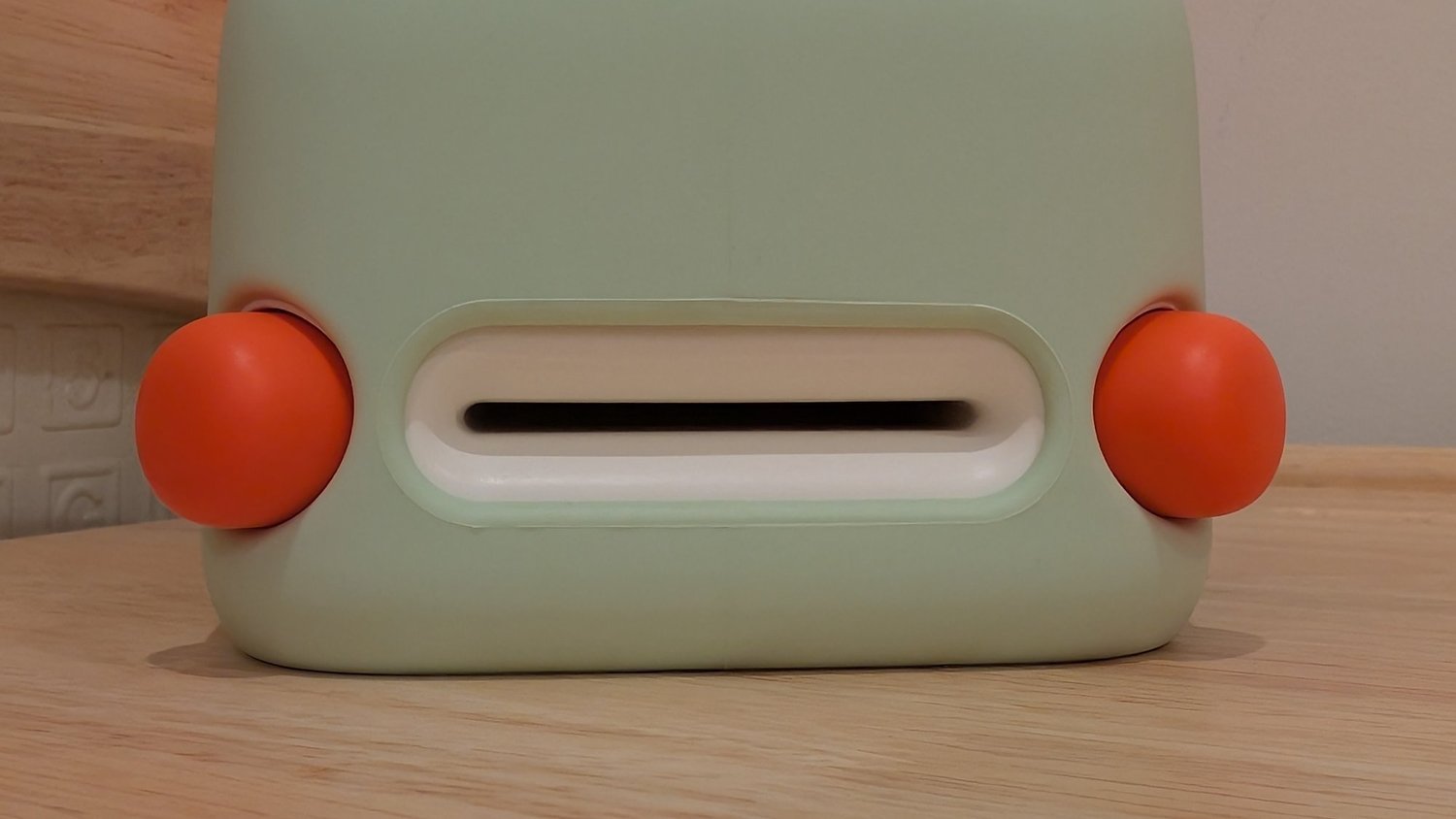
Jess’s son had no trouble with the Green Button. He quickly learned to turn it to scroll to the card he wanted and press it to play. On the family road trip, Jess loaded the Mini’s Green Button with his son’s cards, so they didn’t have to worry about losing cards in the car while they were busy travelling.
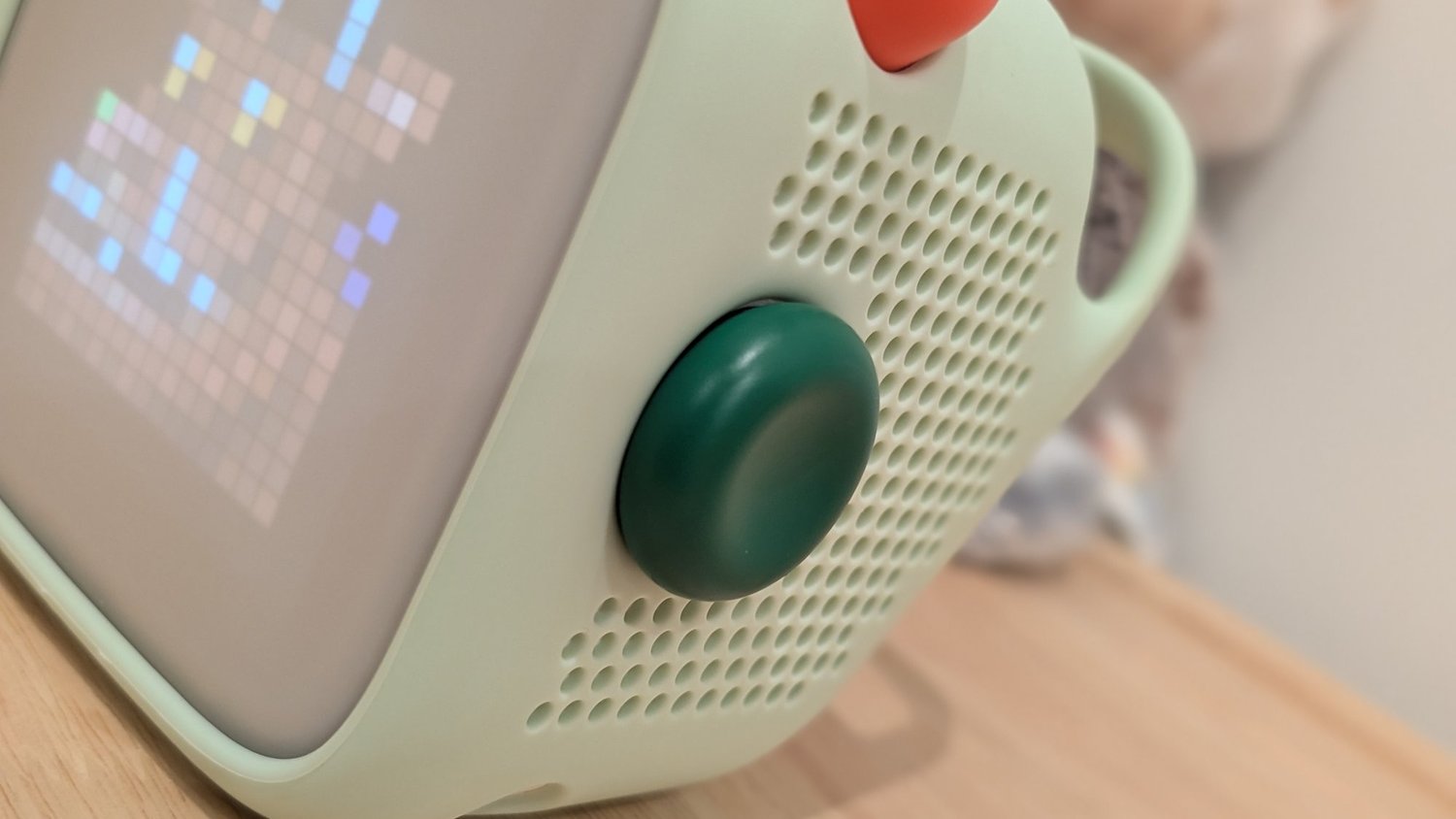
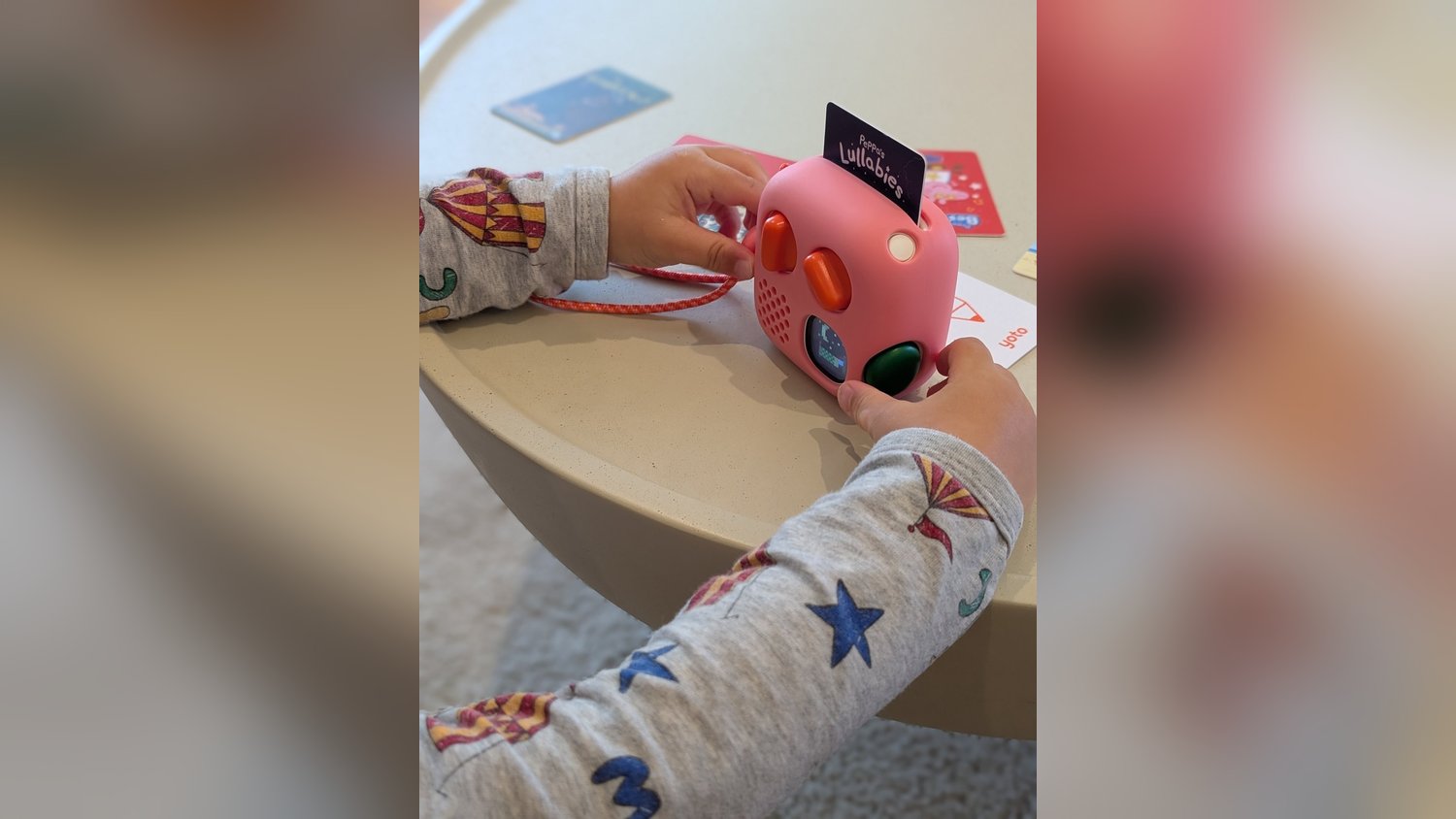
His son also had no problems with the buttons or with putting cards in and taking them out. He did manage to jam a few cards in at once, but they didn’t get stuck or cause any issues.
One frustration: the bundled Gruffalo card registered on the Player but wouldn’t play. It took about half a day of trial and error, restarting the player and reconnecting it to Wi-Fi, before it worked. Jess couldn’t find any official help for this kind of problem.
The Yoto Player: night light and wake-up clock
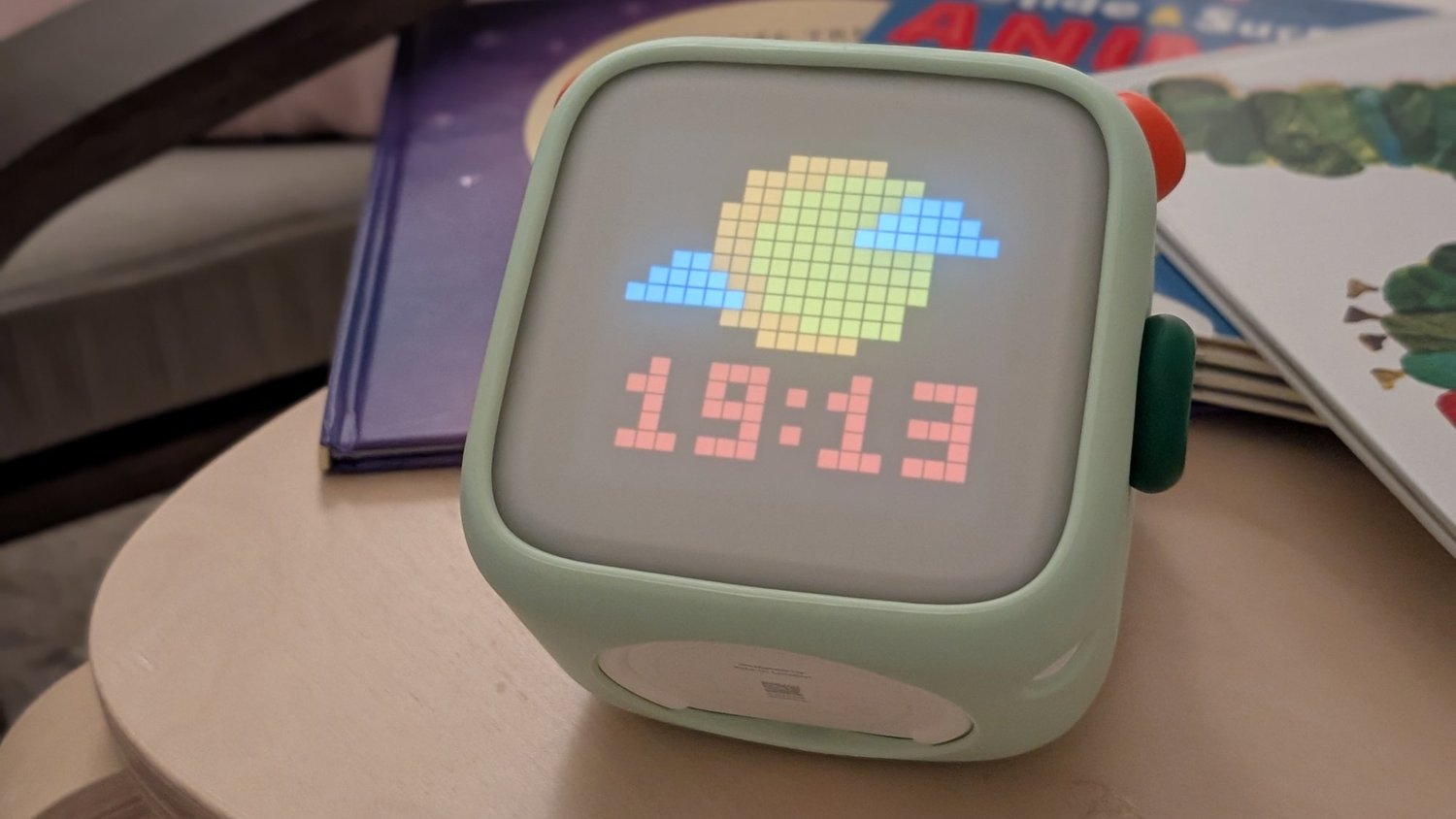
The Player’s big extras are its full-panel night light and an Ok-to-Wake clock, which changes the light colour when it’s time to get up. The brightness adjustment works well, and the light changed on time in the morning and the evening. Jess would like more colours to choose from, and simple effects like a slow colour change or a gentle pulse would be nice.
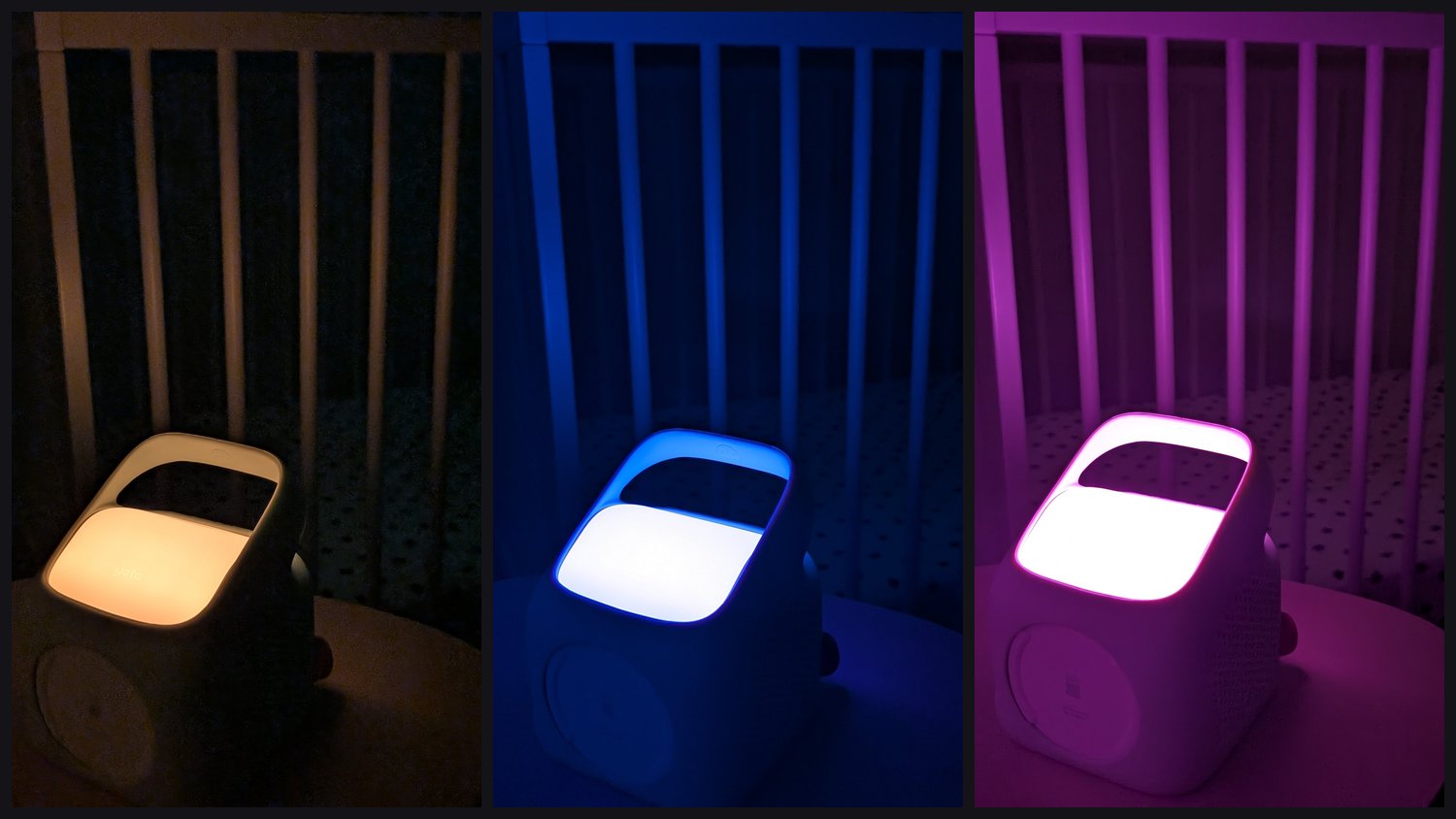
The Player has a full pixel display on the front. Jess’s son loves anything with a screen, so he was enchanted by it, but Jess found it a slight distraction from the audio and preferred the Mini’s small display.
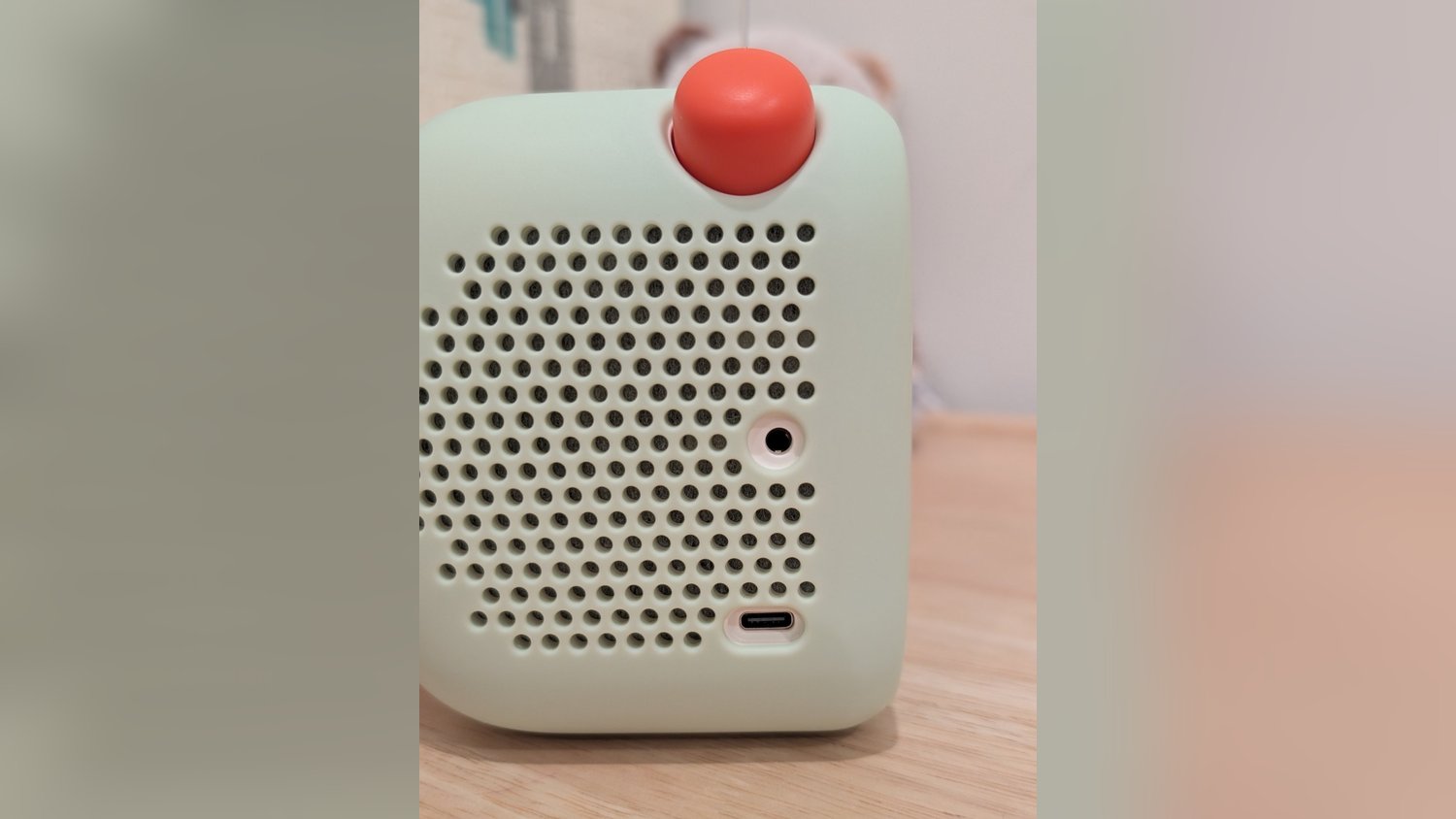
The Player is also big: Yoto lists it at 11.5 × 11.5 × 11 cm and about 763 g. That’s fine on a bedside table, but it could be a bit cumbersome for a toddler to carry around. On the back are the USB-C port and a 3.5 mm headphone socket. Yoto says the Player also charges wirelessly.
The Yoto Mini: made to be carried
The Mini is much smaller: Yoto lists it at 7.5 × 7 × 5 cm and 185 g. Jess’s Mini weighed 235 g on the kitchen scale with its protective cover on. It fits in the small pockets of his travel backpack, it’s easy for his son to handle in his car seat, and his son loves wearing it on its wrist strap and carrying it around the house.
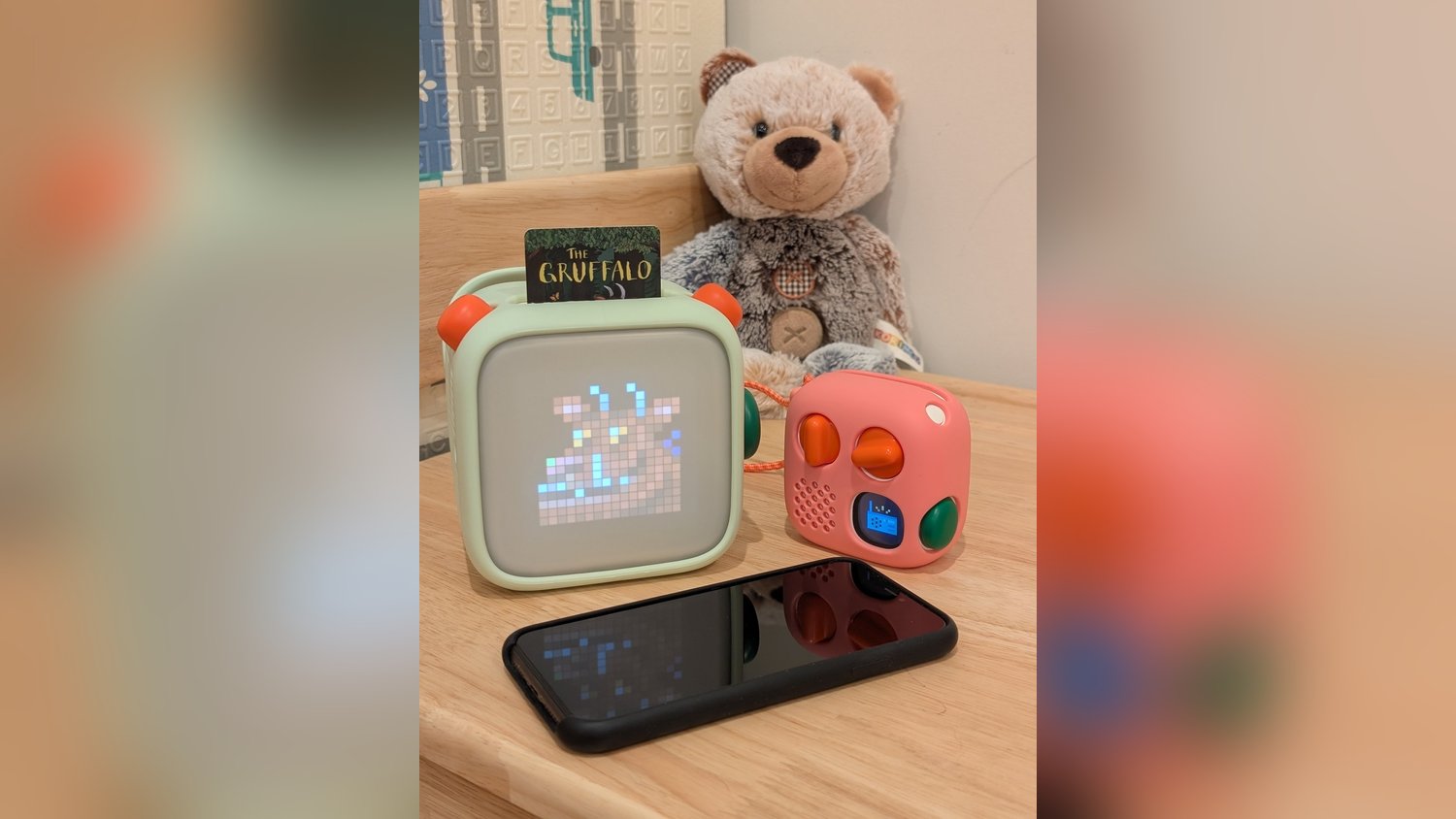
It has had plenty of small drops onto carpet with no issues, and the protective cover is easy to keep clean and isn’t showing any wear yet. Yoto rates the Mini IP67 for water and dust resistance. Jess only tried a light splash: a few drops of water from a drinking cup. It kept playing, and he wiped it dry. He didn’t submerge it, and IP67 isn’t a promise that it’s waterproof in everyday use.
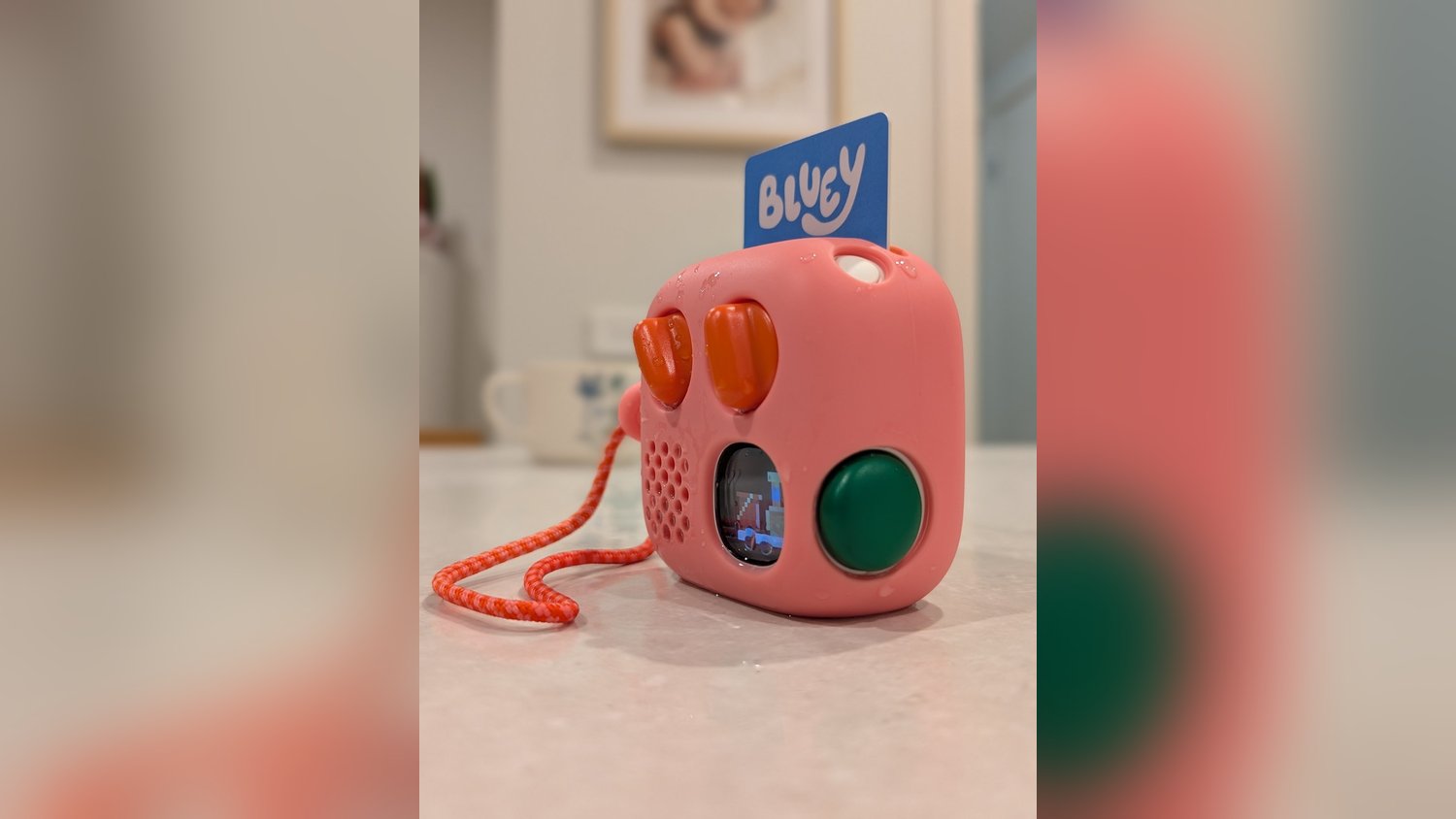
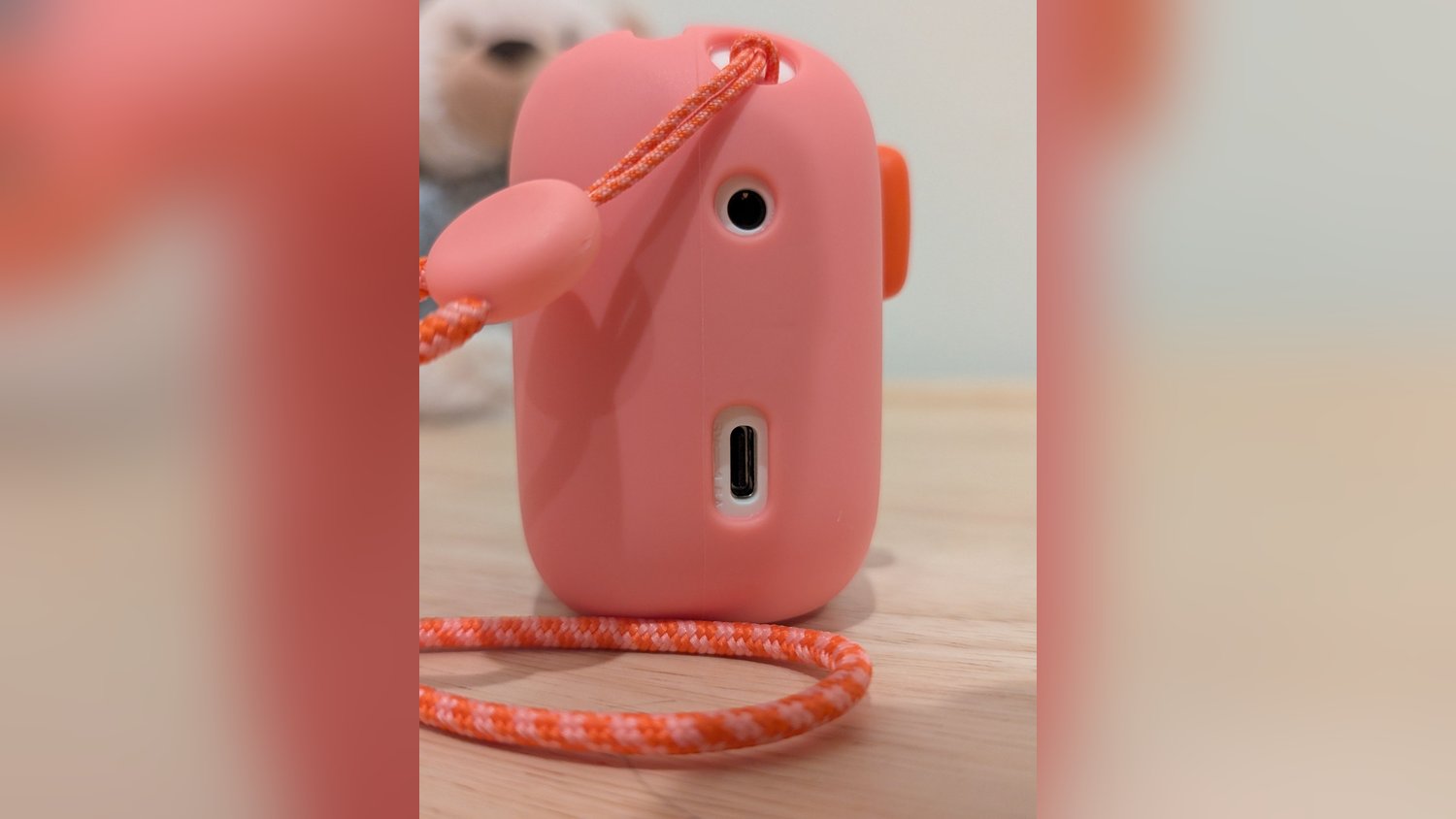
On the side are a USB-C port and a 3.5 mm headphone socket. Wired headphones worked without any problems. Jess didn’t try Bluetooth headphones.
Sound and volume limits
Jess measured both with a sound meter app. At maximum volume, both read about 60 to 70 dB. He used the app to limit the volume to 10 out of 16, and at that setting the Player read about 40 to 50 dB and the Mini around 40 dB. Speech was still clear and easy to hear at the lower level.
The Player has fuller sound. The Mini sounds a little more tinny, with less bass, but vocals and audiobook voices are clear, and it was easy to hear in the back of a moving car. For children’s music and audiobooks, it’s more than good enough.
Battery life
Yoto claims up to 16 hours of battery for both players. Jess didn’t do a single continuous run. Instead, he tracked normal use with the volume limited to 10 out of 16:
- Yoto Player: about 11 hours. It lasted 11 days of two 30-minute sessions a day before it needed a charge. Early on, his son spent a lot of time playing with the buttons and screen and changing cards, so this figure may be on the low side.
- Yoto Mini: about 14 hours. It lasted about a week, and his son used the Mini a lot more than the Player.
The Yoto app
The app was the weakest part of the experience. Changing settings always had a noticeable lag, even at its best, and it was inconsistent. At times the app said the player was offline for no reason, and sometimes it said Jess’s phone was offline when it definitely wasn’t. The “now playing” screen often didn’t update, or updated slowly. The Mini’s Wi-Fi connection also dropped out from time to time with no explanation.
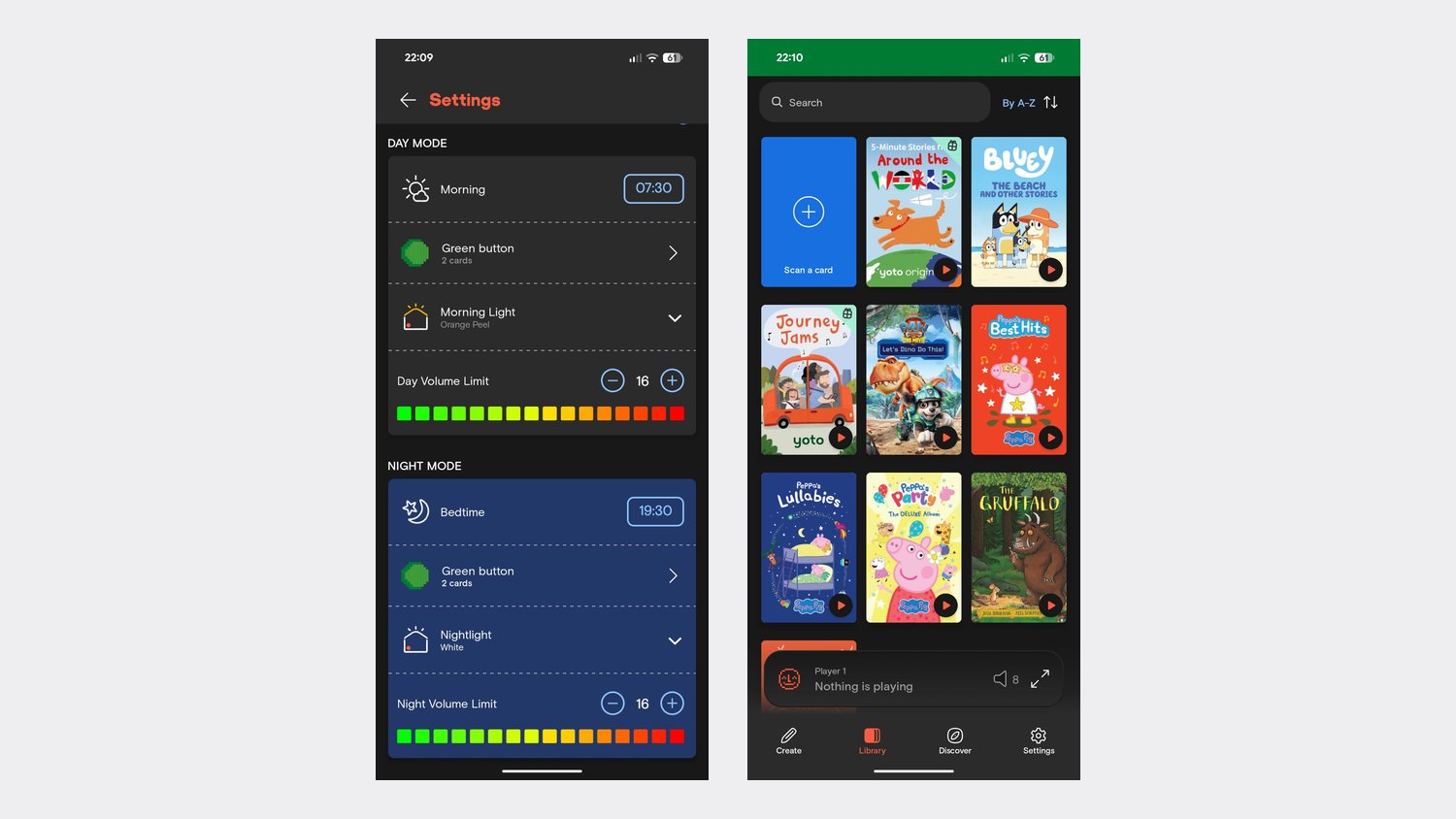
The bigger catch is that you can’t change settings unless the player is connected to Wi-Fi. That was a real frustration on an overnight trip and the road trip: to adjust the volume limit or change the Green Button playlist, Jess had to connect the Mini to the accommodation’s guest Wi-Fi first.
Neither player works as a Bluetooth speaker at the moment. Yoto’s website suggests it may be coming, but for now his son couldn’t play some of his favourite songs from a phone, which disappointed him.
Running costs: cards and free content
The free content in the app is great: Yoto Radio, Sleep Radio, Yoto Daily and Yoto Dreams kept his son happy without buying anything. Otherwise, cards and the Yoto Club subscription are expensive, so Jess hasn’t added to his collection yet.
Make Your Own cards let you put your own audio on a blank card. Jess tried one and it worked: it loaded and played the music he’d chosen. But you need your own audio files to use it, which is enough effort that he hasn’t used it much.
Price and where to buy
Yoto lists the Player 4th Gen at A$229.99 and the Mini 4th Gen at A$174.99 on its Australian store. When checked on 23 November, both were on sale, at A$195.49 and A$148.74. Yoto says all 4th Gen players carry a two-year warranty, and your rights under Australian Consumer Law apply on top of that.
Yoto Player or Yoto Mini?
For most families, Jess would buy the Mini. It’s cheaper, light, tough, easy for a toddler to carry, and it lasted longer on a charge in Jess’s use. Its sound is more than good enough for kids’ audio, and its small screen keeps the focus on listening. It was his son’s favourite at home and on holiday.
Buy the Player if you want a bedside player with a night light and wake-up clock built in. It’s great quality, sounds fuller and is enjoyable to use. His family didn’t use it much at bedtime, so for them the extra size, screen and price weren’t worth it, but if bedtime is the main job, its extras make more sense.
Whichever you choose, budget for cards, and know that you’ll need Wi-Fi nearby whenever you want to change a setting.
How they compare
A phone or a Bluetooth speaker: Many parents use a phone with downloaded audiobooks. It’s free if you already have one, but a Yoto lets a young child choose and play their own audio without a screen. See our guide to the best Bluetooth speakers.
A separate night light: If you only want the Player for its night light, a dedicated night light costs much less. See our guide to the best night lights.