
BenQ ScreenBar Halo 2 Review: First Impressions of the Monitor Light You Set Once and Stop Thinking About
Our first impressions of the BenQ ScreenBar Halo 2 after two weeks on our home office desk. Auto-dimming is excellent, the wireless dial feels like it belongs in a luxury car and everything you need is in the box. It's pricey next to cheap light bars.
 By Laurence Deer
On this page
BenQ sent us this light to review. They didn’t see this review before it went live.
It’s 10 pm, the ceiling light is off so you don’t wake anyone, and the only light on your desk is the monitor. The keyboard is a dark blur, the notebook beside it is unreadable, and switching on a desk lamp just bounces a bright patch straight back off the screen.
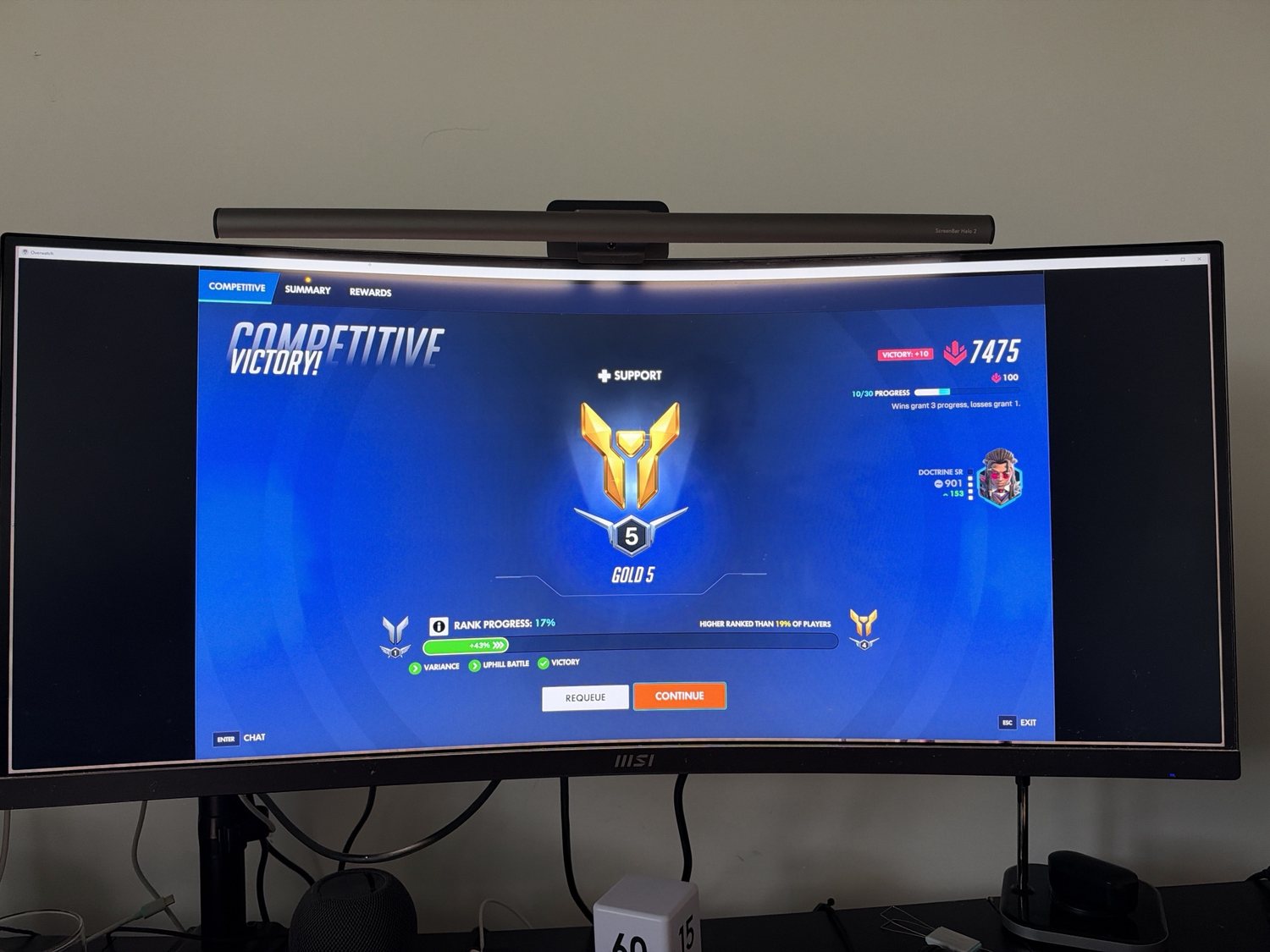
A monitor light bar is built for that. It sits on top of the screen and throws light down onto the desk, angled so it doesn’t hit the display. The BenQ ScreenBar Halo 2 is one of the most expensive ones you can buy in Australia, at around A$250 to A$290. We’ve had it on our home office desk, on an MSI curved ultrawide monitor, since the start of November. These are our first impressions after about two weeks: it takes longer than that to really know a product, and we’ll update this review as we keep using it. So far, we’re very impressed.
First impressions in short
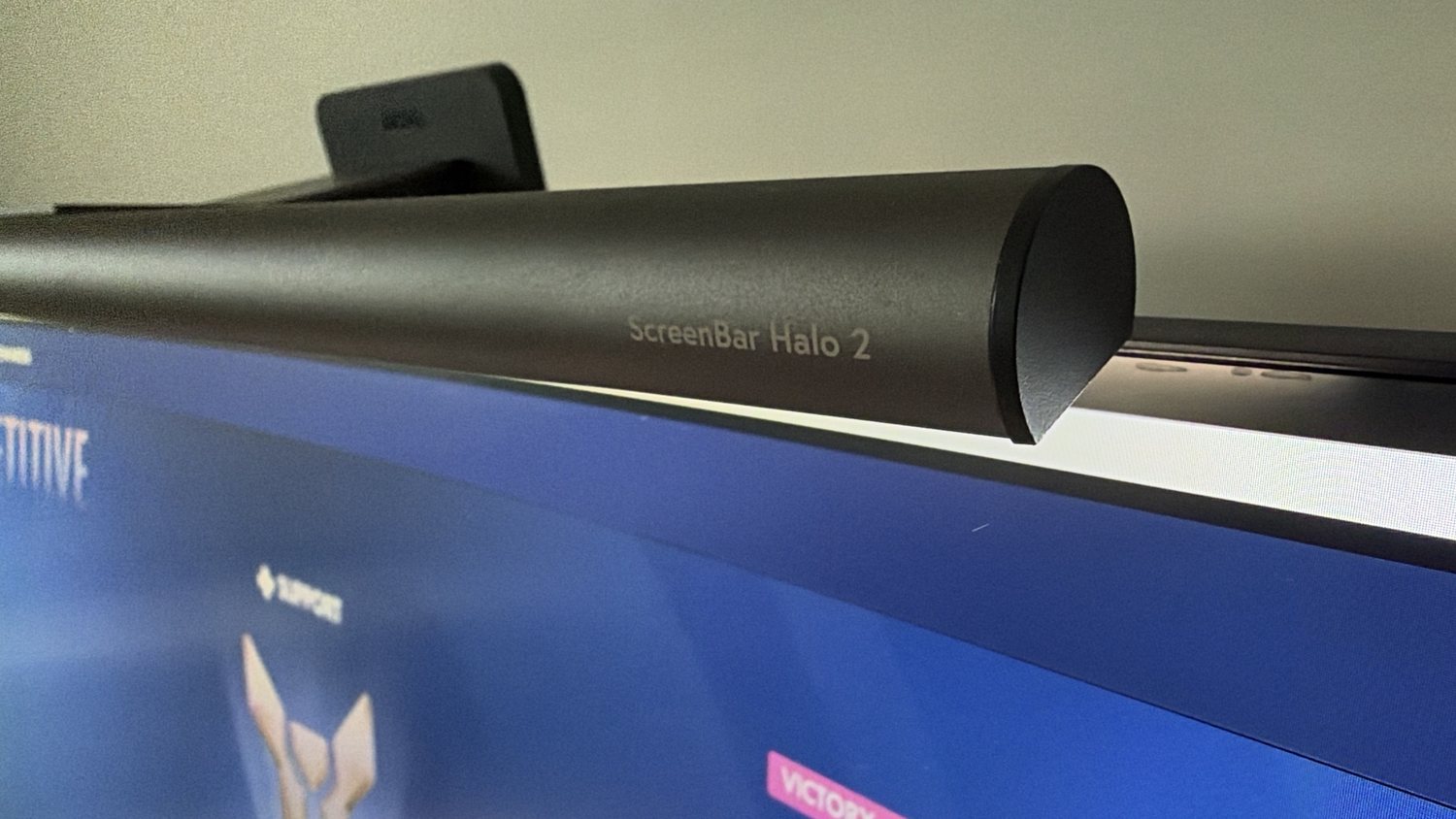
The Halo 2 is a lovely thing to use. Set it up once, switch on auto-dimming, and it quietly keeps the desk lit at a comfortable level as the light in the room changes. The wireless dial is the best part: it’s metal, smooth and responsive, and feels like a control from a high-end car. Everything you need comes in the box, including a USB-C power adapter with an Australian plug.
The catches are the price and the clamp. It holds well enough to survive the odd knock, but it can wobble and could be knocked off, and other reviewers found the same on smooth-backed monitors.
Pros
- Auto-dimming works really well and keeps the desk evenly lit
- The wireless dial feels premium, and the buttons and dial respond instantly
- Everything in the box, including a USB-C power adapter with an AU plug
- Lights the keyboard and desk without a lamp taking up space
- Looks good on a desk, day and night
Cons
- Expensive next to basic monitor light bars
- The clamp can wobble and could be knocked off; we noticed it too, and so did other reviewers on smooth monitors
What’s in the box and setting it up
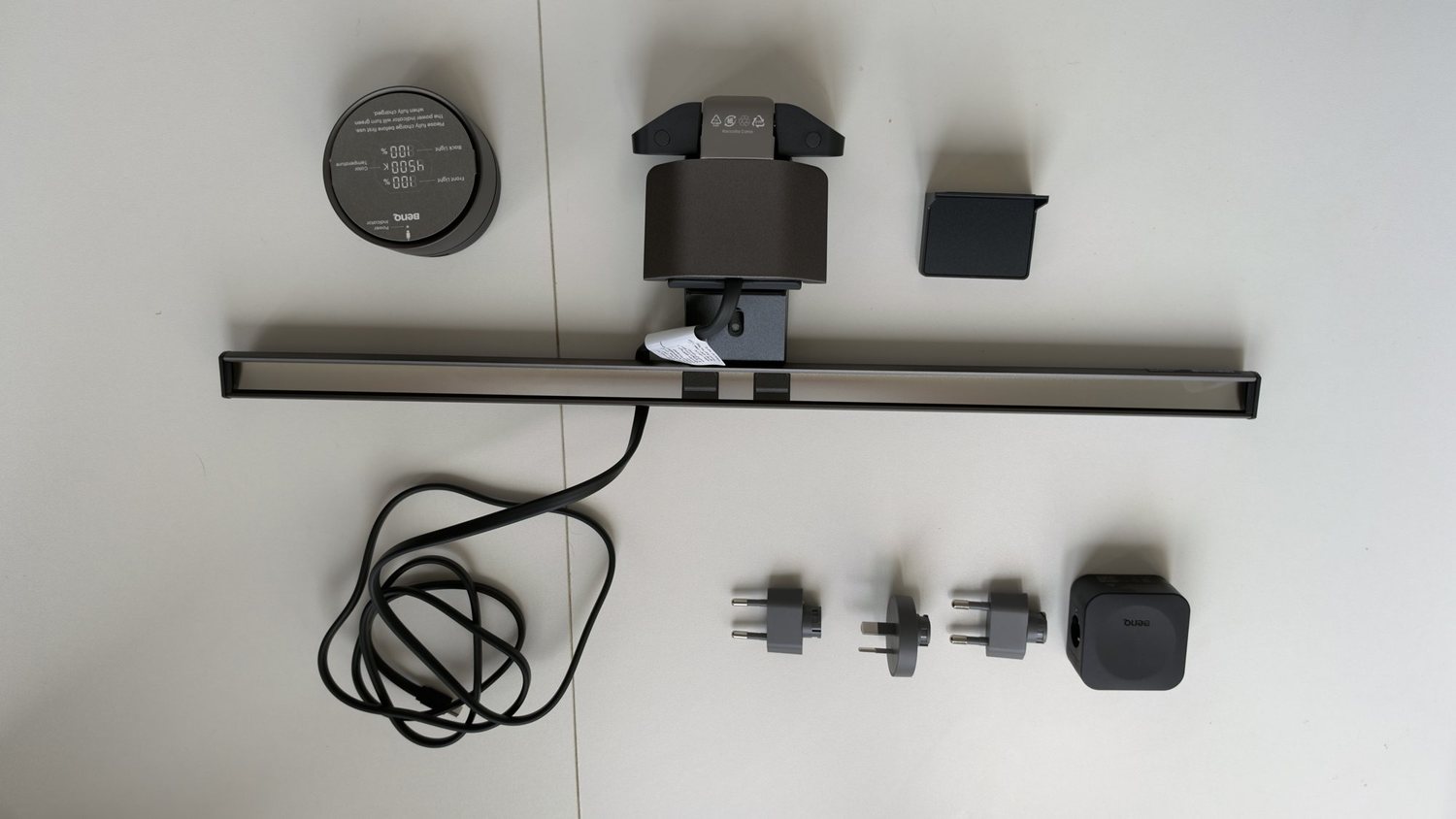
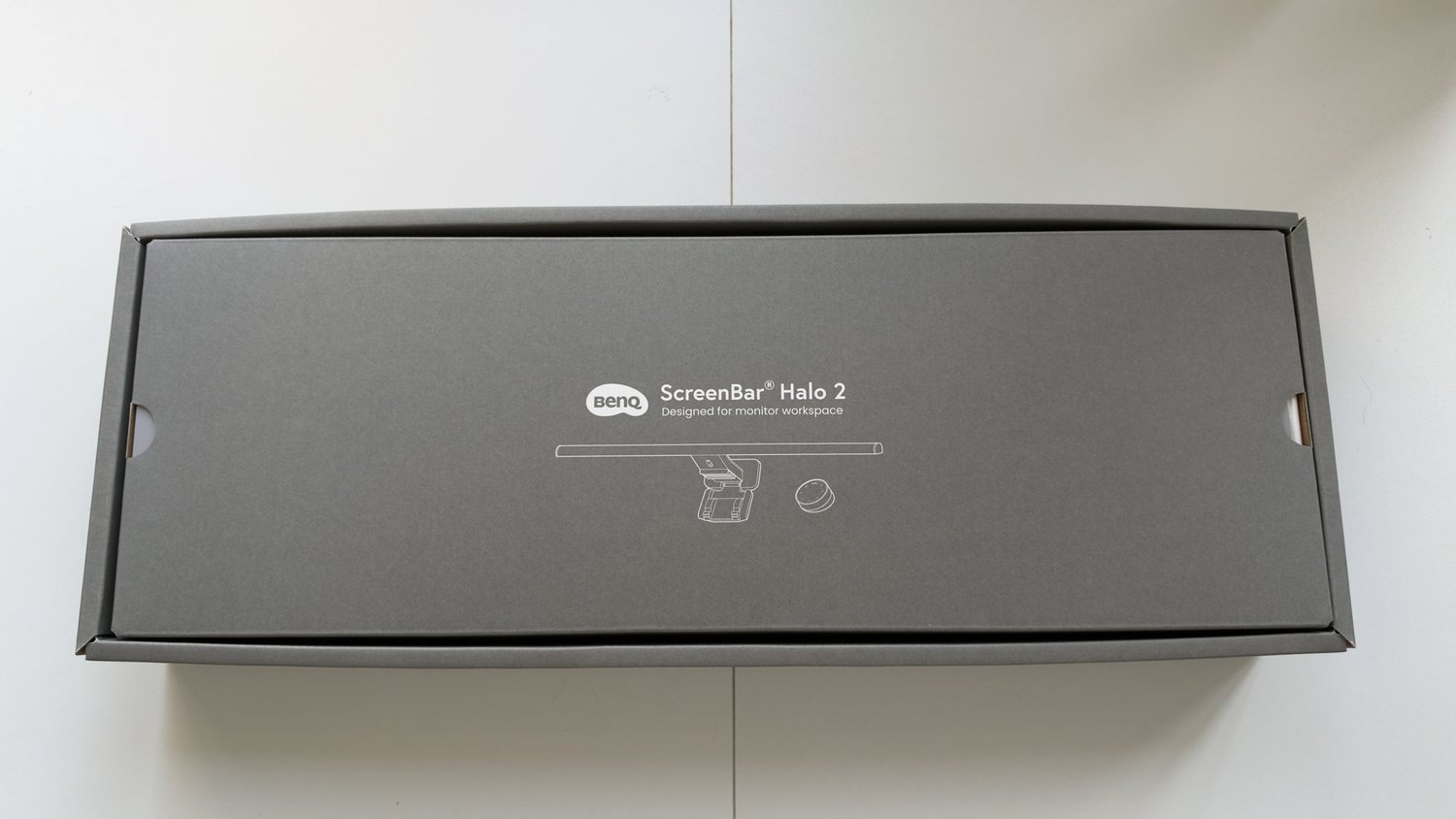
BenQ packs everything you need. In our box were the light bar with its fixed USB-C cable, the clamp, the wireless dial, a small webcam accessory and a USB-C power adapter with interchangeable plugs, including an Australian one. You don’t have to hunt around for a charger with enough power or use a monitor USB port that might not supply enough. The cables feel decent quality, and the whole thing feels well thought out from the box onwards.
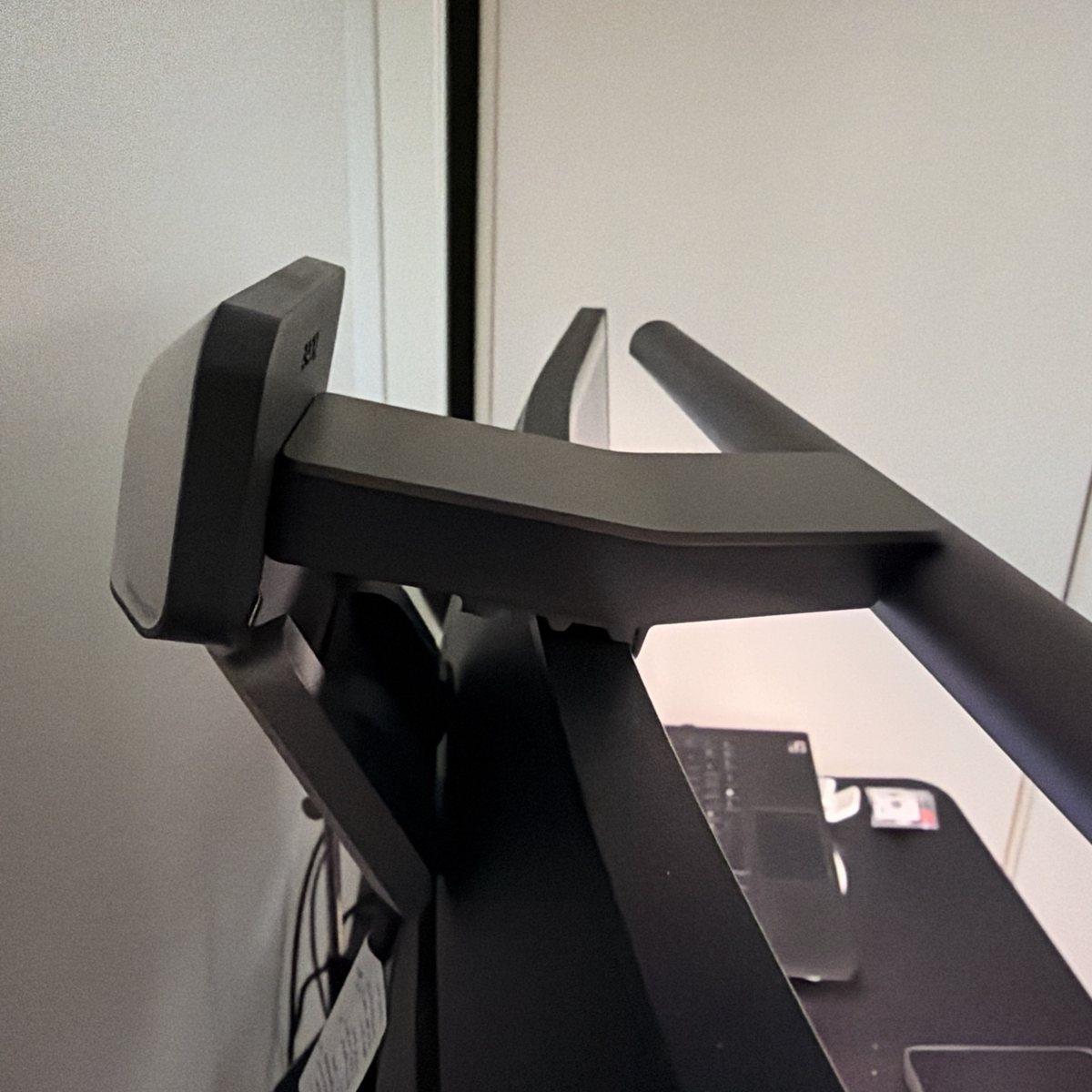
Fitting it is simple. There’s no screw clamp: the bar rests on the top edge of the monitor, and a weighted back piece on a loose hinge drops down against the back of the screen, with a ridged surface that sits on the monitor’s top edge. On our MSI curved ultrawide it fits well enough to survive everyday knocks and bumps, but it can wobble, and a harder knock could push it off. We can’t say how well it’ll hold on other monitors. BenQ says it fits flat and curved monitors from 0.43 cm to 6 cm thick, with curves from 1000R to 1800R, and other reviewers have seen the same wobble: Notebookcheck found it secure on a BenQ monitor but loose and wobbly on a smooth-backed 27-inch Samsung, and DRN had it slip over time on a thick HP monitor until it rested the clamp on the monitor’s rear handle. Parka Blogs notes it won’t fit a monitor with a hood.
The light on the desk
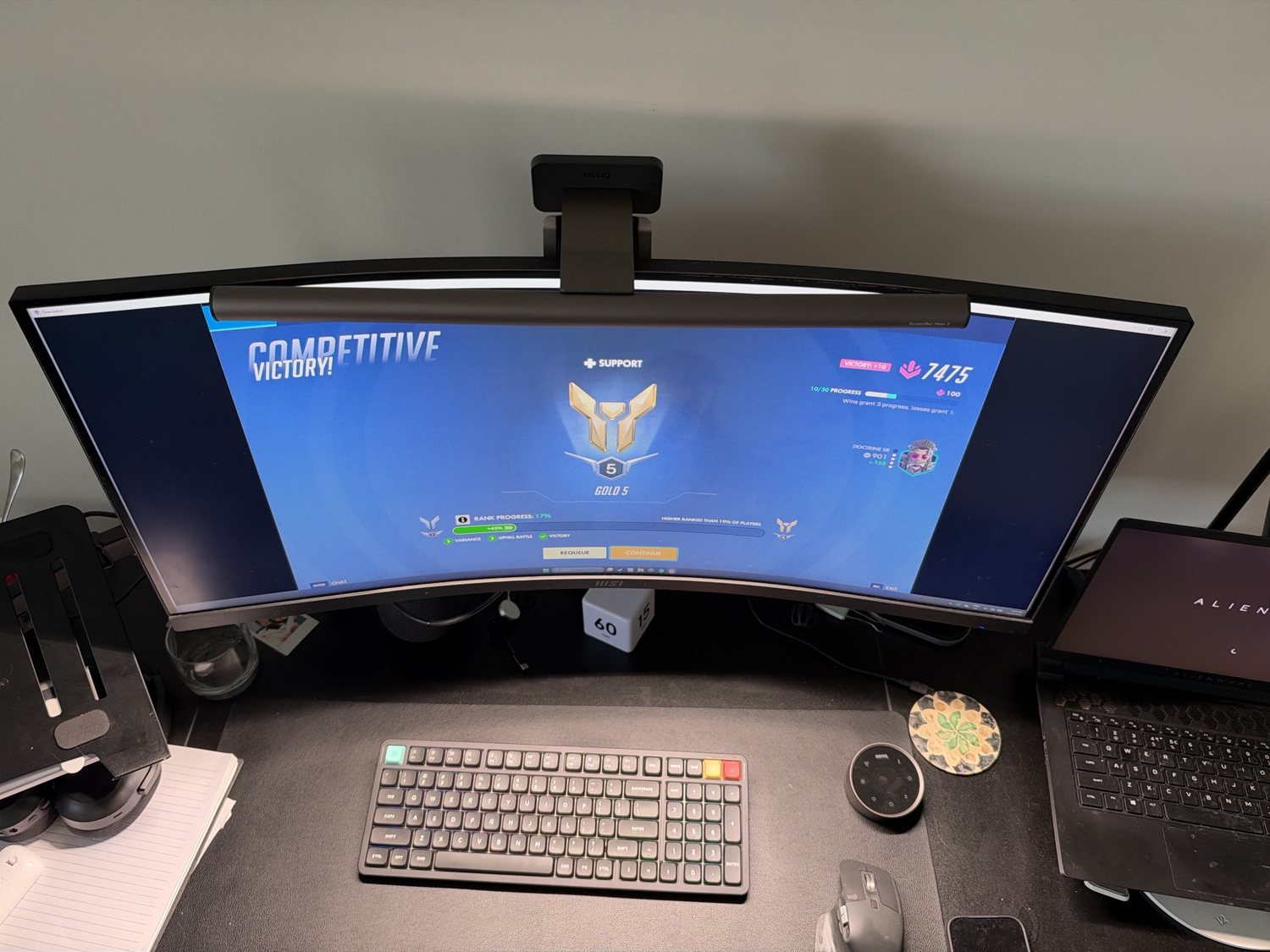
BenQ says it puts out over 1000 lux at the centre of the desk and 500 lux across an 85 x 50 cm area. We didn’t measure the light ourselves, and none of the reviews we read did either, so treat those as BenQ’s figures.
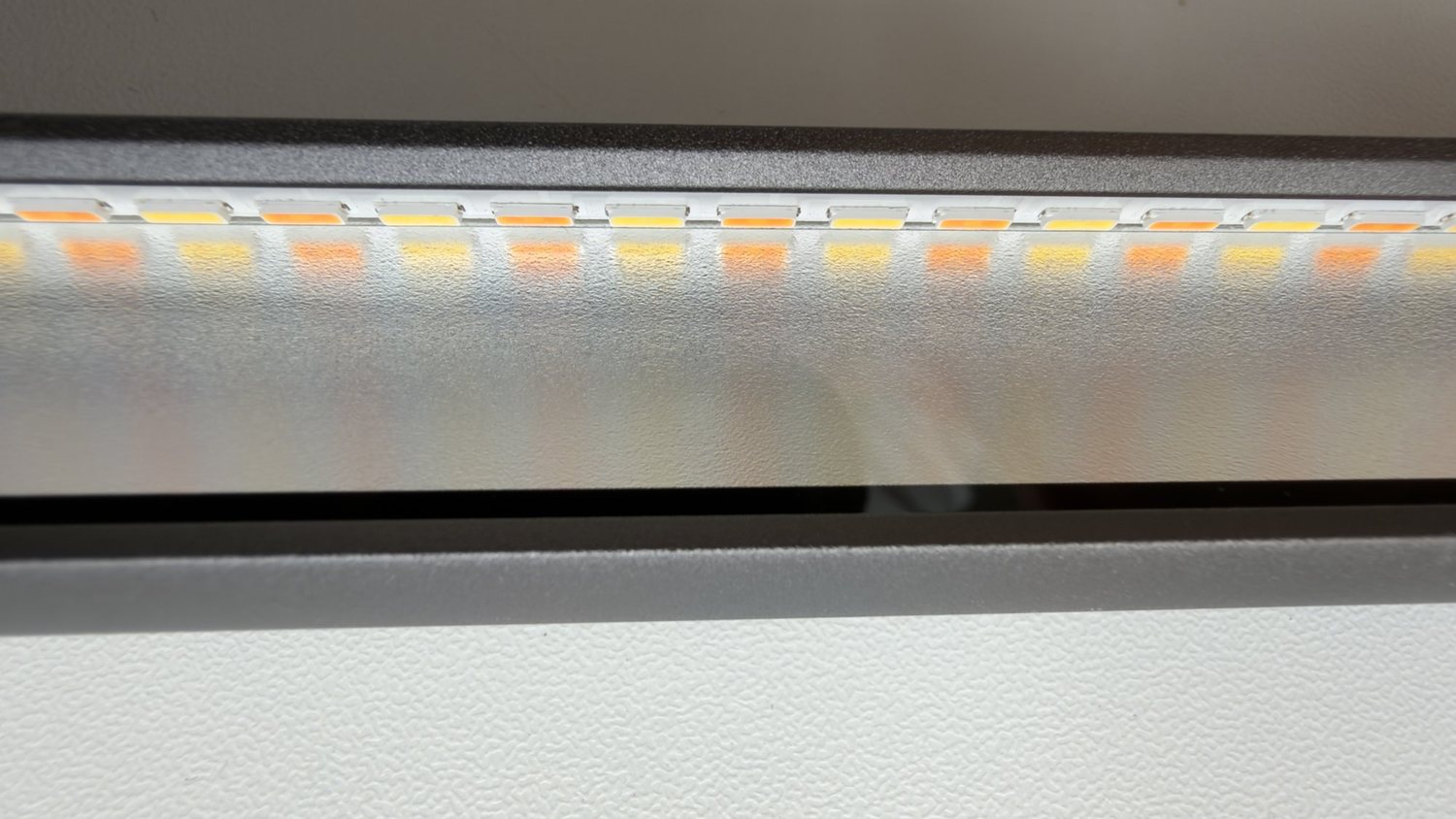
Look up inside the bar and you can see the two types of LED, warm and cool, side by side. The dial sets the colour from a warm 2700K to a cool 6500K, and BenQ says the front light has a colour rendering (CRI) of 95 or more, so colours on paper and desk objects look natural.
The light is angled down onto the desk rather than at the screen. MacSources saw no glare on the screen or its desk. One thing you’ll notice is that it shows up how dirty your screen is. Every smear and speck of dust catches the light, so if you use one of these, keep a cloth handy and give the monitor a wipe.
The backlight
The “Halo” in the name is a second light on the back of the bar that washes the wall behind the monitor. BenQ calls it a tri-zone backlight: it lights above, below and around the curve of the bar. The idea is to soften the contrast between a bright screen and a dark wall when you’re working at night.
MacSources found the backlight subtle in a bright room. It’s really a night feature.
Auto-dimming: the best feature
Tap the auto button and the bar reads the light in the room and adjusts itself to keep the desk at a steady level (BenQ says 500 lux). We think it’s excellent. As the light in the room changes, the bar changes with it, and the desk always feels comfortable to work at.
This is the sort of thing you don’t appreciate until you’ve used it. A desk lamp is either on or off; the Halo 2 just keeps the light comfortable without you thinking about it. It also has a presence sensor that BenQ says turns the light off when you walk away and back on when you sit down.
The wireless dial
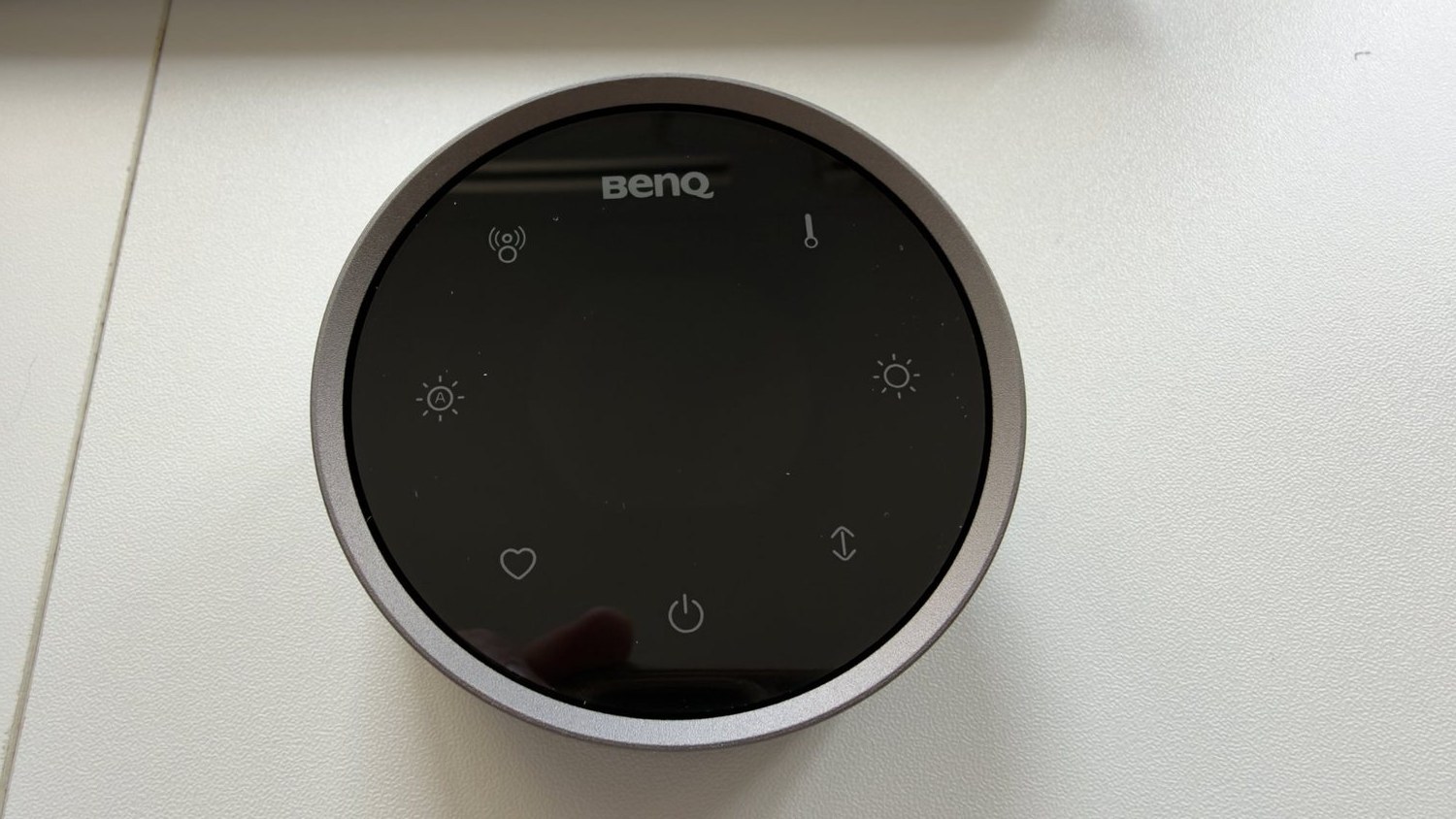
The dial is the bit you touch every day, and it’s the best-made part. The metal ring turns smoothly, with the kind of feel you’d expect from a control in a high-end car. Touch buttons around the face handle power, brightness, colour and auto mode, and a small display shows the brightness and colour temperature.
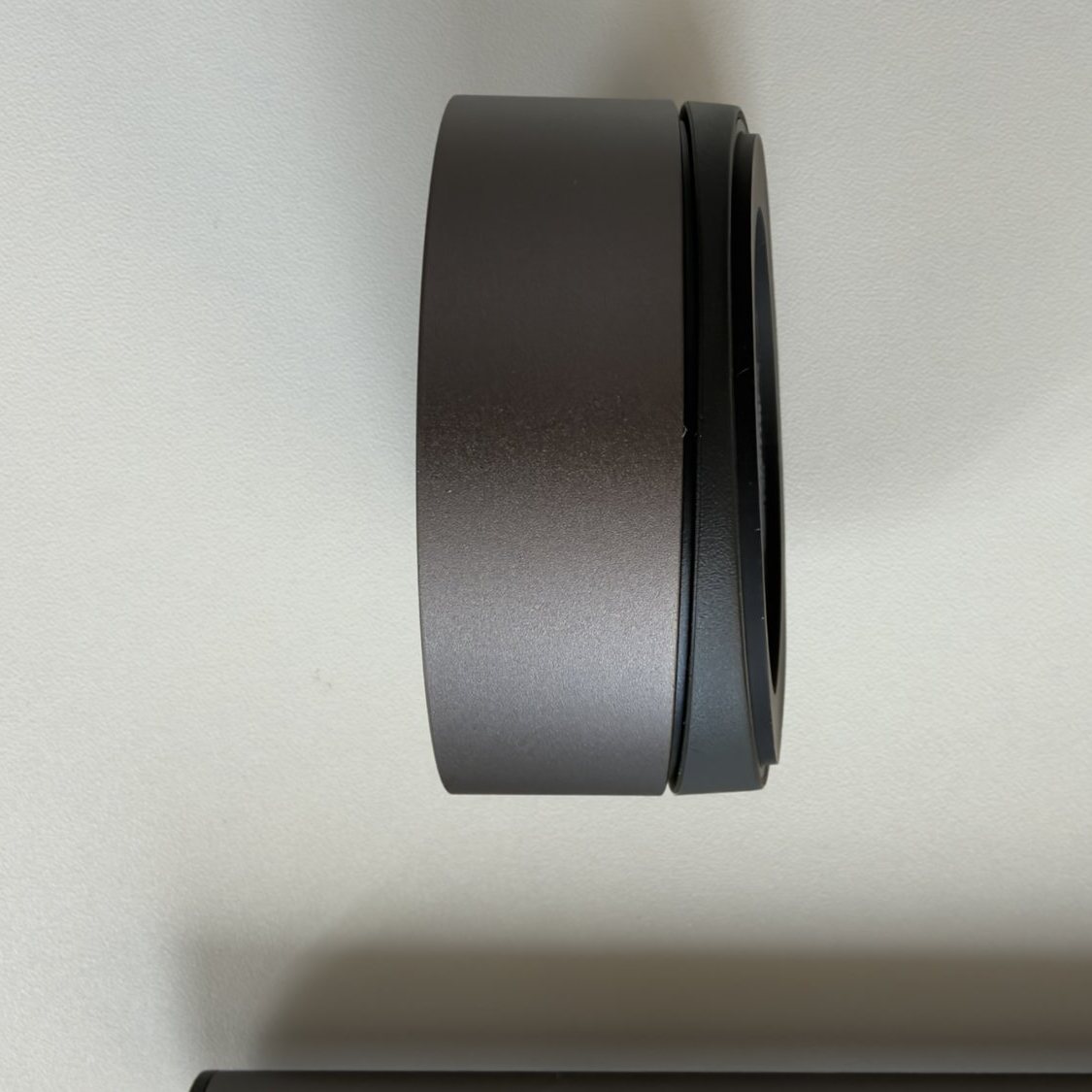
It always paired for us, and once you tap it awake, the buttons and dial respond instantly. Parka Blogs notes the dial moves in 1% brightness or 25K colour steps, so you can make small changes.
Once we’d set it up the way we liked, we didn’t use the dial much. Auto mode does most of the work. Every now and then, though, it’s nice to just turn the brightness up or down to suit how you feel in the moment.
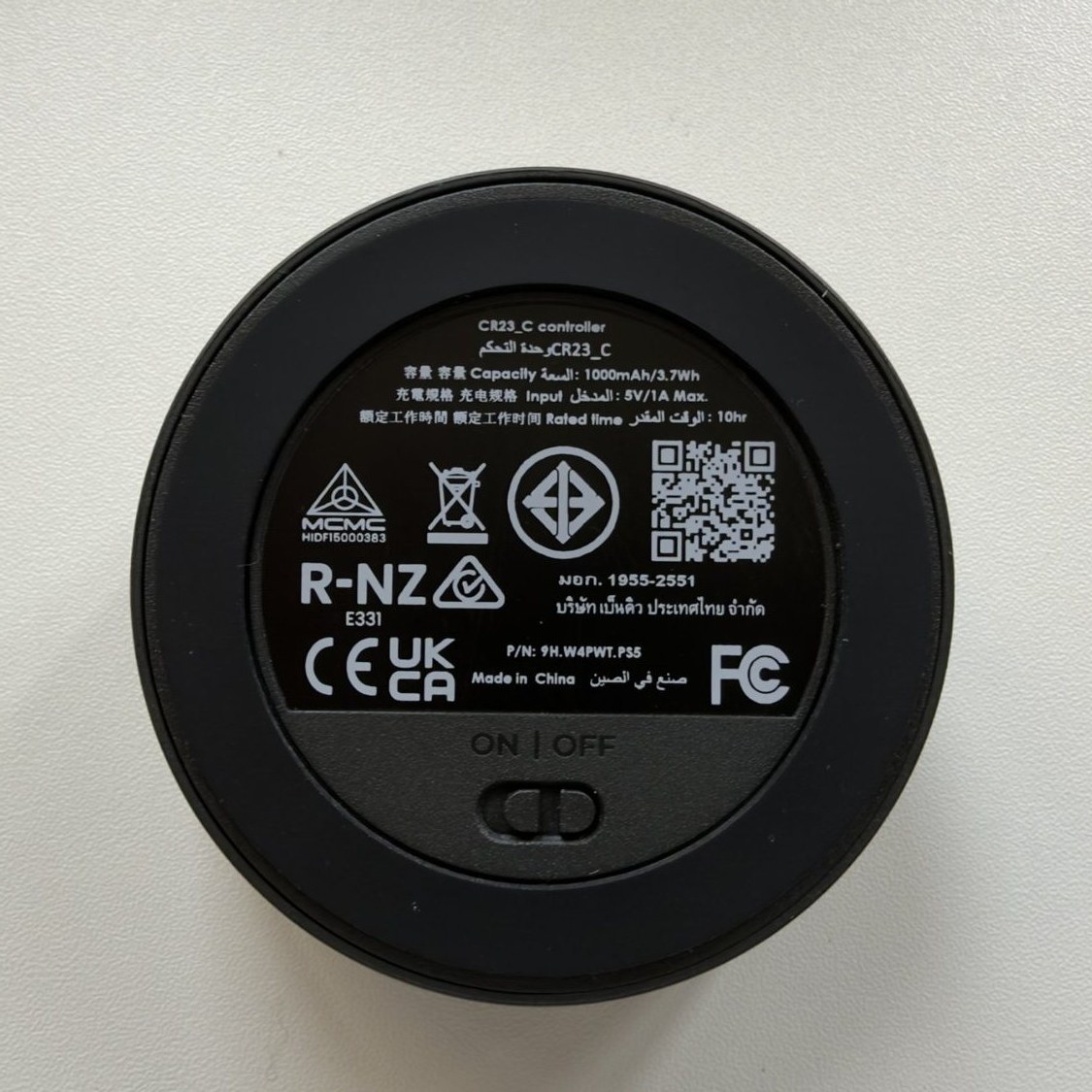
The dial runs on a built-in rechargeable battery, charged over USB-C, with an on/off switch underneath. BenQ says a charge lasts up to three months. Notebookcheck and How-To Geek both noted there’s no separate cable for charging the dial, so you’ll need a spare USB-C cable.
How it compares
Original ScreenBar Halo: The Halo 2 adds the bigger tri-zone backlight, a dial with a display, a lower minimum brightness (BenQ’s claim), a new clamp and the presence sensor. If you already own the original and it works for you, the upgrade is a nice-to-have, not a must.
Cheap monitor light bars: You can get a basic USB-powered light bar for a fraction of the price. It’ll light your keyboard, but you usually give up the auto-dimming, the separate backlight and a dial this nice. If you only work at night now and then, a cheap bar is fine. If you’re at the desk every evening, the Halo 2 is much nicer to live with.
A normal LED desk lamp: A lamp takes up desk space and, depending on where you put it, can reflect off the screen. The Halo 2 sits up out of the way and is designed to light the desk without hitting the screen.
Streaming lights like the Logitech Litra Glow or Elgato Key Light Neo: These do a different job. They light your face for video calls; a monitor light bar lights the desk in front of you. Some people want both. See our guide to the best streaming lights if it’s your face on camera you’re trying to fix.
Specs
| BenQ ScreenBar Halo 2 | |
|---|---|
| Bar size | 50 x 14.3 x 10.9 cm (BenQ) |
| Weight | 0.8 kg (BenQ) |
| Power | USB-C, 5V/3A, max 15 W; USB-C power adapter included |
| Colour temperature | 2700K to 6500K |
| Colour rendering | CRI 95+ (front light, BenQ) |
| Brightness | Over 1000 lux at centre; 500 lux over 85 x 50 cm (BenQ) |
| Backlight | Tri-zone |
| Sensors | Auto-dimming, presence sensor |
| Monitor fit | Flat or curved (1000R to 1800R), 0.43 to 6 cm thick (BenQ) |
| Controller | Wireless dial with display, rechargeable over USB-C |
| Flicker | BenQ says it passes IEEE PAR 1789 flicker testing |
| Warranty | 1 year (BenQ Australia, ScreenBar series) |
Figures are from BenQ, not our own measurements.
Price and where to buy
The ScreenBar Halo 2 is around A$289 with the webcam accessory. When we checked on 15 November 2026, Image Science had it for A$289, and price comparison listings showed Scorptec at A$259 and a few smaller stores a little lower. BenQ’s own Australian store is also worth checking. BenQ Australia’s warranty is one year, and your rights under Australian Consumer Law apply on top of that.
Should you buy it?
On first impressions, yes, for the right desk. Buy it if you’re at your desk most evenings, you want the desk lit without glare on the screen, and you like the idea of setting it once and letting auto-dimming handle the rest. It’s well made from the box to the dial, and it makes a home office feel a bit more special.
Look elsewhere if you only need desk light now and then (a cheap bar will do), or if your monitor has a hood or a very smooth, thin top edge.