ⓘ We are reader-supported and may earn a small commission at no additional cost to you if a purchase is made through one of our links.
Lighting plays an essential role in videography because it determines the quality of videos that you will be streaming to your audience. Poorly lit videos will not only discourage viewers from watching your content but may also limit you from reaching the target audience. The good news is that you can avoid all this by using the best streaming lights Australia has to offer.
The lighting systems that we have hand picked for you are designed with every online streamer’s needs in mind, so you can buy any of the six streaming lights listed below. Moreover, the lights in this guide are both durable and versatile. That being said, you can use them as fill lights or key lights on your set.
TL; DR: The Best Streaming Light for Most Australians 👇

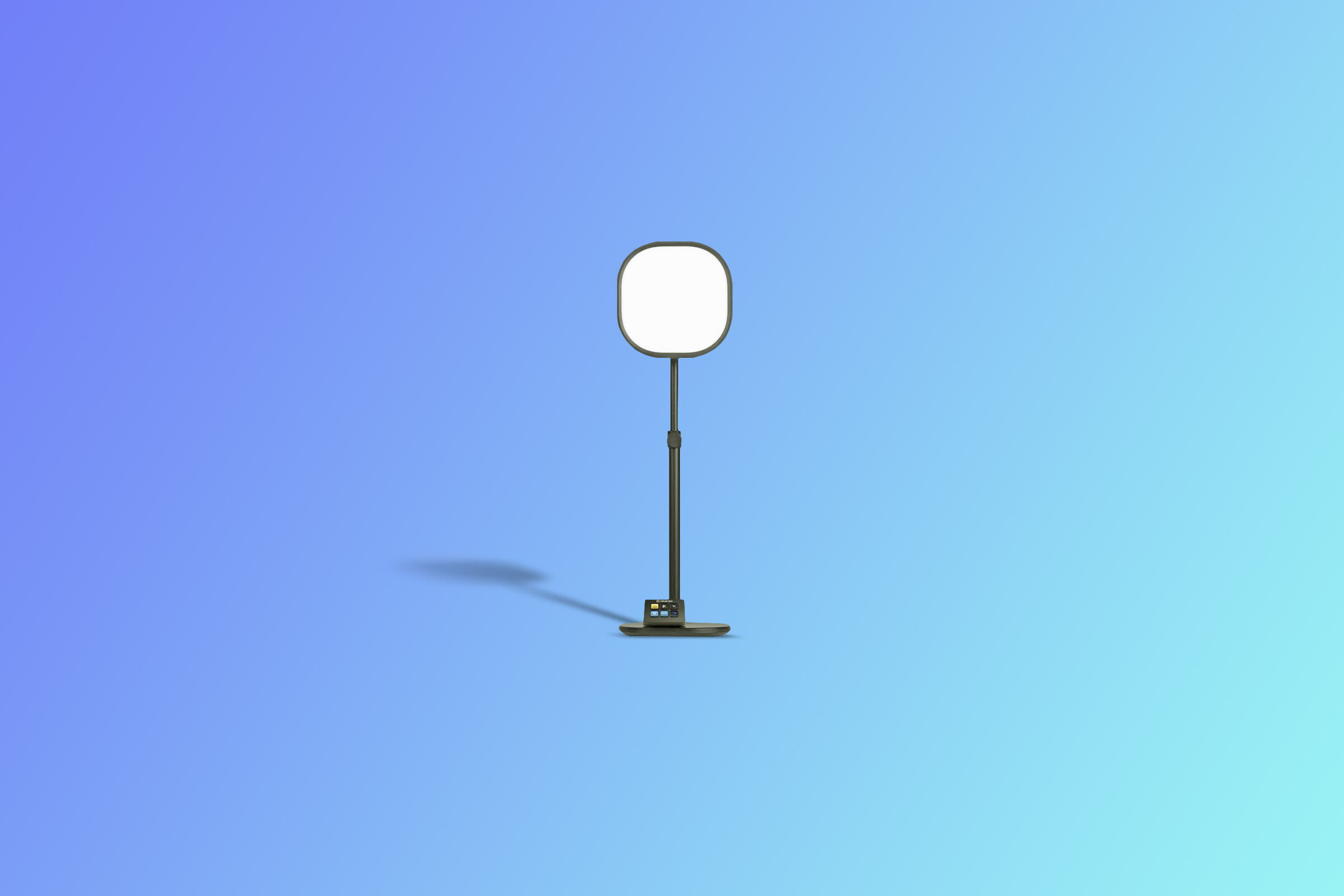
The Elgato Key Light Air is one of the most advanced streaming lights on the list. With up to 1400 lumens, this unit will provide you with proper lighting in all conditions.
It uses high-quality Osram LEDs that will allow you to adjust both brightness and colour temperature with precision! 🙌
Plus, most of the streaming lights have additional features that can come in handy in a range of situations. You can use these lights for streaming on YouTube, Facebook, TikTok, Instagram, Twitch, and any other streaming program of your choice. They’ll provide you with proper lighting, thus boosting the quality of your videos.


The Best Streaming Lights to Buy Today in Australia
- Best Overall: Elgato Key Light – Professional 2800 lumens Streaming Light
- Best for Most People: Elgato Key Light Air – Professional 1400 lumens Streaming Light
- Best Budget: Ulanzi LED Streaming Key Light
- Best Remote-controlled: Neewer NL288 LED Streaming Light
- Best for Video Conferencing: Sokani P25 Key Streaming Light
- Best Value: Mskira 2-Pack Dimmable USB LED Video Light
1. Best Overall: Elgato Key Light – Professional 2800 lumens Streaming Light
Why we like it:
- Fitted with high-quality Opal glass for glare-free diffusion
- 2800 lumens for maximum brightness
- Its compatibility with stream deck makes it ideal for gamers
- App-enabled for fast and easy customisation
What customers say:
“Very happy with the Elgato Key Light, arrived quickly, very easy to set up. Using only one bounced off the wall at around 75% brightness. Produces a nice diffused light with hardly any shadows, very happy so far with my purchase.”–Peter C
The Elgato Key Light - Professional 2800 lumens Streaming Light has virtually all the features that one may look for in a streaming light. For starters, it is made of high-quality materials that will provide you with long-lasting service, thereby saving you from spending on replacements every now and then.
We picked this lighting system as our top pick for the best streaming lights because it is versatile, easy to use, efficient, and reliable. And like most streaming lights on the market, it utilises LED technology to give you smooth and bright light. With a lumen output of 2800lm, this is one of the brightest streaming lights on the list and is definitely worth giving a try.
To make it even better, it allows you to customise the brightness level according to your requirements. You can also adjust the colour temperature from 2900K to 7000K. If you set the colour temperature at 2900-3400K, the light will appear warm, while 3400-5400K will deliver cool lighting. To get daylight-like lighting, you should set the lighting system at 5400-6500K.
Since the lights are app-enabled, you can make all changes from your smartphone, laptop, or desktop. As such, you won’t have to get up from time to time to adjust the lights, making it super convenient. But that is not all; you can connect the lights to the stream deck to get additional integrations.
This makes the Elgato Key Light an excellent choice for game streamers as it will allow you to make the needed adjustments without leaving the game. However, the lights can only pair with Wi-Fi-enabled devices. These lights are not only energy-efficient but also good at keeping heat at a minimum. This means you can comfortably stream for long hours without sweating.
The other thing that we liked about this streaming light is that it is easy to set up. It features a well-built clamp that will allow you to attach the rod to your work desk in no time. Since the clamp attaches to the edge of the desk, Elgato’s key light won’t take up any space atop the desk, so you will have enough room for other accessories that you may need when streaming.
2. Best for Most People: Elgato Key Light Air – Professional 1400 lumens Streaming Light
Why we like it:
- Multi-layer diffusion system for quality lighting
- Adjustable colour temperature settings for customised illumination
- Telescopic pole mount for quick height adjustments
- Double layer diffuser for even light dispersion
What customers say:
“The light is bright and very even would recommend this to anyone looking for a professional quality light.”–Graeme
Taking the second spot on our list is the Elgato Key Light Air - Professional 1400 lumens Streaming Light. It shares several features with the first streaming light on the list and also comes from the same brand. Nevertheless, the 10GAK9901 has a higher lumen output than the 10LAB9901.
On the plus side, this model has amazing features that can assist you greatly when streaming content online. Like the streaming light before it, this lighting system is app-enabled and will allow you to tweak the lights based on your needs and preference. Plus, the app is compatible with a range of operating systems, so it won’t limit you in any way.
You will be happy to know that you can control the lights from both iOS and Android devices. Also, the app can run smoothly on Windows and macOS. Because the app provides on-screen feedback in real-time, you will be able to customise the parameters in whichever way you want.
Although this particular model has a lumen output of 1400lm, it emits bright light for shadowless shots. Moreover, you can always dim the lights if you find them too bright. The colour temperature is equally adjustable, so it is up to you to choose the most appropriate light setting for your stream.
In addition to having a telescopic pole mount, this streaming light has a swivel head design that you can tilt forward or backward. Furthermore, the pole has hatch marks that allow for precise height adjustments. It also comes with a freestanding base for maximum stability.
The light panel is innovatively engineered to give you the best lighting for your videos. Aside from its edge-lit design, the panel is multi-layered to enhance illumination. The ultra-reflective aluminium sheet scatters the light outwards, while the translucent panel splits the light into smooth bright beams.
On the other hand, the diffuser spreads the beams uniformly hence providing you with even lighting. Lastly, the opal glass blends the light beams and enhances photon transmission. The light emitted by this unit is gentle to the eyes and will allow you to look into the camera lens without experiencing any discomfort.
3. Best Budget: Ulanzi LED Streaming Key Light
Why we like it:
- Convenient ball head design for easy adjustability
- Adjustable brightness settings for personalised lighting
- Four-section pole for multiple height adjustments
- Excellent build quality for maximum durability
What customers say:
“I like how easily this can be adjusted and tilted to specific angles. It emits beautiful soft light on any surface, making it ideal for studio lighting or product photography.”–Jess
The Ulanzi LED Streaming Key Light is one of the most affordable units that you can buy. Like the streaming light just before it, it uses edge-lit technology for optimum lighting. This streaming light is exceptionally versatile and can be used for creating makeup tutorials, video conferencing, game streaming, photography, etc.
Thanks to its ball head design, you can swivel the panel up to 360°. Through this, you’ll be able to direct the light where you need it the most. This unit offers three colour temperature settings that you can choose from when streaming live videos. It will allow you to adjust the brightness level from 10% to 100%, creating the perfect lighting condition for your live stream.
The 4-section telescopic pole allows for fast and easy height adjustments, while the large surface area base offers stability. As such, the light won’t topple over while you are streaming, and neither will the pole collapse under the weight of the panel.
Ensure that you tighten the height adjustment knob after making the required changes. The diffuser on this streaming light is multi-layered for even illumination. Since the LED beads are placed on the side of the panel, the light won’t hurt your eyes. The colour temperature and brightness adjustment dials are placed separately and also labelled for your convenience.
This streaming light is powered via a USB cable, which is included in the package. You can plug it into your laptop, desktop, or power bank. With the K7, you no longer have to worry about unwanted shadows when live streaming or recording videos for your audience.
It offers full coverage and will highlight all your facial features. The good thing about this streaming light is that it does not take up a lot of space, meaning it won’t clutter your desk. If you are in search of a high-quality streaming light that is affordably priced, the K7 may just be the right product for you.
4. Best Remote-controlled: Neewer NL288 LED Streaming Light
Why we like it:
- High colour rendering index for enhanced video quality
- Dual power system for user convenience
- Comes with remote control for hands-free operation
- Tiltable head for multi-angle adjustments
What customers say:
“I have two of these now for my live streaming setup. I absolutely love them! You can address each one separately but have them in the same group so you can turn them on/off with one remote or make adjustments separately.”–Juicy_AUS
Featuring a dual power system, the Neewer NL288 LED Streaming Light allows you to use either AC or NP-F batteries. The batteries are, however, not included in the kit, so you will have to buy them separately.
On the bright side, this streaming light has a long list of features that will help you get the high-quality results that you need. It features a large panel, measuring approximately 37.60cm by 26.70cm.
Like all streaming lights in this guide, the Neewer NL288 uses LED technology for maximum energy efficiency. We recommend this unit to content creators, gamers, makeup artists, and anyone who is looking to improve the lighting for their stream.
The panel is precision engineered with your lighting needs in mind, so you can go for this streaming light having full assurance that it will serve you well. It comes with a remote that will allow you to adjust the brightness level and colour temperature from a distance.
Unlike most streaming lights that have a dimming range of 10-100%, this unit allows for brightness adjustments from 1% to 100%, thus providing you with just the right amount of light for your set. It is similar to the K7 in that both have a colour temperature range of 3200K to 5600K.
The built-in diffuser scatters light evenly through the panel, allowing for uniform lighting. With a CRI of 97+, rest assured that this stream light will provide you with colourful videos. The panel has an LCD screen that will provide you with colour temperature and brightness level readouts.
It also indicates the amount of power left in the battery. This also applies to the remote, so you will always know the setting that is currently in use. More on the remote, it has 40 channels, meaning it can allow you to control multiple lights at the same time.
5. Best for Video Conferencing: Sokani P25 Key Streaming Light
Why we like it:
- Clamp-style pole mount for quick setup
- Ultra-bright LED beads for increased illumination
- Stepless dimming for quick customisation
- Simple design for easy operation
What customers say:
“Very useful and powerful light at this price point. The colour temperature can be adjusted from 2800K to 8000K, and the brightness from 0%-100%.”–Alex
The Sokani P25 Key Streaming Light is also another high-quality option that you can consider adding to your list. When you buy this product, you will get a 2.4GHz remote control that will make your work easier when customising the settings.
This streaming light has the same design as the device that we have just looked at, so you can go for either of the two if you are looking for a remote-controlled streaming light. The Sokani P25 is rated at 25W and will allow you to adjust the brightness level from 1% to 100%.
When it comes to the colour temperature, you will be able to set the lighting system from 2800K to 8000K. In addition to the remote, this streaming light has a control panel for added convenience.
It also sports an easy-to-read display that will provide you with real-time updates when adjusting the settings. Included in the kit is a sturdily-built pole mount that you can attach to the edge of your desk.
The clamp has multiple fasteners that will ensure the pole stays in place at all times. Because the pole is telescopic, you can increase its height or fold it down with ease. The head is also tiltable, so you can adjust it to a level that suits you.
To get the best results, we recommend that you buy two lights such that you can place one to your left and the other to the right. Nonetheless, it will all depend on your lighting needs.
6. Best Value: Mskira 2-Pack Dimmable USB LED Video Light
Why we like it:
- 360° swivel head for easy adjustment
- Comes with optional colour filters for aesthetic lighting effects
- Brightness adjustable for personalised illumination
- Sturdy tripod stands for maximum stability
What customers say:
“The LED lights were useful for my project. I like the integrated control on the cable where the lights can change colours and also dimmable.”–JB
Last but not least is the Mskira 2-Pack Dimmable USB LED Video Light. Upon purchase, you will get two streaming lights for the price of one. This pair will provide you with smooth, bright light in all scenarios, so you can fully rely on them when shooting videos for your stream.
Both units are made of materials that are of high quality to ensure you get streaming lights that are not only efficient but also durable. The fact that they are powered via USB cables means you can operate the lights by plugging them into a power bank, desktop computer, laptop, or power adaptor.
The LED beads on these units will deliver flicker-free light in all lighting applications. Attached to each USB able is a remote that will help you adjust the brightness level and colour temperature. Each panel has a colour temperature range of 3200K to 5500K.
Depending on your lighting needs, you can increase the brightness from 10% to 100% at the touch of a button. Since the heads are fully tiltable, these streaming lights can prove helpful when shooting flat lay videos.
The tripod stands are designed in such a way that the lights won’t fall over easily. You can adjust the height of the rods from 7cm to 33cm. Additionally, the rods are fitted with locks to prevent the unit from folding down during usage.
And since they are crafted from aluminium, the rods are both lightweight and corrosion-resistant. If you are after value for your money, these lights can be a great pick for you.
How We Researched the Best Streaming Lights
To create a list of the best streaming lights, we spent over 10 hours scouring the internet to find the top-rated streaming lights in Australia. We initiated our search by visiting local online storefronts. This allowed us to identify some of the streaming lights frequently bought by Aussies.
Additionally, we compared the prices of streaming lights from different brands, taking into account the customer reviews and ratings on Amazon Australia. Plus, we considered the features and overall performance of each lighting system. Also, we chose the streaming lights based on Size, Lumens, Adjustability, Colour temperature, Brightness range, Accessories, Stability, Cost, and Power options.
Our first list consisted of 10 streaming lights, but we had to trim it down to 6 after considering the aforementioned factors. We then ranked the chosen products based on our research findings. The list is made up of high-quality streaming lights from a range of brands, so you can choose any that matches your needs.
Streaming Lights: Buying Guide
Choosing the best streaming light is not always easy because there are a range of factors that you should think about before picking the available options. Additionally, countless brands make streaming lights, and all claim to be the best, thus making it even harder to find an ideal product.
As such, most streamers often end up buying the wrong lighting system. This can greatly impact the quality of your videos since proper lighting is required to get bright and colourful shots. With the help of this buying, you stand a better chance of finding the right lights for your streaming needs.
What to Consider When Buying Streaming Lights
For this part, we are going to discuss the key factors that should be taken into account when shopping for streaming lights. As you may have already noticed, streaming lights are not the same when it comes to performance, features, price, and build quality. The factors highlighted below can help you get started on your search for the best streaming lights:
Lumens
Lumen (lm) refers to a unit of measure used to determine the maximum amount of light emitted by a given light source. Streaming lights with high lumens are brighter and vice versa. When choosing streaming lights, the goal is to find a lighting system that can effectively illuminate the subject and the entire area that is within the camera’s frame. This can only be achieved if you pick a streaming light with the right light output.
Most streamers choose the wrong streaming lights because they base their selection on the wattage rating. Like lumens, Watt is a unit of measure. However, it indicates the amount of electrical energy needed to operate a device. This means it cannot accurately help you determine the brightness of your streaming lights. Besides, the advancement in LED technology has allowed people to make energy-efficient lighting systems with low wattage and increased brightness.
Size
Before buying a streaming light, you should check if the device in question is the right size for your lighting needs. If you are going for LED lights, ensure that you consider the width and length of the panel. Lights with large panels often have more LED beads than the smaller models, meaning they can illuminate a wider area.
Nonetheless, you should keep in mind that the size of a streaming light is not directly proportional to its brightness. You also need to factor in the amount of space available on your work desk to avoid clutter. This particularly applies if you are looking to buy a lighting system that comes in a set. Ensure that you consider the size of each lamp before confirming your order.
Accessories
Most manufacturers will provide you with additional accessories that can assist you during set-up or when using the streaming lights. Some of the streaming lights on our list come with remotes, allowing for wireless control. As such, you will be able to customise the lighting system without actually touching the lamps.
Depending on the model of streaming lights that you go for, you may also get USB cables, microphone holders, and other accessories that can prove useful when streaming videos.
Colour temperature
In a nutshell, colour temperature describes the appearance of light as emitted by the source. It is often defined as cool or warm based on the Kelvin (K) rating. The lighting systems that we have covered in this guide will allow you to set the colour temperature anywhere between 2800K and 8000K.To get the best from your streaming lights, we recommend that you buy a lighting system that can enable you to adjust the colour temperature according to your preference.
Portability
If you know that you will be streaming from different places, you should pick portable streaming lights that you can easily carry to and from the shooting location with minimal to no strain. It is for this reason that most streaming lights come with carrying bags. Additionally, ensure that the lights are made of lightweight material and also foldable.
Brightness range
A good streaming light will allow you to customise the brightness level according to your videography needs and the amount of light available in the environment. Streaming lights have varying brightness ranges.
Some will enable you to adjust the level of brightness from 1% to 100% at 1% increments, while other models only allow for 10% increments. Lights with smaller increments are highly preferred since they allow for precise adjustments.
Stability
You should buy streaming lights with sturdily built rods and stands to prevent the unit from toppling over during usage. If you prefer streaming lights that have clamps, you need to check if the clamping system is compatible with your work desk.
Choosing a clamp with an opening that is too big or small for your desk may bring about stability issues and possible damage to the lighting equipment.
Power source
Most streaming lights on the market are AC powered, while others run on rechargeable batteries. Battery-operated models are convenient in that you can use them just about anywhere. Some of these gadgets come with USB power cords which you can attach to power banks, laptops, desktops, etc.
However, the best streaming light should have multiple power options, so that you can use the readily available power source. The Neewer NL288 LED Streaming Light is a good example of such. You can power it using the included adaptor or NP-F batteries.
Adjustability
This is also another important factor that should be considered when buying streaming lights. Many brands sell streaming lights that have telescopic rods, which allows users to make quick height adjustments.
In addition to this, most of these units feature tiltable panels that will allow you to direct the light where it is needed the most. Both the fill and key lights should be adjustable.
Cost
When shopping for streaming lights, it is advisable that you choose a product that is within your budget. The cost of buying these lighting systems may vary based on several factors, so it is your responsibility as a consumer to ensure you buy a unit that offers value for money.
You may also be interested in:
- The Best Ring Lights for Flawless Filming & Perfect Photos
- The Best Green Screens for Professional-quality Chroma Keying
- The Best Monitor Arms for Cleaner Desks & Improved Ergonomics
Last update on 2026-07-01 / Affiliate links / Images from Amazon Product Advertising API