
SteelSeries Rival Pro, Sensei Pro and Sensei Pro Mini Review: Three Shockingly Light Gaming Mice
We gamed on the SteelSeries Rival Pro, Sensei Pro and Sensei Pro Mini. All three are shockingly light and well made, and the swappable battery system is a great idea. The ergonomic Rival Pro was the most comfortable for us.
 By Laurence Deer
On this page
SteelSeries sent us these mice to review. They didn’t see this review before it went live.
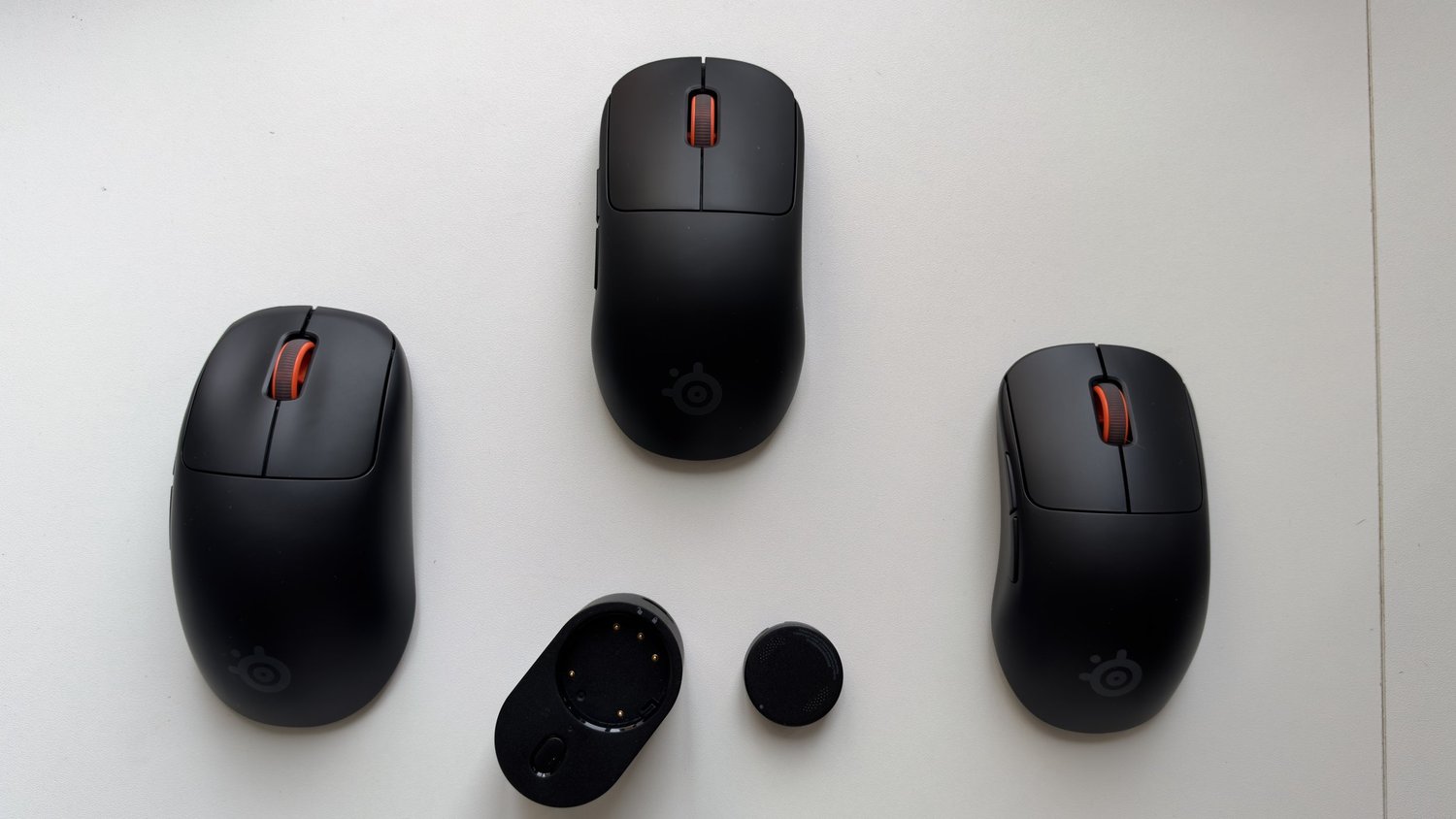
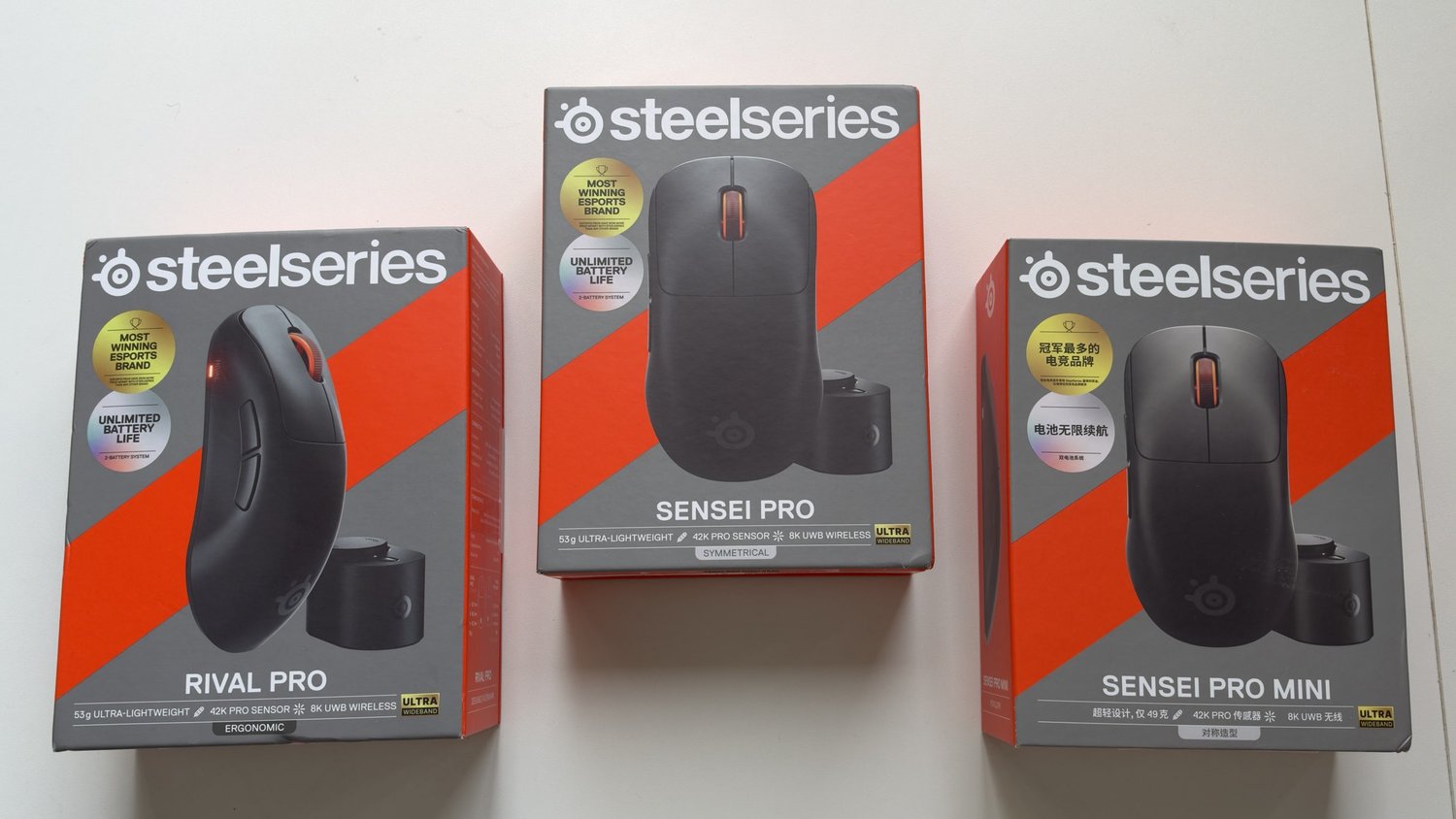
SteelSeries’ new Pro gaming mice come in three shapes. The Rival Pro is ergonomic, shaped for a right hand. The Sensei Pro is symmetrical, and the Sensei Pro Mini is a smaller version of it. All three share the same headline features: a very light body, a swappable battery system, and SteelSeries’ new wireless connection.
We gamed on all three for about four hours in total. Here’s how they compare, and which one we’d pick.
First impressions in short
All three are great mice: well made, super easy to set up, and so light it’s shocking when you first pick them up. The swappable battery system is such a good idea, and every mouse comes with two batteries. The ergonomic Rival Pro was by far the most comfortable for us. The symmetrical Sensei Pro felt a little unergonomic in comparison, and the small Sensei Pro Mini was the least comfortable for our hand. These are true gamers’ mice, though, not office mice.
Pros
- Shockingly light, and well made
- Swappable battery system, with two batteries in every box
- Super easy to set up
- The ergonomic Rival Pro is very comfortable
- Three shapes and sizes to choose from
Cons
- The symmetrical Sensei Pro and Sensei Pro Mini felt less ergonomic to us
- Buttons and scroll wheel are fine but nothing special
- Built for gaming: not as good for office work as a mouse like the Logitech MX Master 3
Which shape is best?
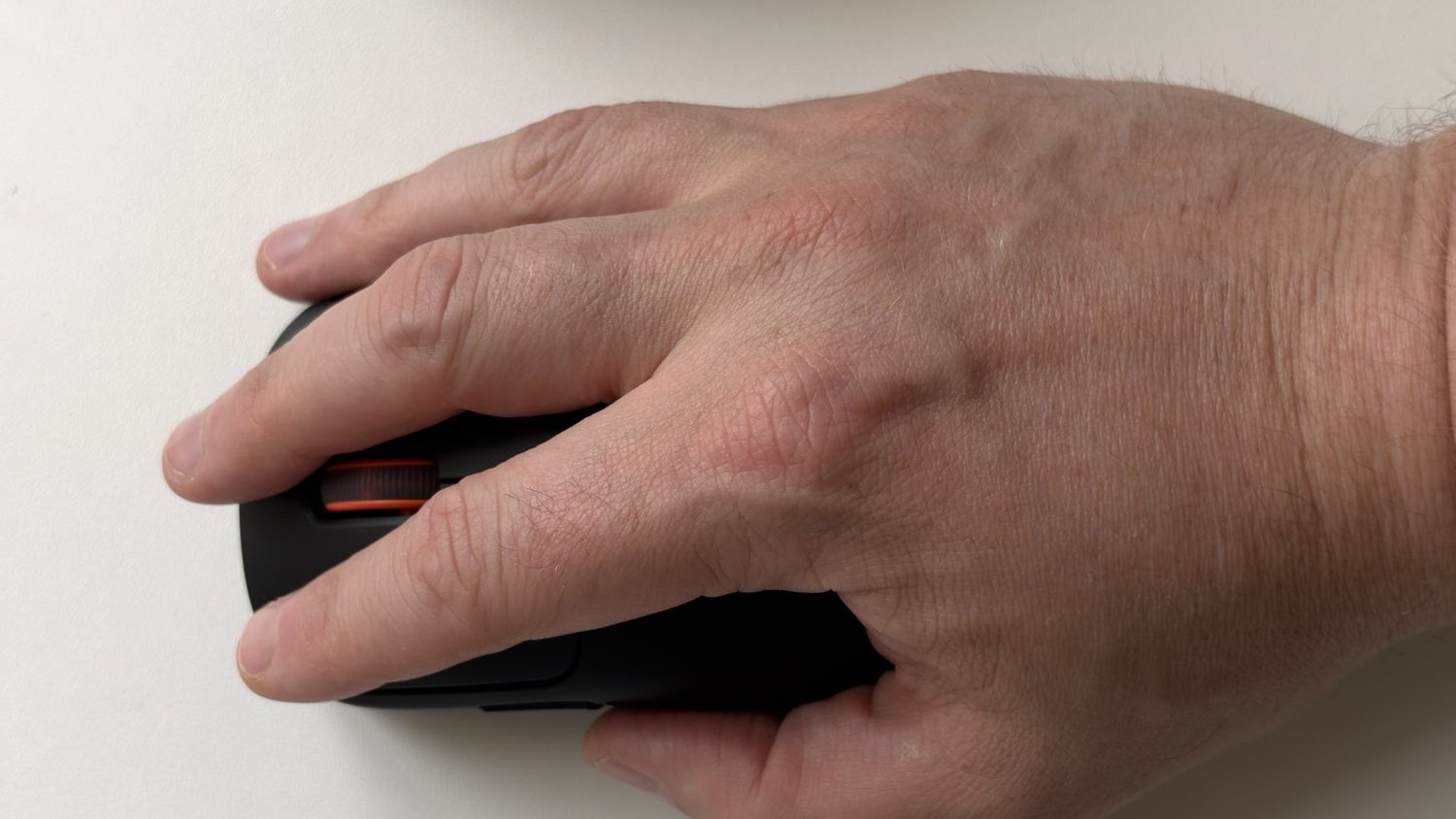
For our hand, the Rival Pro was the most comfortable by a clear margin. Its ergonomic, right-handed shape fills the palm and supports your hand.
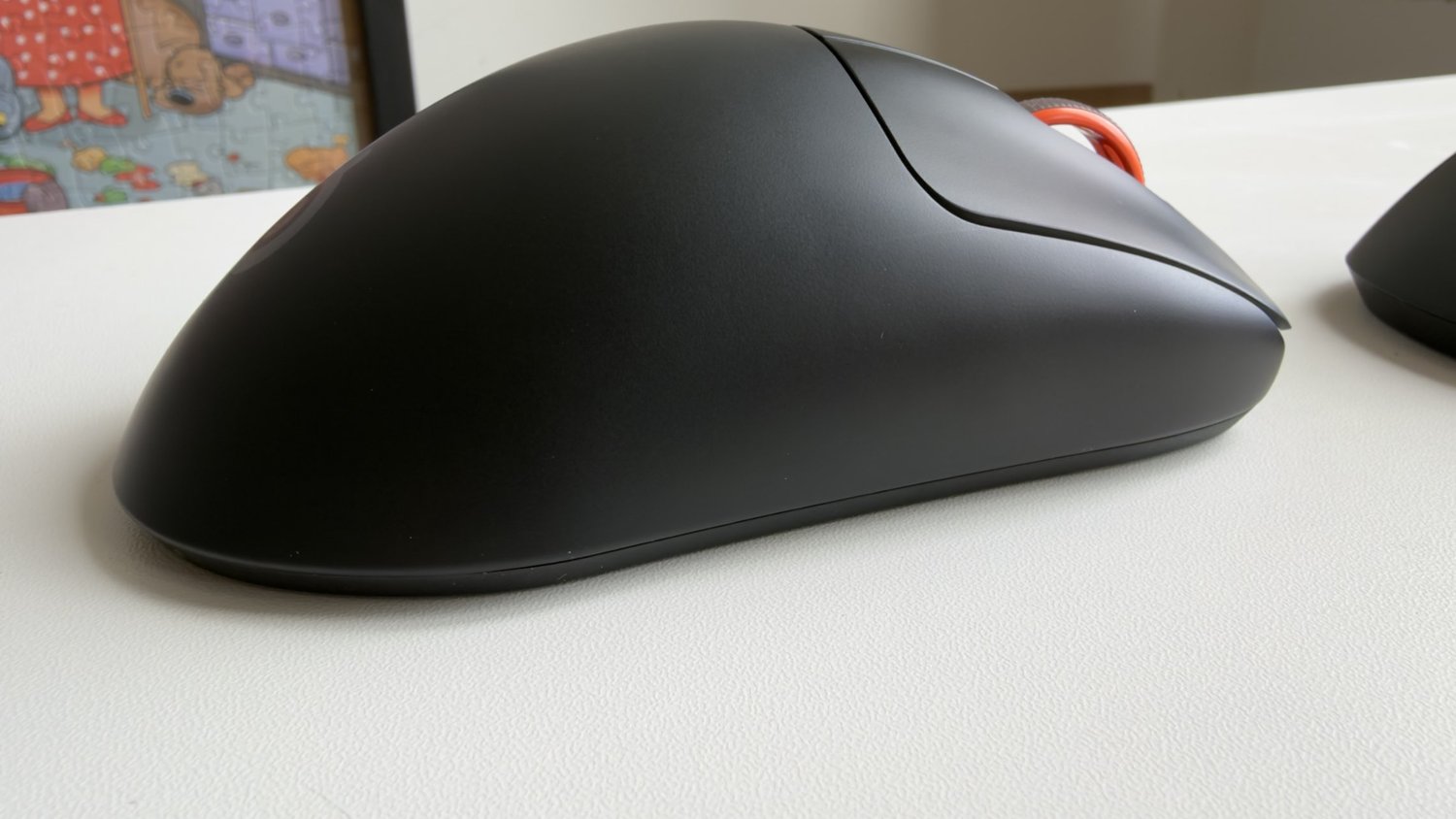
The symmetrical Sensei Pro felt a little unergonomic by comparison. Symmetrical mice tend to suit people who grip with their fingertips or in a claw grip, rather than resting a whole palm on the mouse.
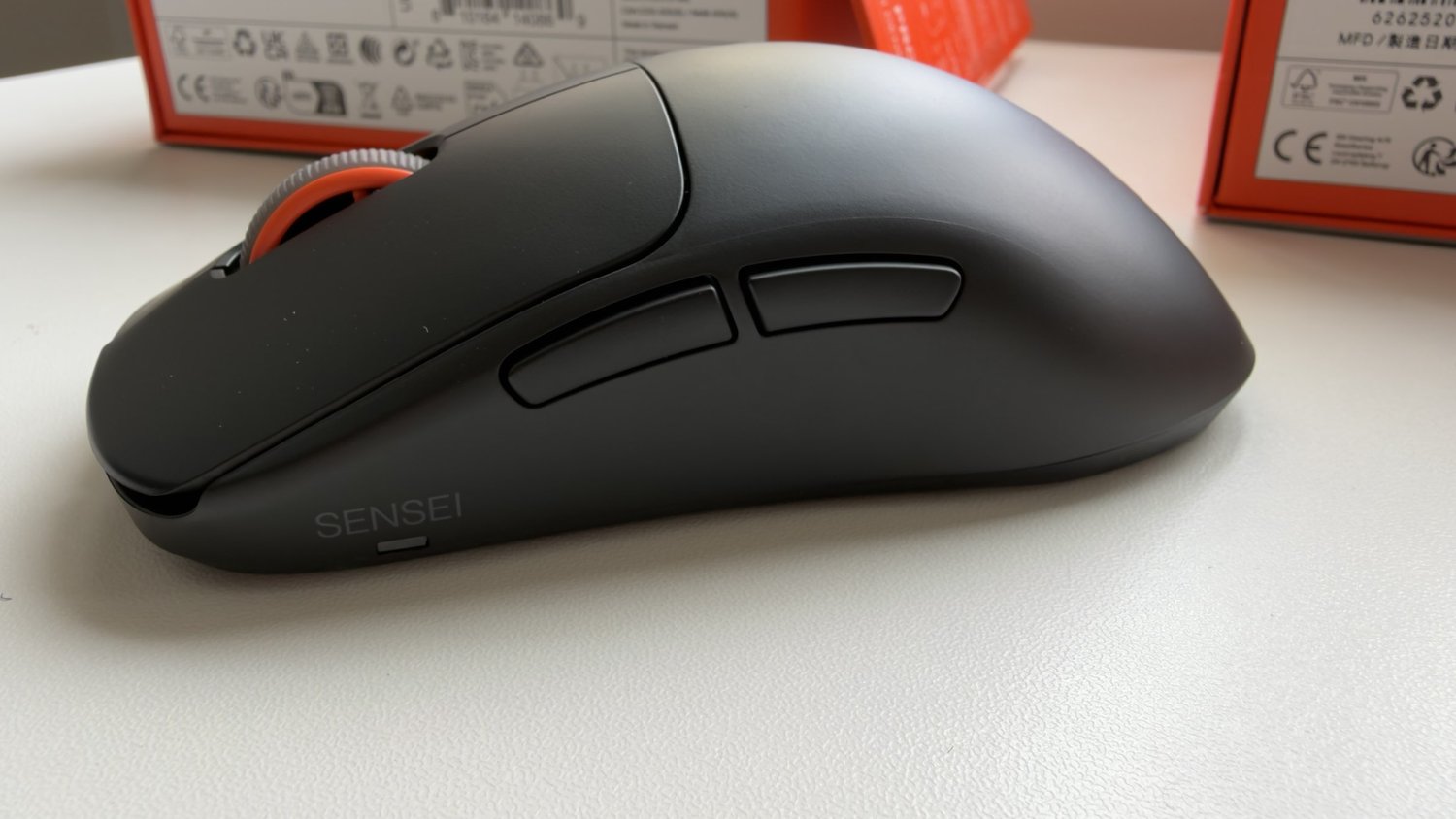
The Sensei Pro Mini was the worst fit for us. It’s the smallest of the three, so it suits smaller hands or a fingertip grip better.
Weight
All three are so light that it’s genuinely surprising. SteelSeries lists the Rival Pro and Sensei Pro at 53 g on the box, and the Sensei Pro Mini at 49 g. We haven’t weighed them, but in the hand they feel almost like nothing.
The swappable battery system
This is the standout feature, and it’s such a good idea. Instead of a built-in battery, each mouse takes a small battery puck that clicks into the underside. Every mouse comes with two batteries, so you can keep one charging in the base while you use the other, then swap them in and out. You never have to stop to plug the mouse in.
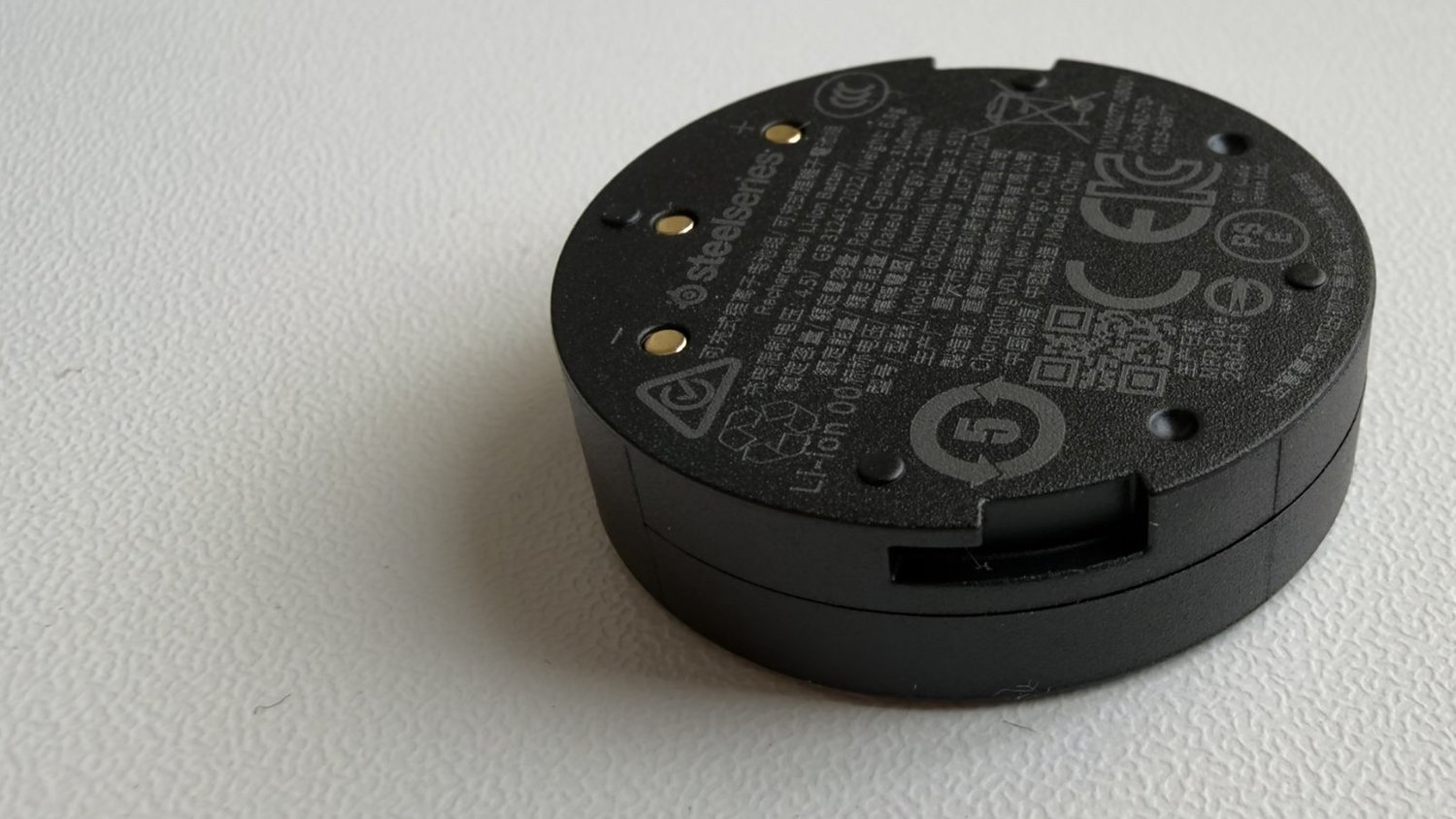
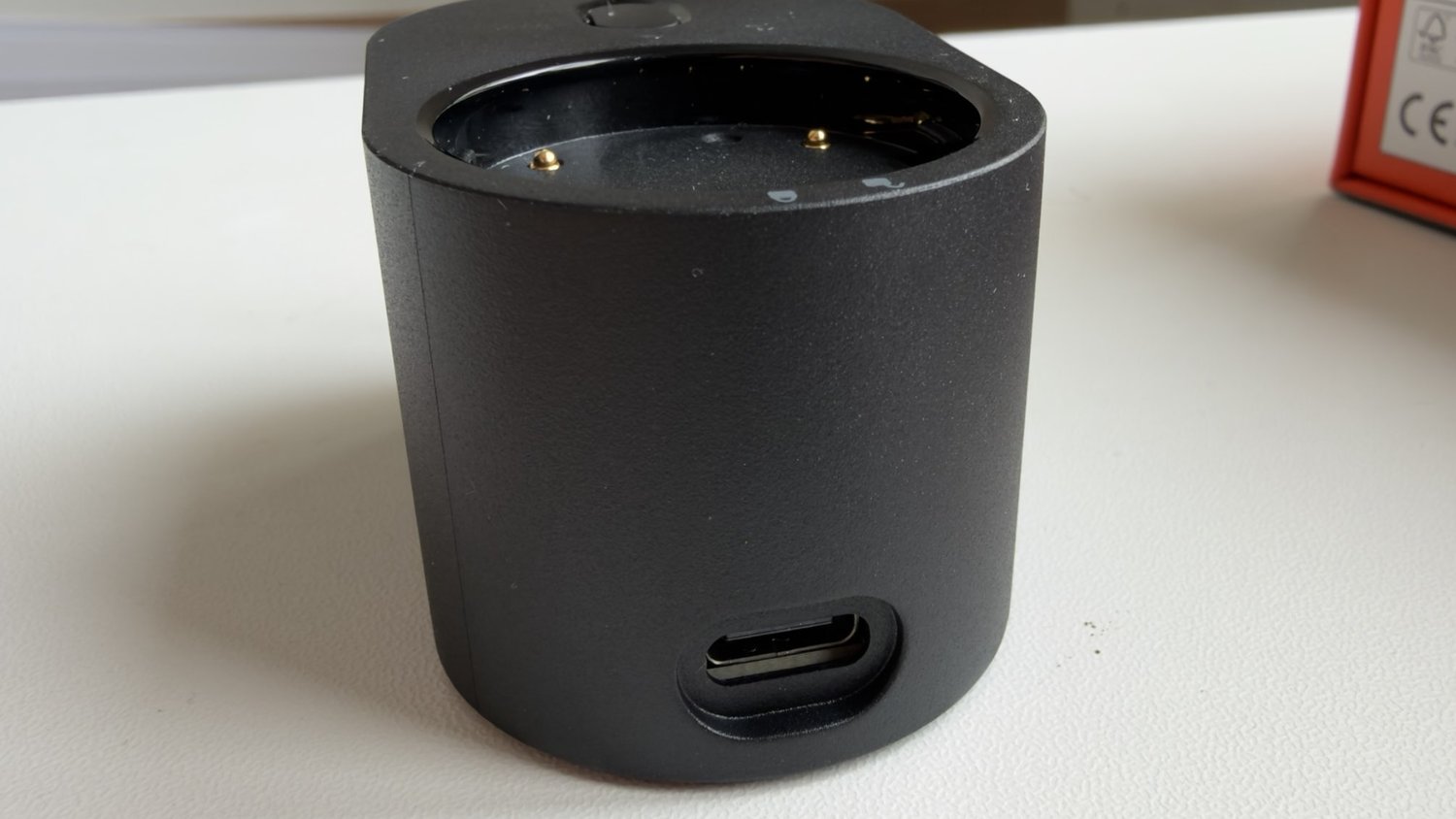
SteelSeries quotes about 60 hours per battery at a 1,000 Hz polling rate, and about 16 hours at 8,000 Hz. We haven’t timed them, but with two batteries, running out isn’t something you need to think about.
Wireless and polling
The other main feature is the connection. SteelSeries uses a wireless technology it calls ultra-wideband (UWB) instead of the usual 2.4 GHz, and lists polling rates up to 8,000 Hz. That’s how often the mouse reports its position to your PC. We had no issues in our gaming, but we haven’t measured latency or polling, so we can’t say whether UWB makes a difference you’d notice. Some reviewers, like PC Games Hardware, are sceptical that it does.
What other reviewers found
The wider verdict is positive. PC Gamer says SteelSeries has returned to top form in competitive gaming mice, and The AU Review called the Rival Pro a sensational ergonomic mouse. Reviewers agree the battery system is the highlight. On the downside, Tom’s Guide found the black finish shows fingerprints easily, and GamingTrend felt the scroll wheel was an afterthought, which fits our view that the buttons and wheel are nothing special.
Set-up, buttons and scroll wheel
All three were super easy to set up. The buttons and scroll wheel are fine, but nothing special. The main reasons to buy these mice are the weight and the battery system, not the clicks. The power and DPI button sits underneath each mouse.
Gaming vs office use
These are true gamers’ mice. For everyday office work, they’re not as good as the Logitech MX Master 3 we use day to day, which is designed for productivity rather than gaming. If you need one mouse for both, think about which you do more.
Price and where to buy
JB Hi-Fi lists the Rival Pro and the Sensei Pro at A$299 each, though neither was in stock yet when we checked; SteelSeries’ Australian launch put retail availability at the end of November. We couldn’t find a local listing for the Sensei Pro Mini yet, so check SteelSeries’ Australian store.
How they compare
Razer Basilisk V3: A cheaper wired gaming mouse with lots of buttons. Read our Razer Basilisk V3 review.
Budget gaming mice: See our guide to the best budget gaming mouse.
Should you buy one?
If you’re a gamer who wants a very light wireless mouse and never wants to plug it in again, yes. All three are great mice, well made and easy to set up, and the battery system is excellent. For most right-handed palm grippers, we’d pick the Rival Pro: it was clearly the most comfortable. Choose the Sensei Pro for a symmetrical shape, or the Sensei Pro Mini if you have small hands.
Look elsewhere if you want a mouse for office work, or lots of programmable buttons. We’ll add battery and longer-term notes in an update.