
Epomaker Galaxy100 Review: A Heavy, Solid Keyboard for a Minimalist Desk
Our Epomaker Galaxy100 review after a week of work on a Mac and a Windows PC. It's heavy, solid and well made, with comfortable high-profile keycaps and a handy volume knob, though the sound is a little clicky for our taste.
 By Laurence Deer
On this page
Epomaker sent us this keyboard to review. They didn’t see this review before it went live.
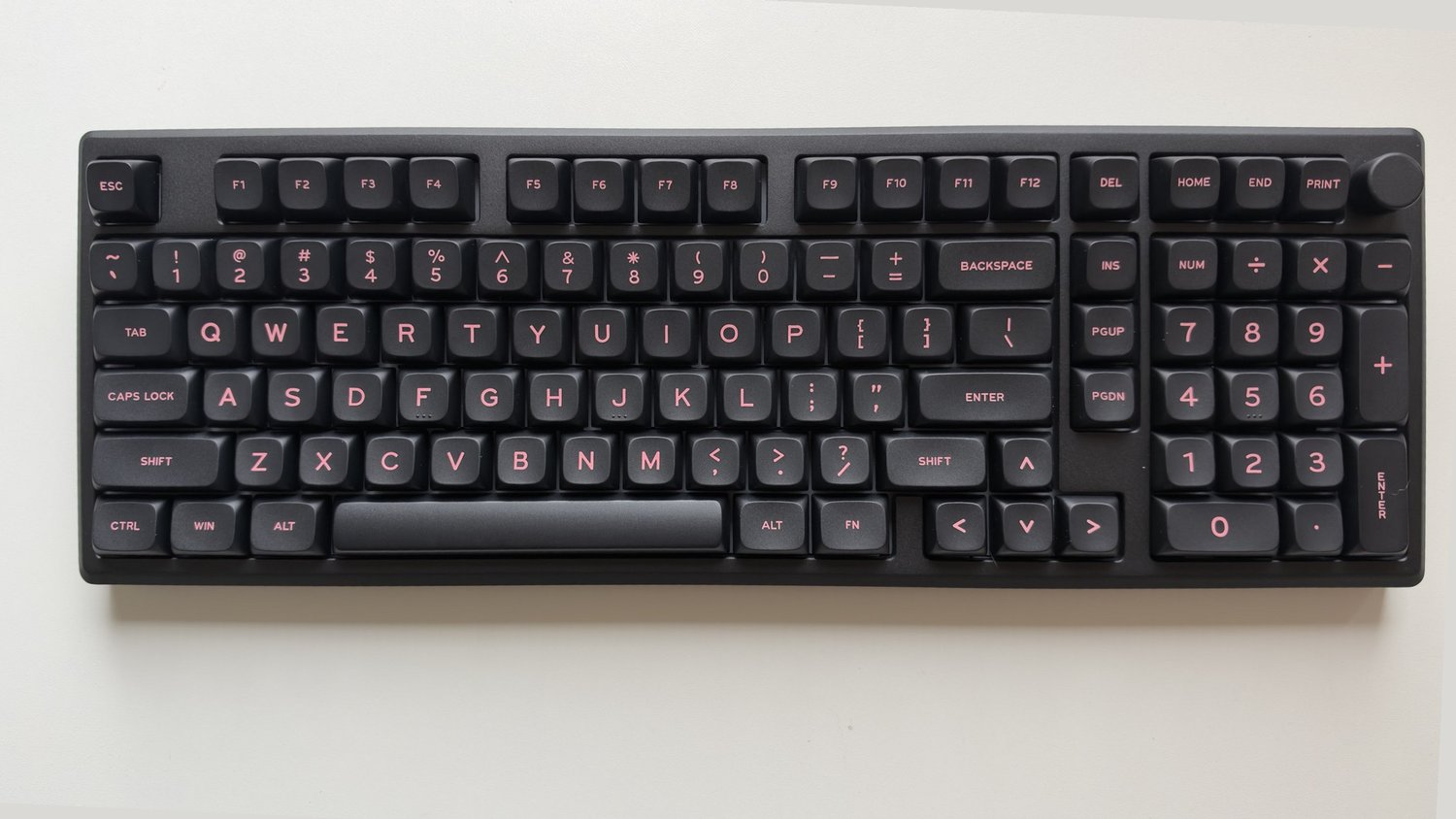
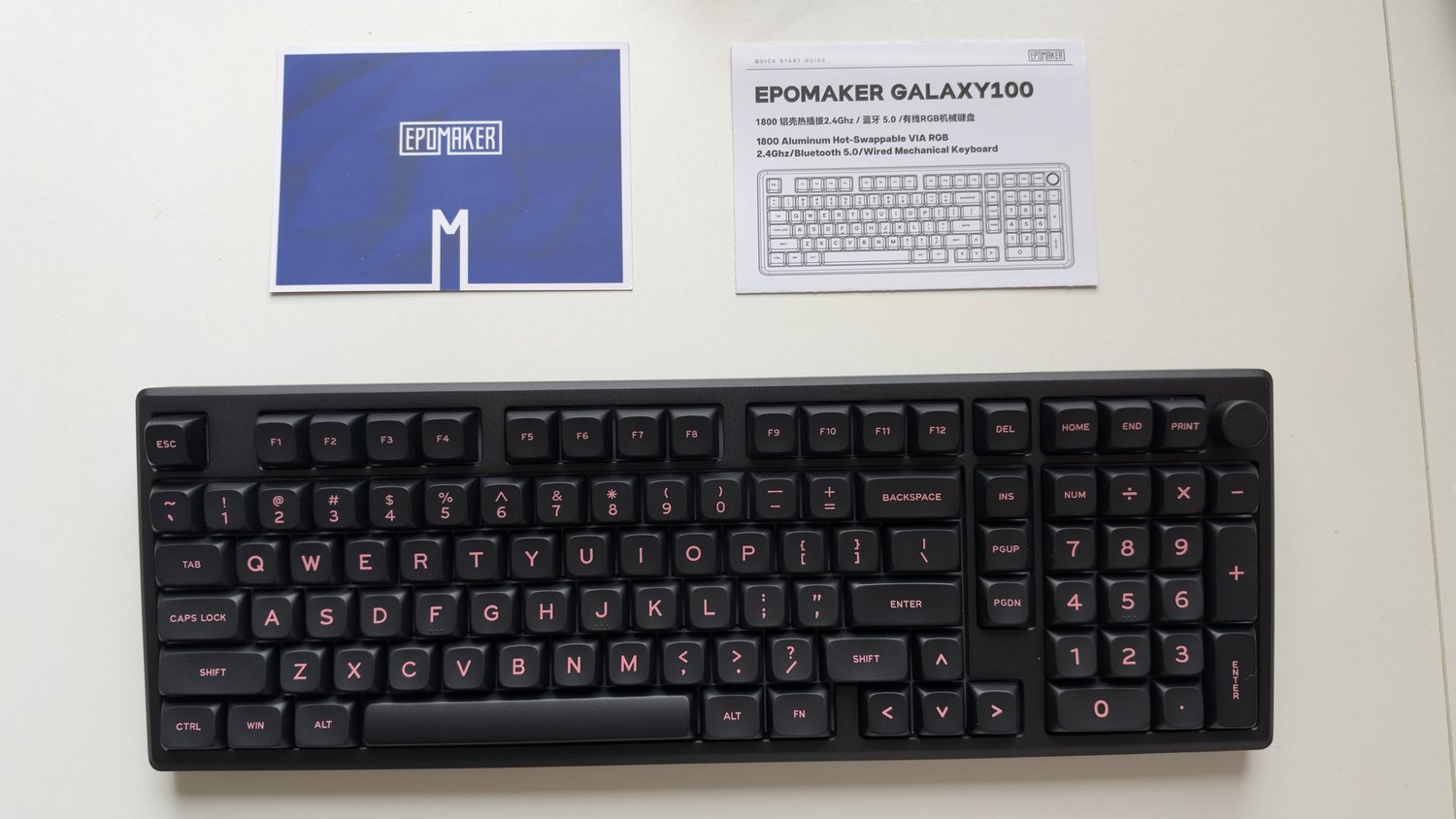
The Epomaker Galaxy100 is an aluminium mechanical keyboard with a compact full-size layout. That means you keep the number pad and arrow keys, but the gaps between key clusters are squeezed out so it takes up less room than a traditional full-size board. It connects by USB-C cable, a 2.4 GHz receiver or Bluetooth, and there’s a volume knob in the top-right corner.
We used it for a week as our everyday work keyboard, on both a Mac and a Windows PC, after moving over from the NuPhy Air100 V3. Our unit is the black version with pink legends.
First impressions in short
The Galaxy100 is very heavy, very solid and very well made, and it’s good to type on. The concave, high-profile keycaps are comfortable, the weight keeps it planted on the desk, and the volume knob is handy. It connected easily and worked without problems on Mac and Windows. The only thing we didn’t love was the sound, which is a little clicky for our taste, but that’s personal preference. If you want a well-built keyboard for a minimalist desk, it’s a strong recommendation.
Pros
- Very heavy, solid and well made
- Weight keeps it from sliding around the desk
- Concave, high-profile keycaps with good travel for typing
- Handy volume knob
- USB-C, 2.4 GHz and Bluetooth, and it worked on Mac and Windows with no issues
- Clean, minimalist design
- No missed keys or lag in a week of daily work
Cons
- The typing sound is a little clicky, which may not suit everyone
- Not portable at all: it’s too heavy to carry between home and the office
- Otherwise fairly standard: no standout extra features beyond the knob
Design and build
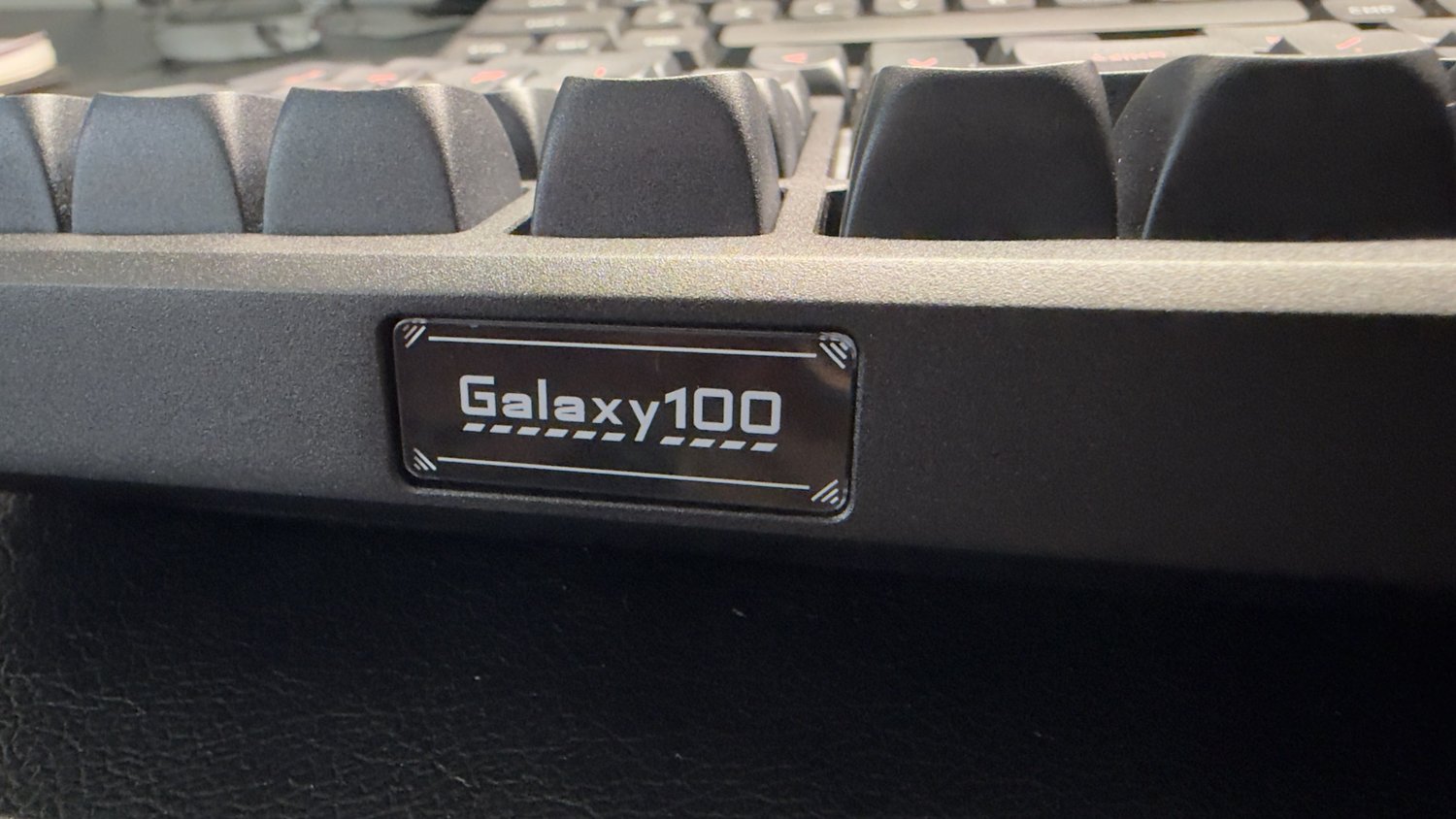
The Galaxy100 is very heavy and very solid. The case is aluminium, according to the label underneath, and it feels well made all over. We like the weight: it doesn’t move around on the desk while you type, which lighter keyboards can. The flip side is that it’s not portable at all. This is a keyboard for one desk, not one to carry between home and the office.
The design is very minimalist. Ours is all black, with pink lettering on the keys and a small Galaxy100 nameplate on the back edge. If that’s the look you’re after, it suits a tidy desk perfectly.
Keycaps and typing feel
The keycaps are high-profile and concave, so your fingertips settle into each key. They’re PBT plastic, according to Epomaker’s listings. There’s a good amount of travel on each press, which we found comfortable for typing all day.
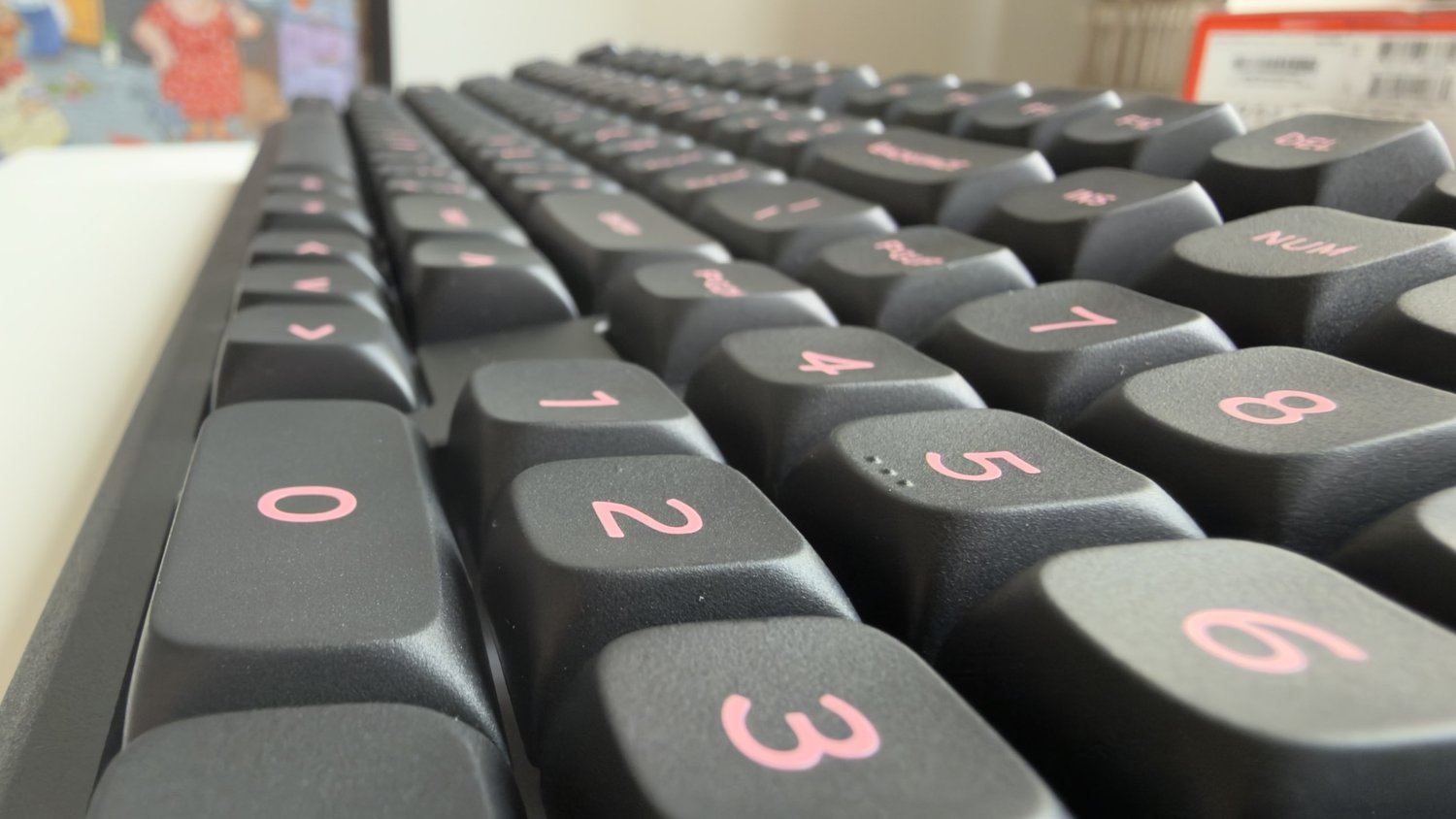
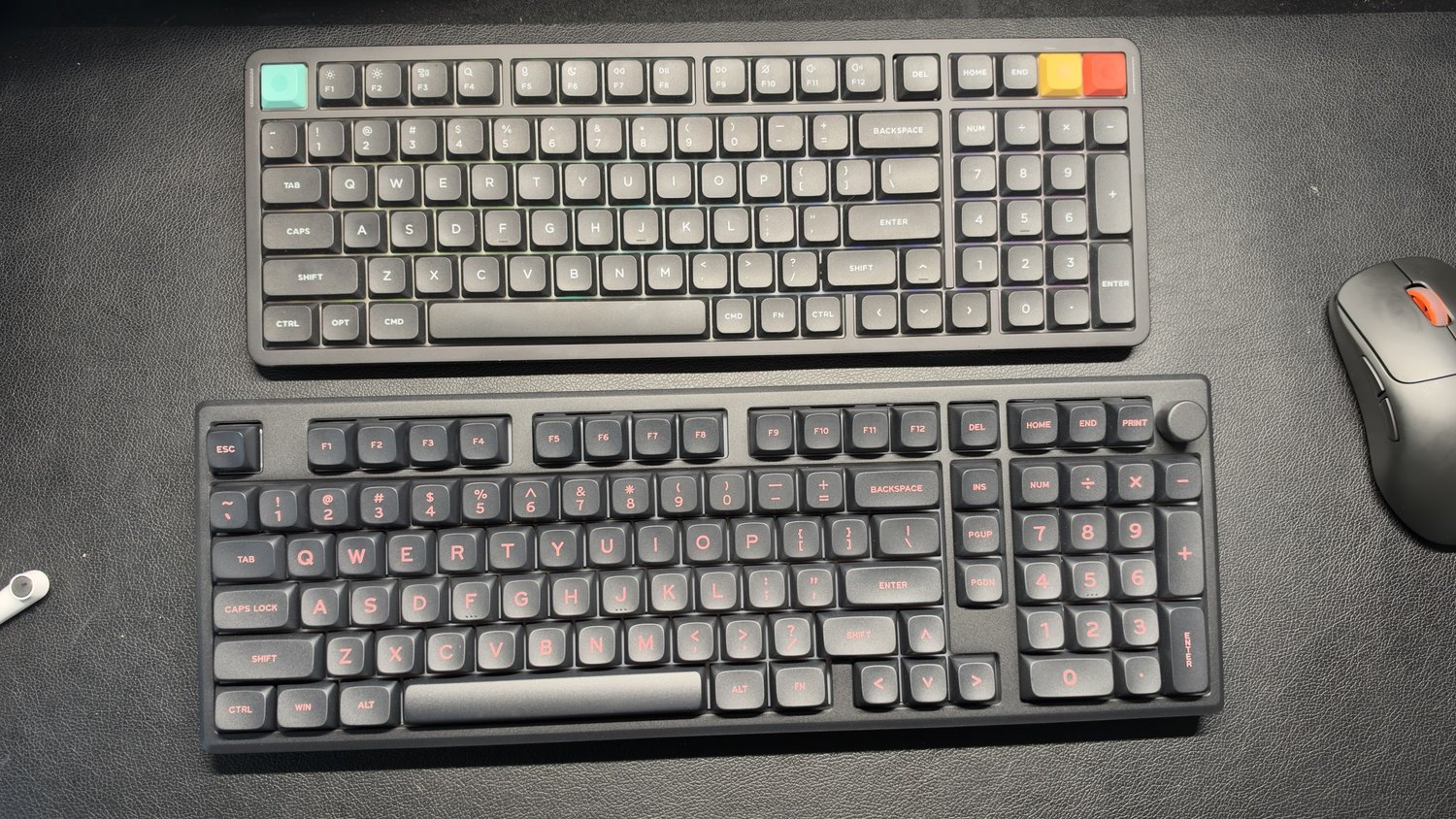
Moving over from the low-profile NuPhy Air100 V3 was no problem. We used the Galaxy100 for a week of work without needing time to adjust.
Sound
The sound wasn’t to our liking. It’s a little clicky, rather than the deeper, more muted sound some people look for in a heavy aluminium keyboard. That’s very much personal preference, though. The switches are hot-swappable, so you could fit different ones if you want a different sound.
Connections and compatibility
The Galaxy100 connected easily. You can use it with the USB-C cable, the 2.4 GHz receiver, or Bluetooth, and a switch on the back moves between the wireless modes. A cable, the receiver and a keycap remover come in the box.
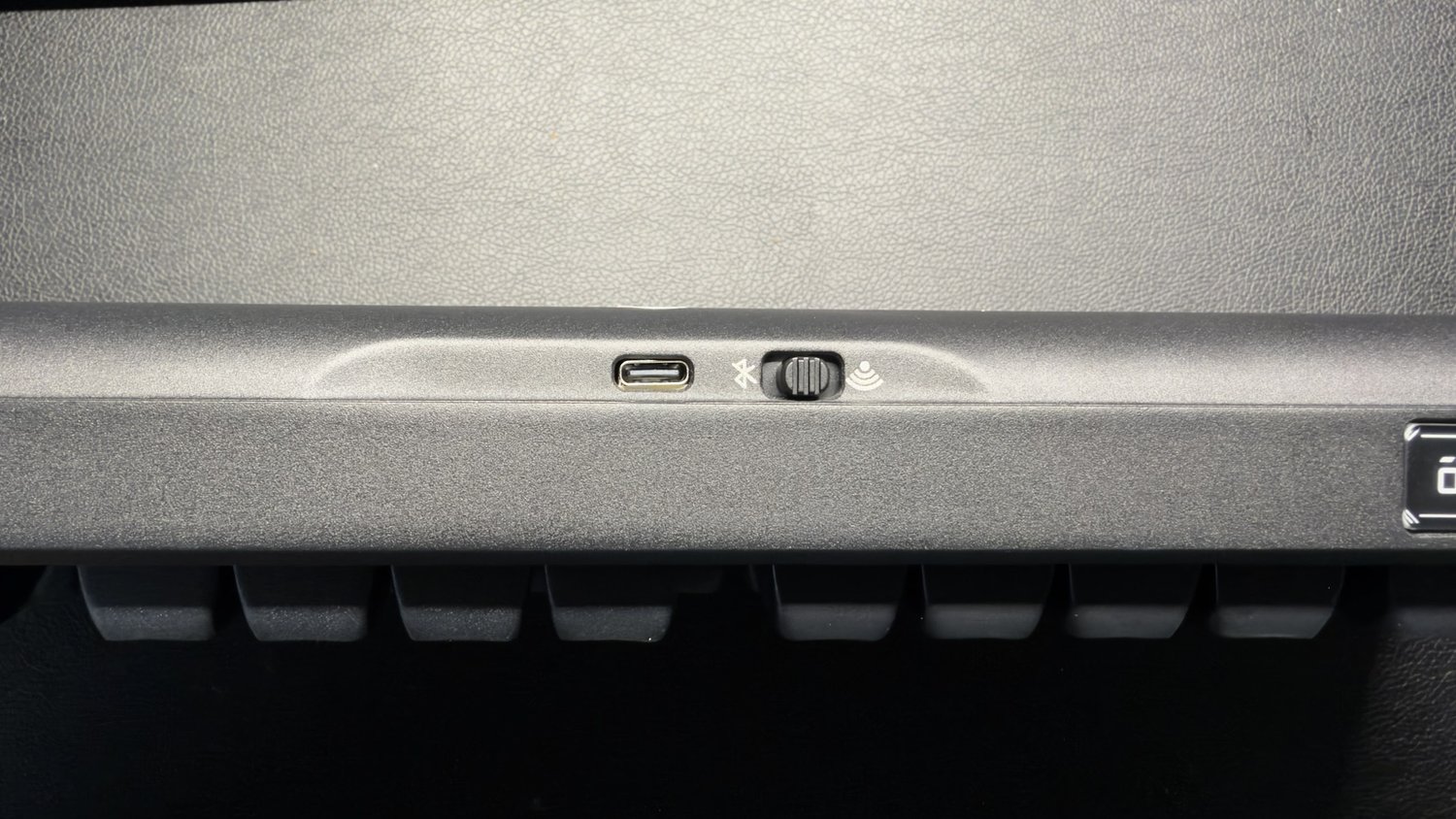
We used it on both a Mac and a Windows machine with no problems. In a week of daily work, we had no keys failing to register, no lag, and nothing else that got in the way.
The volume knob in the top-right corner is handy for turning the volume up or down quickly. Epomaker also lists VIA support, so you can remap keys in a web app, though we haven’t tried remapping yet.
Battery
The label underneath lists an 8,000 mAh battery. We used it through a week of work and will add a fuller battery report in an update.
In the box
In our box were the keyboard, a braided USB cable, the 2.4 GHz receiver, a keycap remover, a quick-start guide and a card.
Price and where to buy
Epomaker sells the Galaxy100 through its Australian store, and it has also been listed on Amazon Australia. Prices vary by colour and switch, so check the current price before you buy. Buying from an Australian seller makes returns and your rights under Australian Consumer Law simpler.
How it compares
NuPhy Air100 V3: A slimmer, low-profile wireless keyboard with quiet switches and a full number pad. Choose it if you prefer a flatter keyboard or quieter typing. Read our NuPhy Air100 V3 review.
Other mechanical keyboards: See our guide to the best mechanical keyboards.
Should you buy it?
Yes, if you’d like a well-built, solid mechanical keyboard that will look great on a minimalist desk. It’s heavy, comfortable to type on, easy to connect, and it worked without a hitch on Mac and Windows. We’d expect it to last a long time.
Look elsewhere if you want a quiet or deep-sounding keyboard straight out of the box, or something portable you can carry between home and the office. We’ll add battery life and VIA remapping notes in an update.