
How to Take Your Movie Nights and Gaming Sessions to the Next Level These Summer Holidays
How to turn movie nights and gaming sessions at home into a big-screen event these summer holidays, with set-up, picture, sound and streaming tips from three weeks with the BenQ TK705STi projector.
 By Laurence Deer
On this page
- Why a bigger screen changes everything
- Step 1: Pick the wall and the spot
- Step 2: Let it set itself up
- Step 3: Get the room and the picture right
- Step 4: Level up your gaming
- Step 5: Sort out the sound
- Step 6: Make sure the streaming won’t drop out
- Step 7: Make it an event
- Winding down afterwards
- Your checklist
- Which projector?
The summer holidays mean a lot of long, hot afternoons and late nights inside with the air con on. By January everyone has watched everything twice and played the same game for a week straight. The easiest way to make all of it feel new is a much bigger screen.
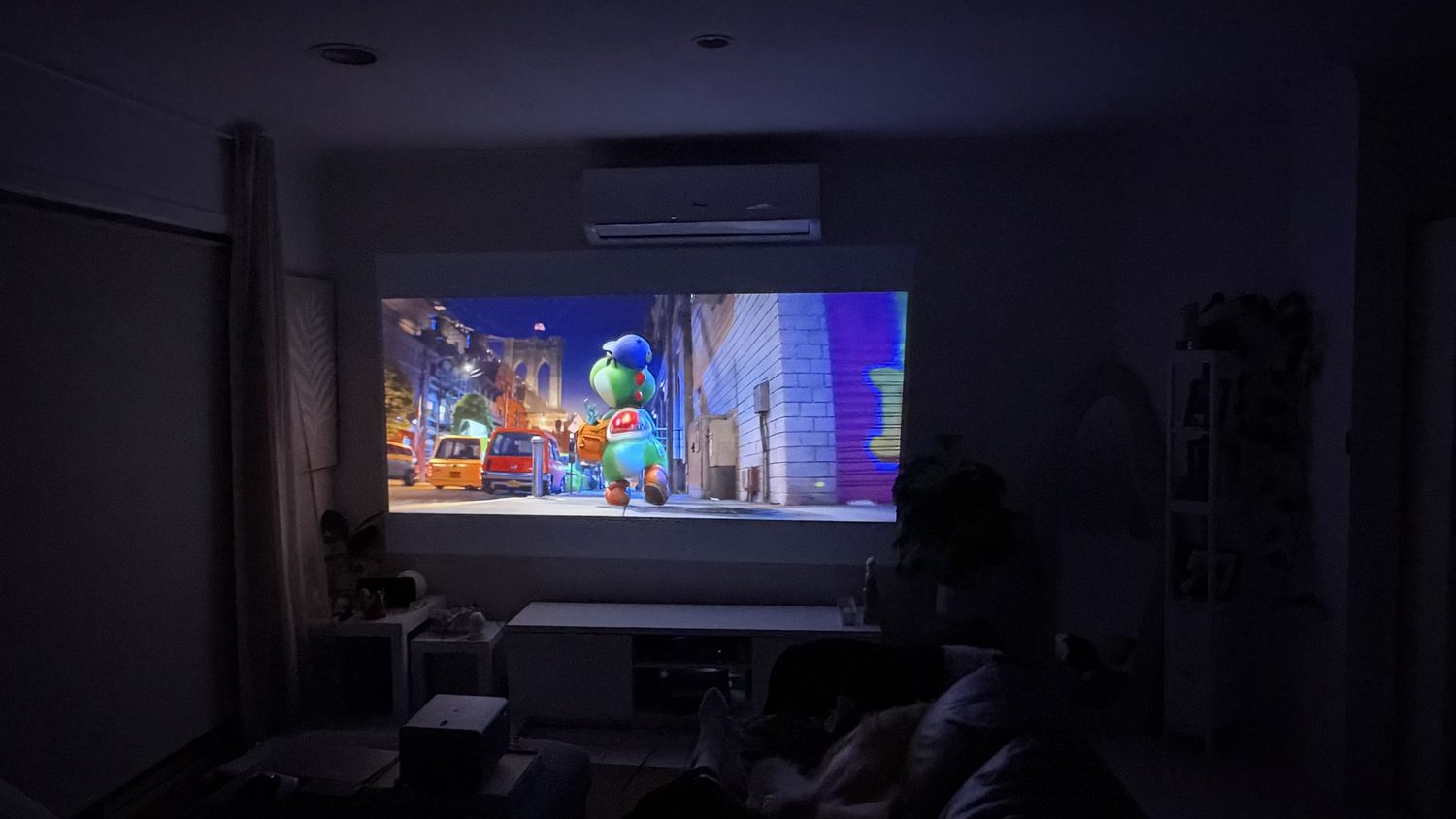
We’ve spent the past three weeks with the BenQ TK705STi, a 4K short-throw projector, in our lounge room. We’ve watched The Super Mario Galaxy Movie on it and put a lot of hours into GTA 6 on the PlayStation. We already have a good 65-inch TV, and the jump to a 100 to 120-inch picture makes a huge difference, for films and for games. Here’s how to get the most out of it, whatever projector you use.
BenQ sent us the TK705STi to review. They didn’t see this article before it went live.
Why a bigger screen changes everything
A good TV looks great, but a picture two or three times bigger fills your view in a way a TV can’t. Films feel like going to the cinema, and games feel like you’re inside them. With the lights down, the TK705STi looks like a really good TV, just far bigger, and colours are excellent. Blacks aren’t the deepest, but they’re never distracting.
A projector also packs away. When the holidays are over, it can go back in the cupboard, and your lounge room hasn’t given up a wall to a giant TV.
Step 1: Pick the wall and the spot
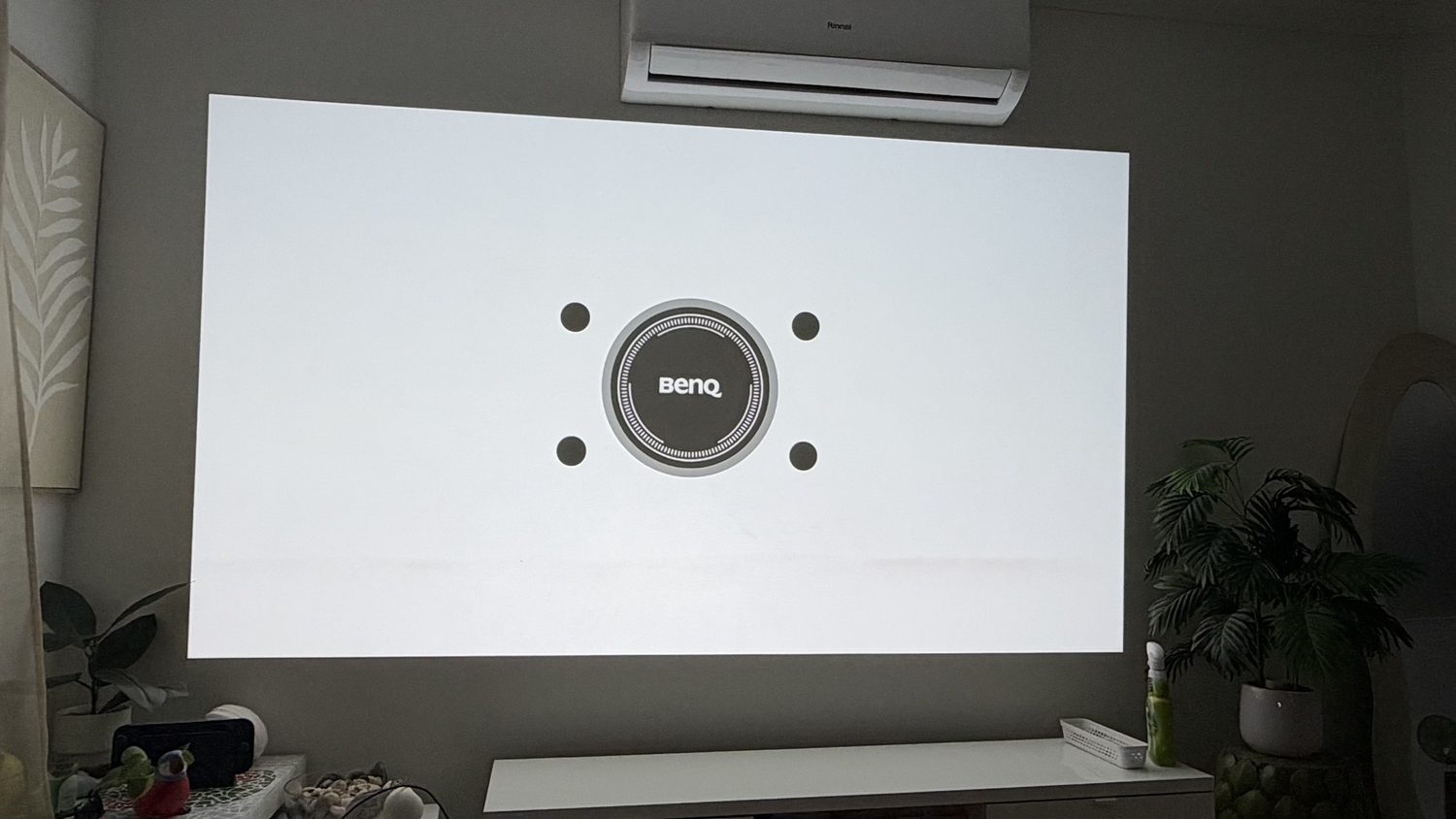
A plain, light wall works. We’ve been projecting straight onto a white wall, and the picture is excellent. A proper projector screen gives better contrast, but don’t let not having one stop you. Avoid walls with a strong colour or texture, and take down anything hanging in the way.
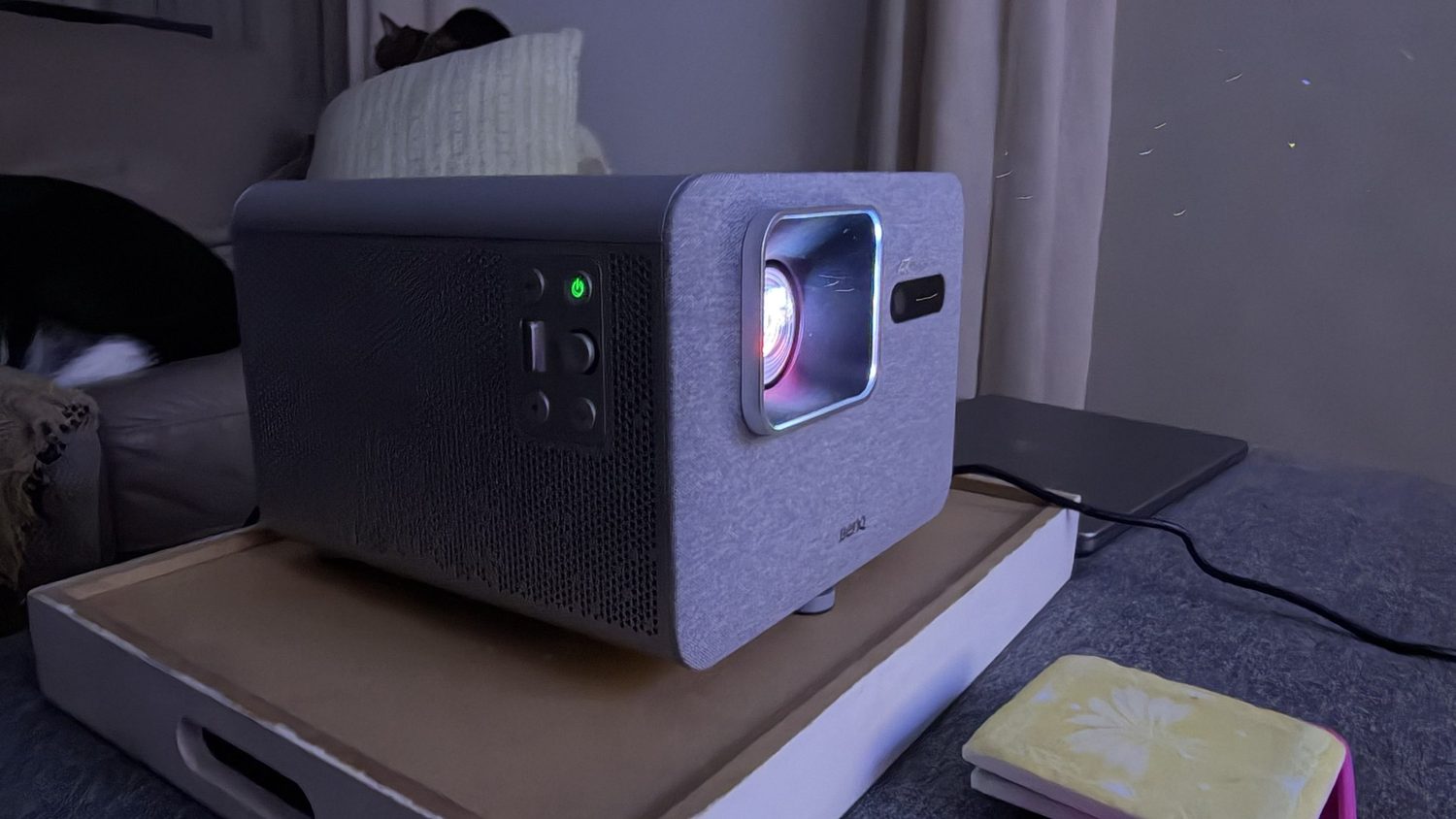
Short-throw makes it much easier. An ordinary projector needs to sit well back from the wall, often behind the sofa or on a shelf at the back of the room. A short-throw projector sits close to the wall instead. BenQ says the TK705STi throws a 100-inch picture from less than 1.8 m, so it can sit on a low unit or a coffee table in front of the wall, out of the way.
Plan power and HDMI first. This was our one real catch. The projector needs a power point where it sits, and your console needs an HDMI cable to it. In our lounge room the power points aren’t in the right places, and running HDMI from the PlayStation took some planning. Work out where the leads will run before you set up, and tape down anything people could trip over in the dark.
Get the angle right with the foot. The TK705STi has a screw-in foot under the front. A few turns tilts the projector up or down, so you can get the picture where you want it without propping it up on books. Get the position right physically first. Shrinking or reshaping the picture digitally uses fewer of the projector’s pixels, so save those controls for small corrections.
Step 2: Let it set itself up
Modern projectors do most of the fiddly work for you. Each time the TK705STi starts, it shows a pattern, then focuses and squares up the picture by itself, and it’s been very reliable. It also fits the picture to the available wall and moves it away from anything in the way, like a picture frame or a light switch. Both worked really well for us.
The only hiccup we had was BenQ’s phone app, which took a while to find the projector the first time. Do the set-up a day early, not ten minutes before everyone sits down.
Step 3: Get the room and the picture right
Darker is better. The TK705STi is surprisingly usable during the day, and much clearer in person than in our photos, but it’s brighter and punchier with the lights down. For a proper movie night, close the curtains and wait until it’s dark. In summer that means a later start than you might think: the sun doesn’t set until after 8pm in most of the country in December and January. For an afternoon gaming session, curtains drawn is plenty.
Use the right picture mode. This is the easiest upgrade of all, and the picture modes really do make a difference. We switch to a game mode for gaming and a cinema mode for films, and the change is noticeable. Don’t leave it on one setting for everything.
Step 4: Level up your gaming
Gaming on 100 inches or more is a completely different experience. GTA 6 on the TK705STi was brilliant, and in game mode it felt just as responsive as our TV. A few things help:
- Switch to a game mode. It cuts the delay between pressing a button and seeing it happen. BenQ quotes 5 ms at 4K/60Hz, and also has an FPS mode for shooters. We didn’t measure it, but in play we couldn’t tell it apart from our TV.
- Try the high refresh rate mode. The TK705STi also runs at 1080p/240Hz, where BenQ quotes about 4 ms. Both modes were really good for us, and we didn’t notice much difference in delay between them.
- Know the limits. In 4K it tops out at 60Hz, so a console’s 120Hz modes won’t run at 120 in 4K, and there’s no VRR. For us it didn’t matter, but competitive players should know.
- Sit a bit further back. On a picture this big, you’ll see more of the screen without turning your head if you sit further back than you would with a TV.
- Keep the handhelds charged. The TK705STi’s USB-C port supplies 30W, enough to charge a Switch or a Steam Deck while you play, and it takes a video signal too.

Step 5: Sort out the sound
The TK705STi’s built-in speakers are better than you’d expect, and fine for a kids’ film or a casual game. But sound is half of what makes a film or a game feel big, so if you can, add something:
- A soundbar on the projector’s HDMI audio return port is the neatest upgrade.
- A Bluetooth speaker is the easy option. The TK705STi has Bluetooth 5.2 for a wireless speaker or headphones. See our guide to the best Bluetooth speakers.
- A gaming headset for late-night sessions once the rest of the house is asleep. The beyerdynamic MMX 230 is the most comfortable we’ve worn.
Step 6: Make sure the streaming won’t drop out
Nothing kills a movie night like a buffering wheel halfway through. The TK705STi runs Google TV, and Netflix worked like a breeze, straight from the home screen. It’s faster and easier to use than our TV’s own system.
If your Wi-Fi is patchy in the lounge room, a mesh system fixes it, and it helps online gaming too. When we tried the Amazon eero 7, video calls went from blipping to flawless and YouTube in our bedroom got much smoother. You can also download a film beforehand if your streaming service allows it.
Step 7: Make it an event
For a movie night:
- Let the kids pick the film from a shortlist you’ve already approved, and do it in the afternoon, not at 8pm.
- Hand-drawn tickets, popcorn in paper bags and a choc-top from the freezer go a long way.
- Pull the mattresses, beanbags and every pillow in the house in front of the sofa.
For a gaming session:
- Run a holiday tournament on a racing or party game everyone can play, with a leaderboard on the fridge.
- Take turns on a big single-player game, so whoever isn’t playing gets to watch it on the big screen.
- Set a finish time before you start, or the holidays will disappear.
Winding down afterwards
For little ones who are too excited to sleep, a galaxy projector throws a starry sky across the bedroom ceiling. It’s a different thing entirely from a home cinema projector, but it’s a lovely way to finish the night. See our guide to the best galaxy projectors. If your kids have a Yoto, its free Sleep Radio is good for winding down too. Our friend Jess tested the Yoto Player and Mini with his son: read our Yoto review.
Your checklist
- Projector set up and tested the day before, including the app and any updates
- Power and HDMI leads run and taped down
- Cinema mode for films, game mode for games
- Soundbar or Bluetooth speaker charged and paired
- Film chosen and downloaded if your Wi-Fi is unreliable, or the game updated before everyone arrives
- Curtains closed and lights off
- Snacks, blankets and pillows ready
Which projector?
We’ve been using the BenQ TK705STi, and it’s a great one to start with. The picture is excellent, it’s brilliant for gaming, set-up is automatic, Google TV is built in, and because it’s short-throw it works in an ordinary lounge room without a ceiling mount. It was A$2,099 at Just Projectors when we checked on 24 November (RRP A$2,499). Read our full BenQ TK705STi review for the details, including its catches.
Buying it as a present? It’s also in our Christmas tech gift ideas.